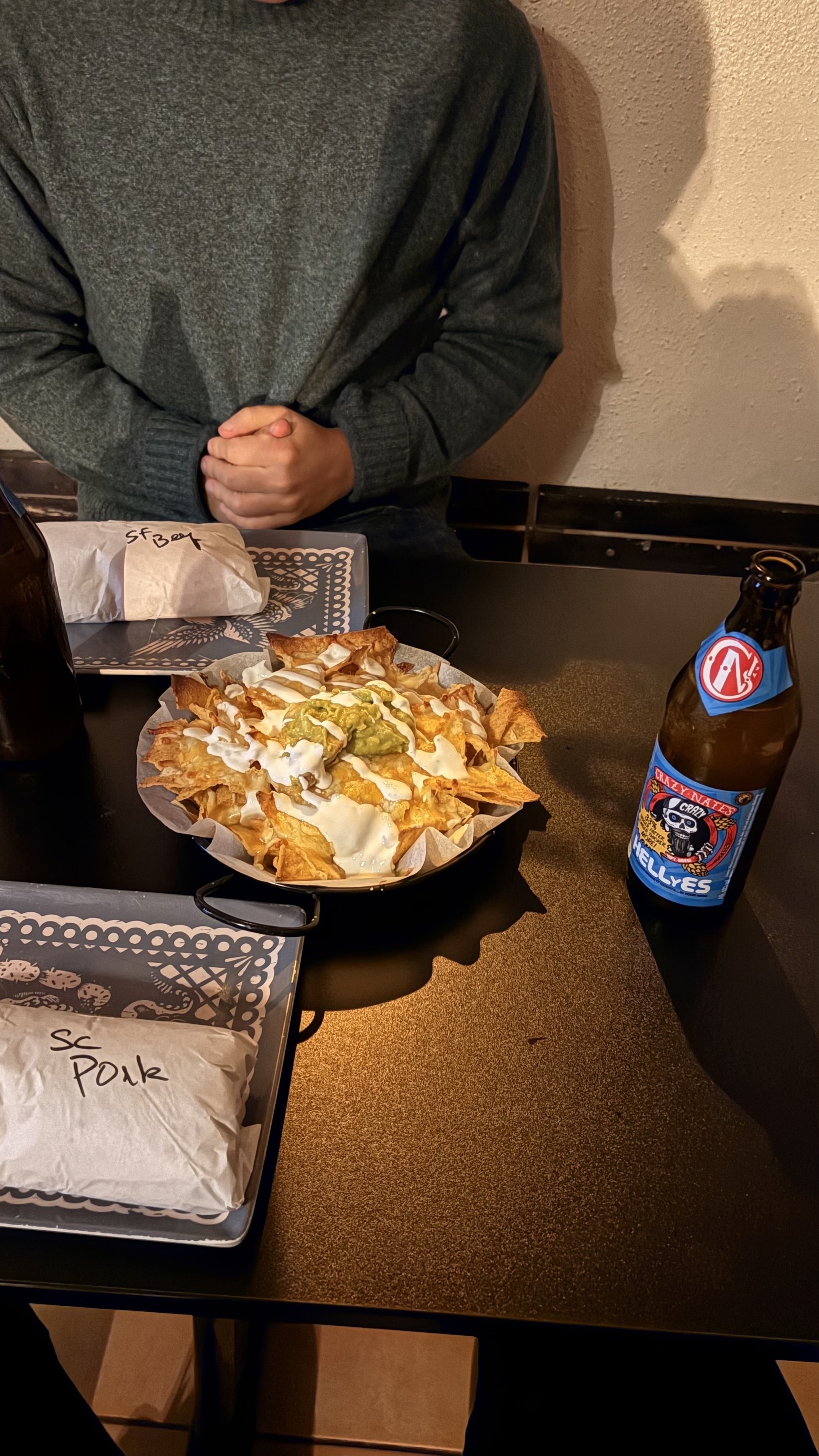
Monthly outing with the team: glad to finally check out Public House —and what more, having a booking for the whole night in the Negroni room, at the speakeasy!
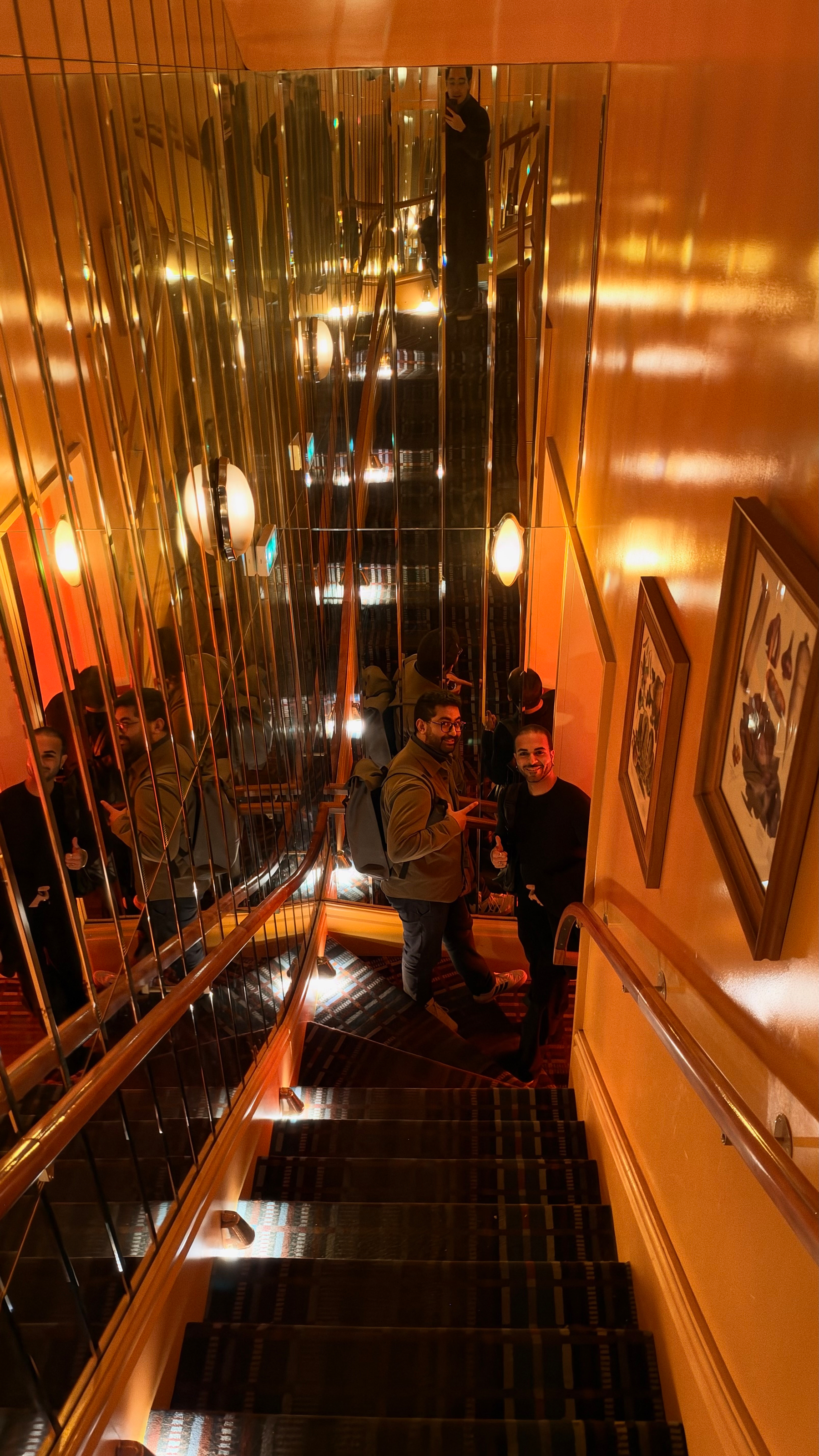


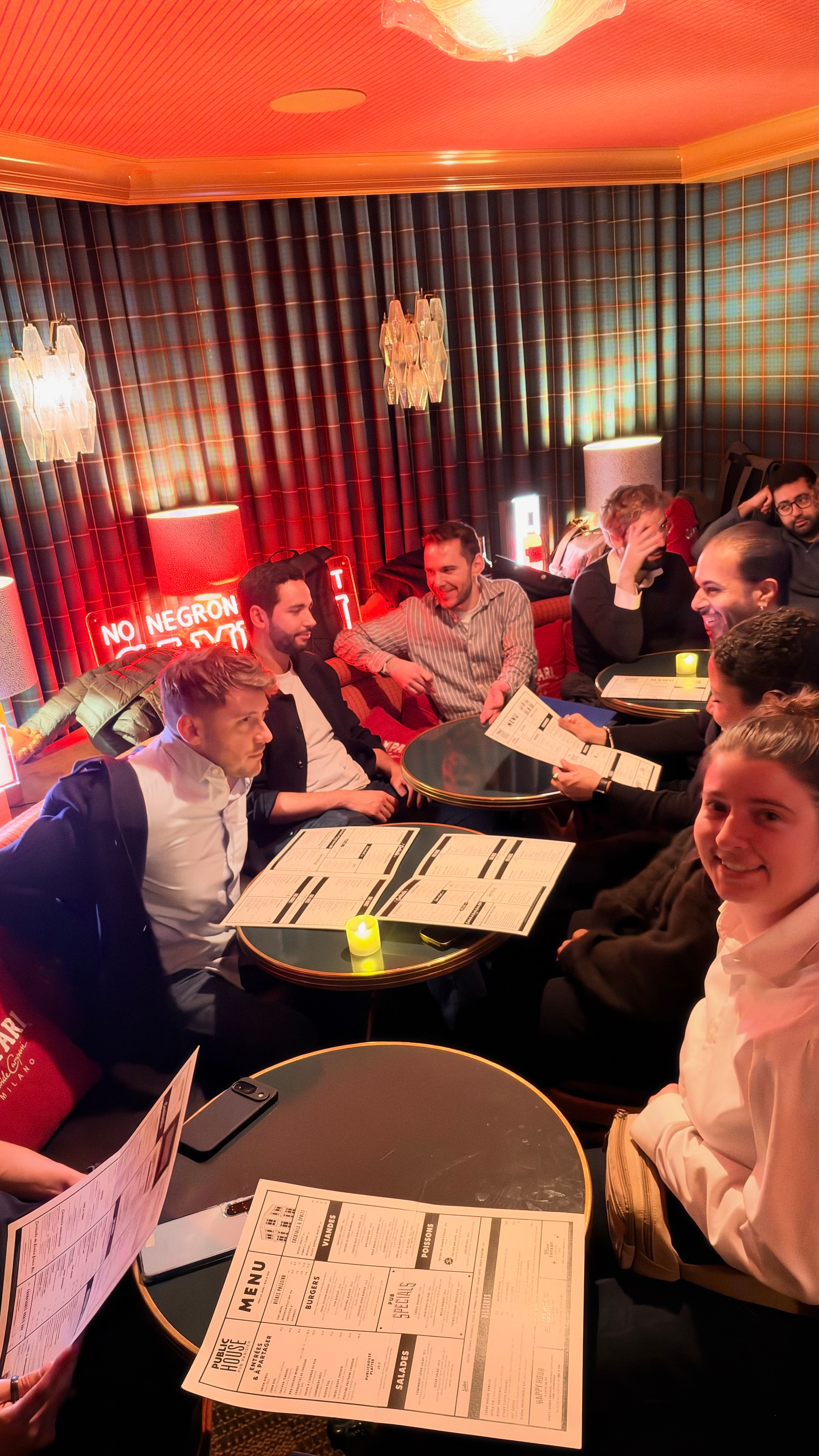
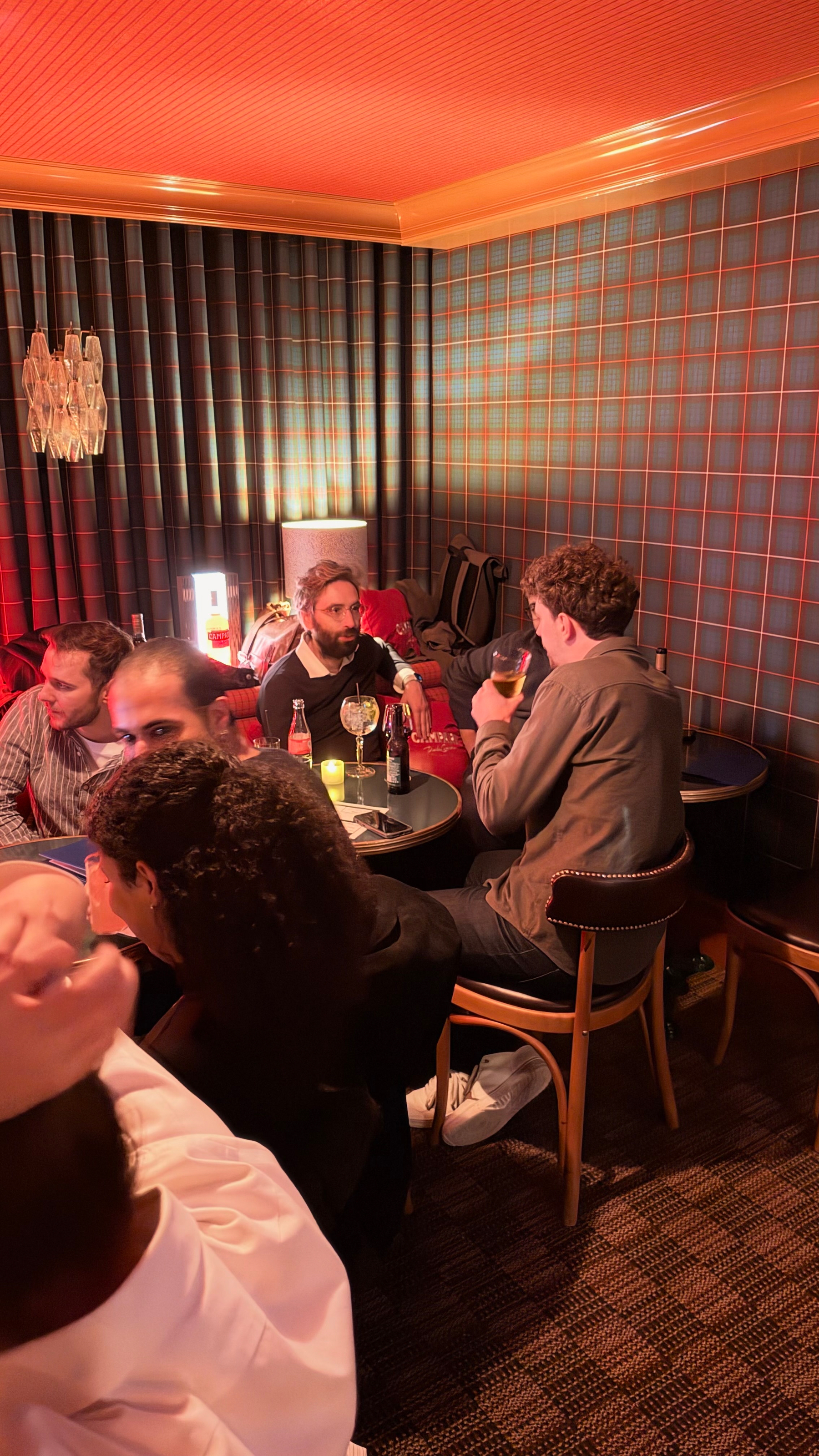


Monthly outing with the team: glad to finally check out Public House —and what more, having a booking for the whole night in the Negroni room, at the speakeasy!
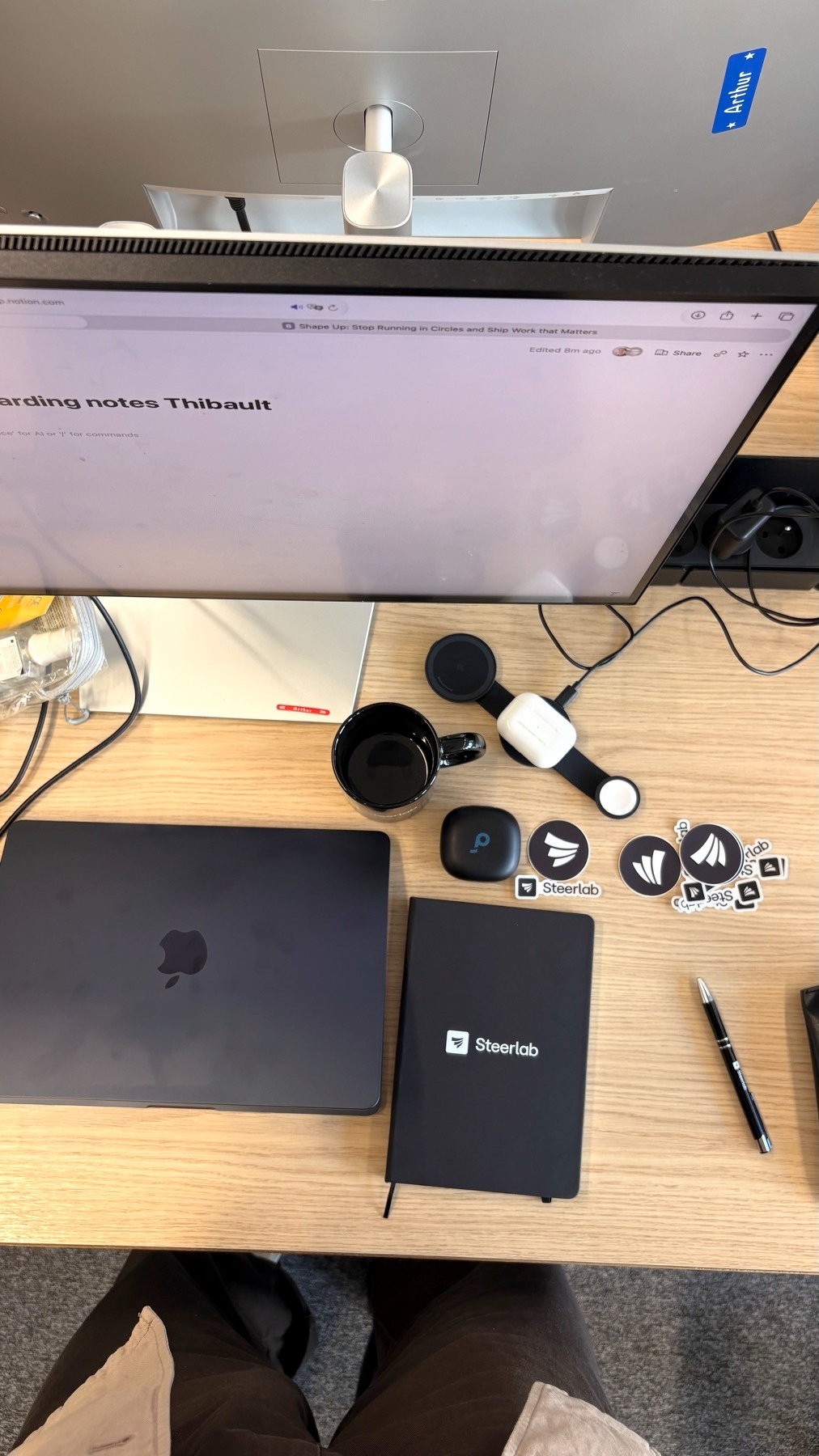
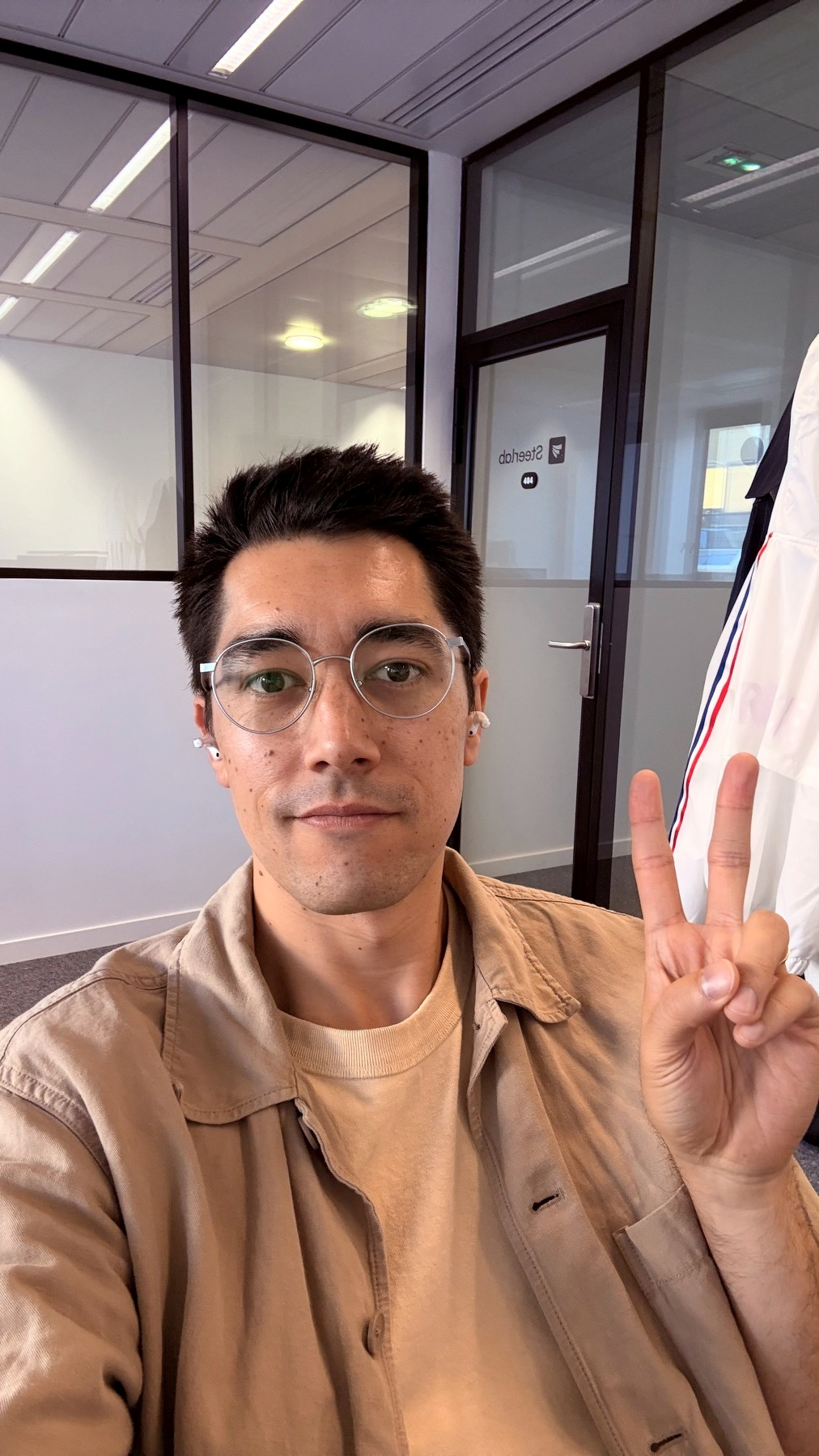
Back to my startup roots: Day one at Steerlab in the books as the founding Customer Success Manager!
Final day at my job today. A new era begins next week.
Something I’m taking into my next job:
If I share an asynchronous update with my team, no one is getting me to run a 15-30mn meeting going through the damn update 🙃
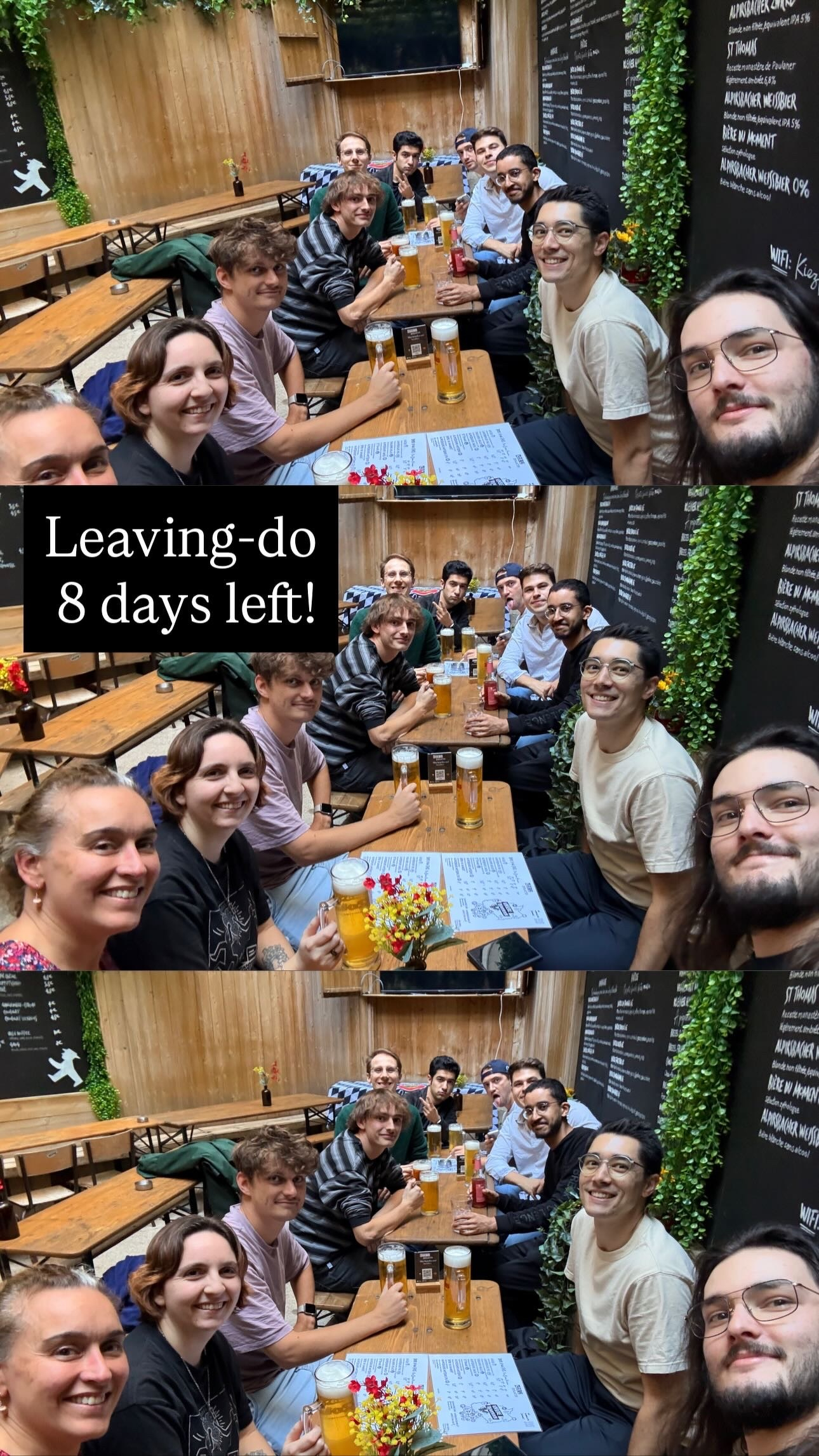
8 days to go til I finish this chapter of my professional career
9/16/26
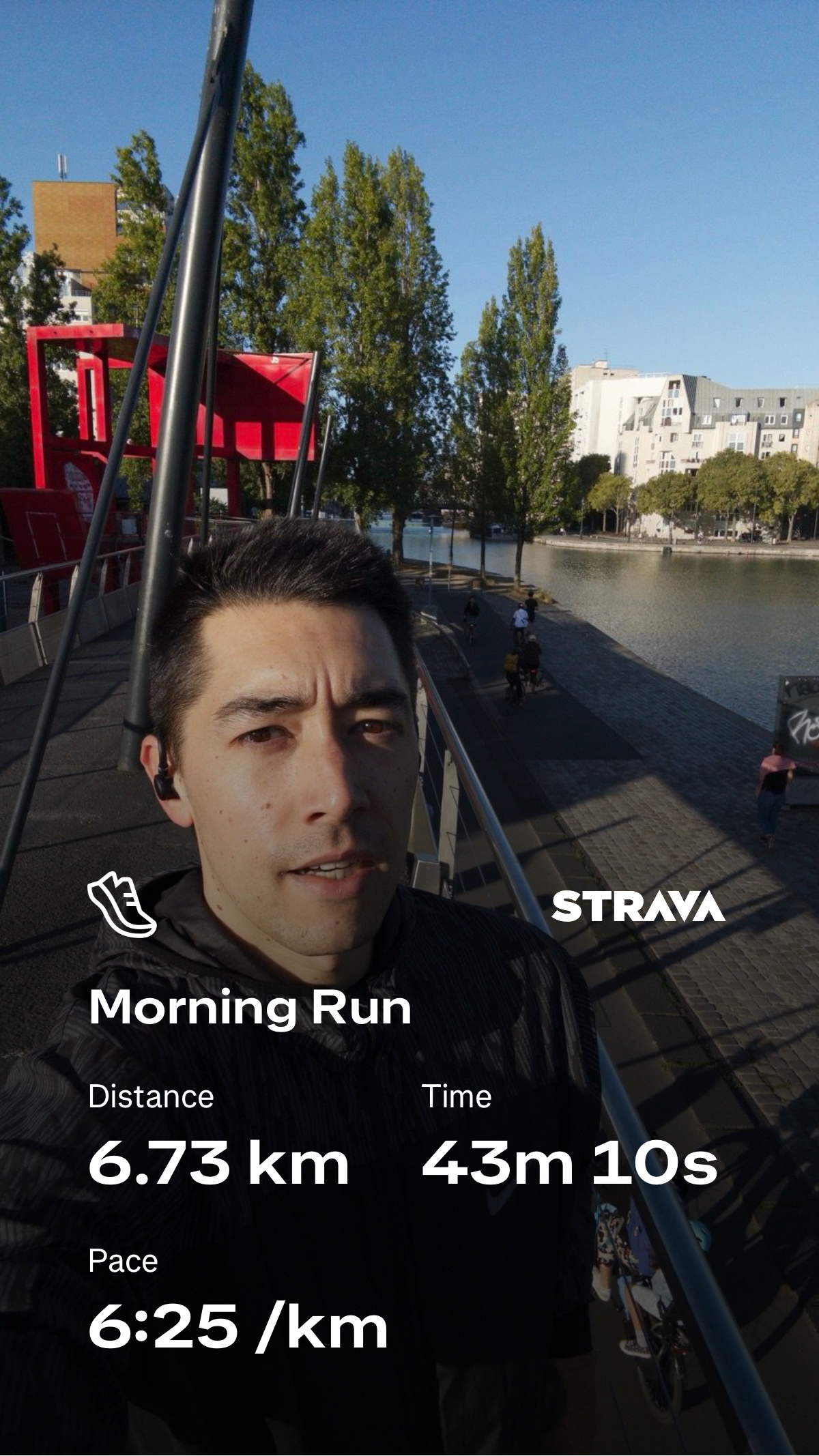
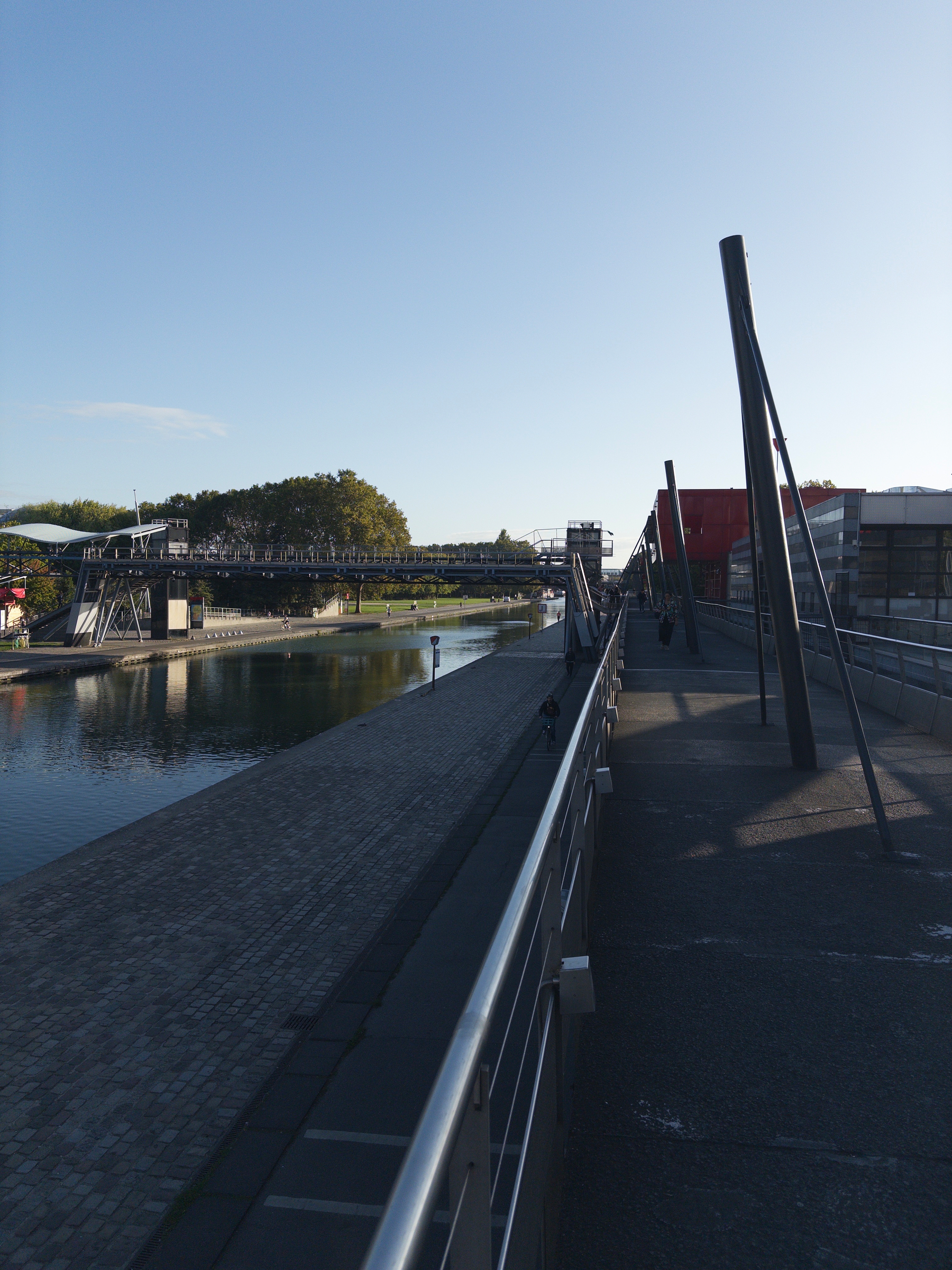
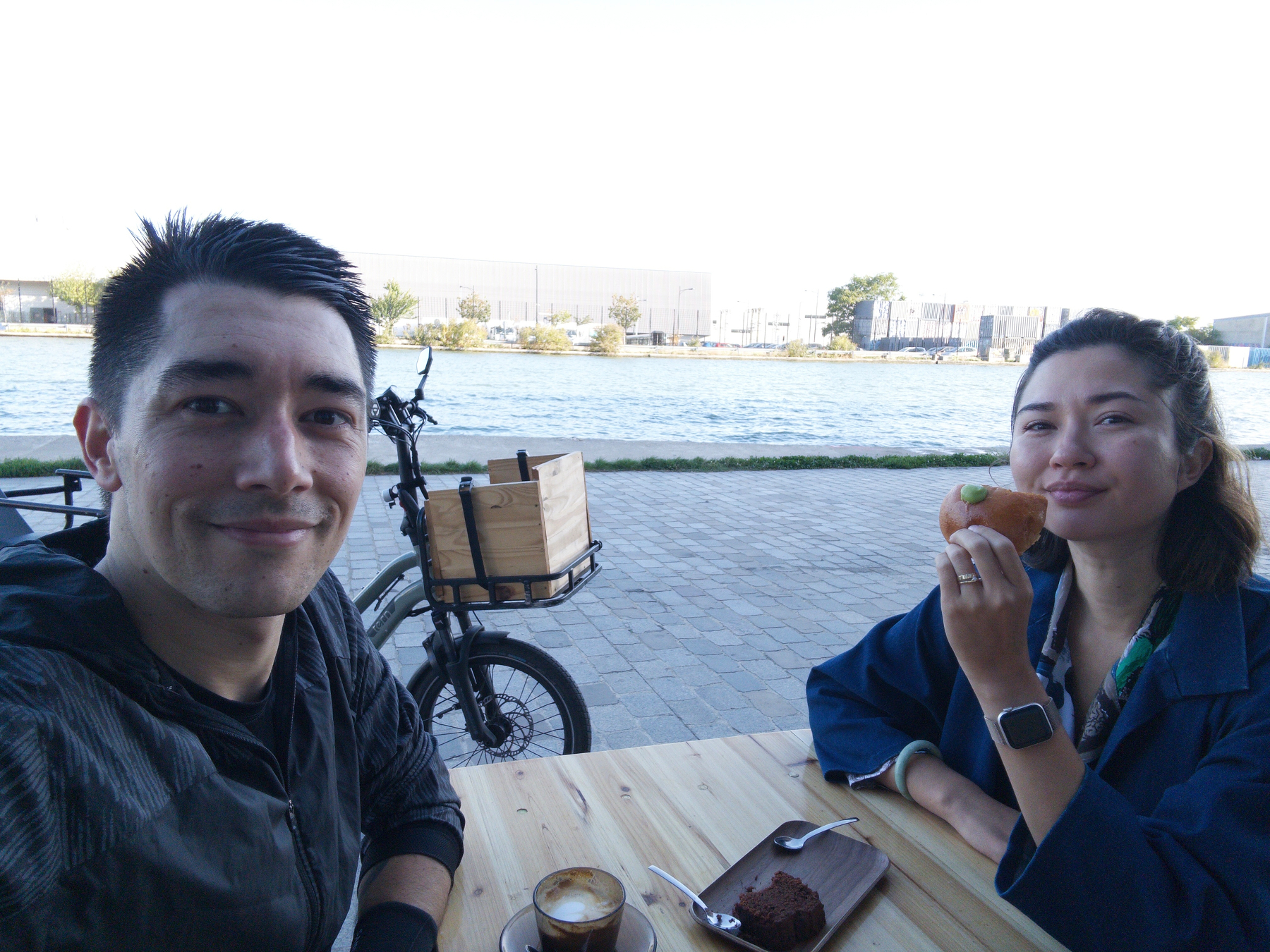
Wednesday morning run after dropping my daughter off at school, followed by a coffee date with my wife at the local neighbourhood café by the canal.
With things being quite frustrating at work lately ahead of my departure in 2 weeks, this little Wednesday morning routine is exactly what I need for my own sanity before diving into the day.


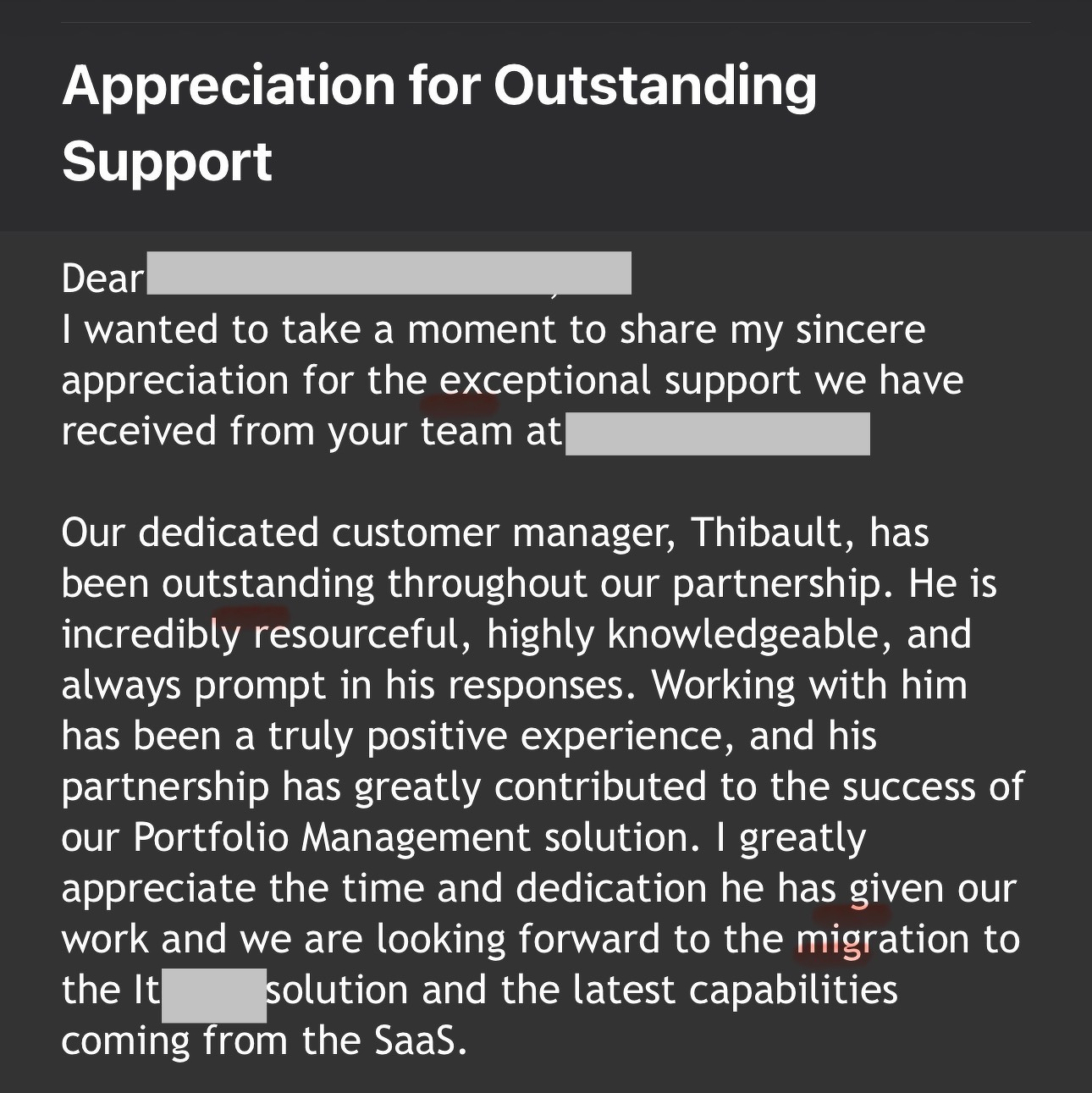
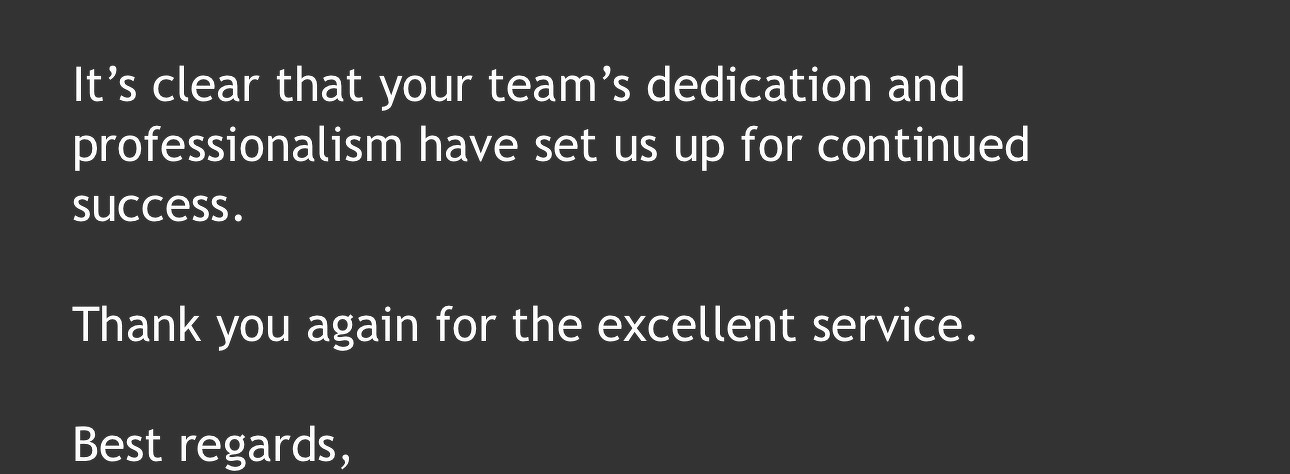
Incredible customer feedback today — my champion went through the trouble of emailing my Manager, our CEO, and our co-founder and President about this!
🤩
3/24/26
I’ve been thinking a lot about how I start my workdays.
As a Customer Success and Account Manager at a B2B SaaS company, my mornings used to look something like this: open Gmail, scan for anything urgent. Switch to Google Calendar, figure out what’s on today. Check Slack for threads I missed overnight. Pop into HubSpot to see what tasks are due and whether any deals moved. Then mentally piece together a plan for the day — usually while sipping coffee and hoping I didn’t miss something important.
It’s not that any one of those steps is hard. It’s that doing them all, every single morning, across four or five different tools is a drain. Not on my skills — on my attention. By the time I’ve assembled the picture of “what’s going on today,” I’ve already burned through a chunk of my best morning energy.
So I decided to try something: what if I could have all of that waiting for me when I sit down?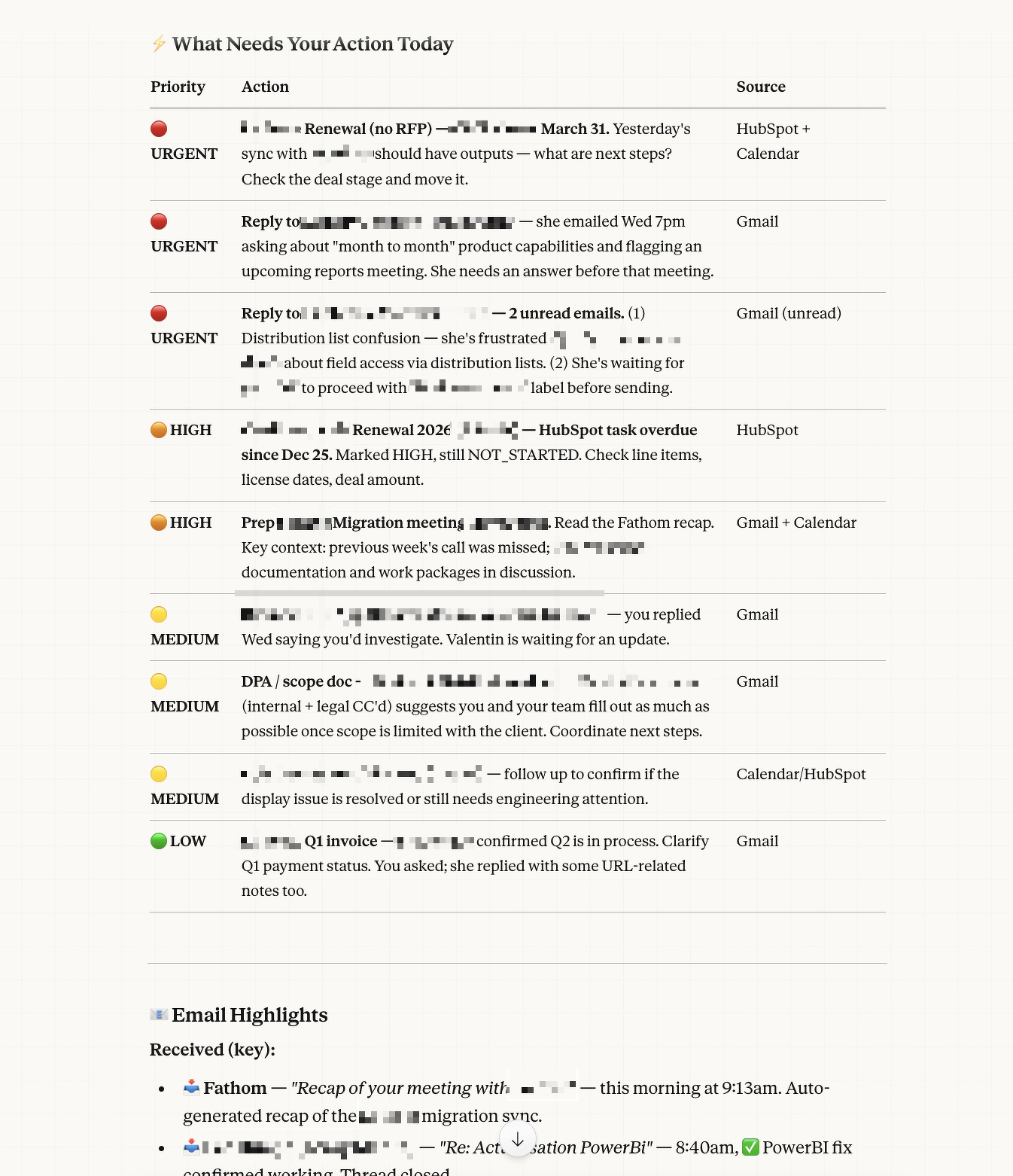
I’d been experimenting with Claude — Anthropic’s AI assistant — for a while. Mostly for writing help, thinking through problems, that kind of thing. But when I started exploring Cowork mode (their desktop tool), I realized it could actually connect to the tools I use every day: Gmail, Google Calendar, HubSpot, Slack, and more.
That’s when the idea clicked: what if I could set up a recurring task that runs every weekday morning, checks all my work tools, and delivers me a ready-made briefing?
I’m not a developer. I don’t write code for a living. But I figured — why not try?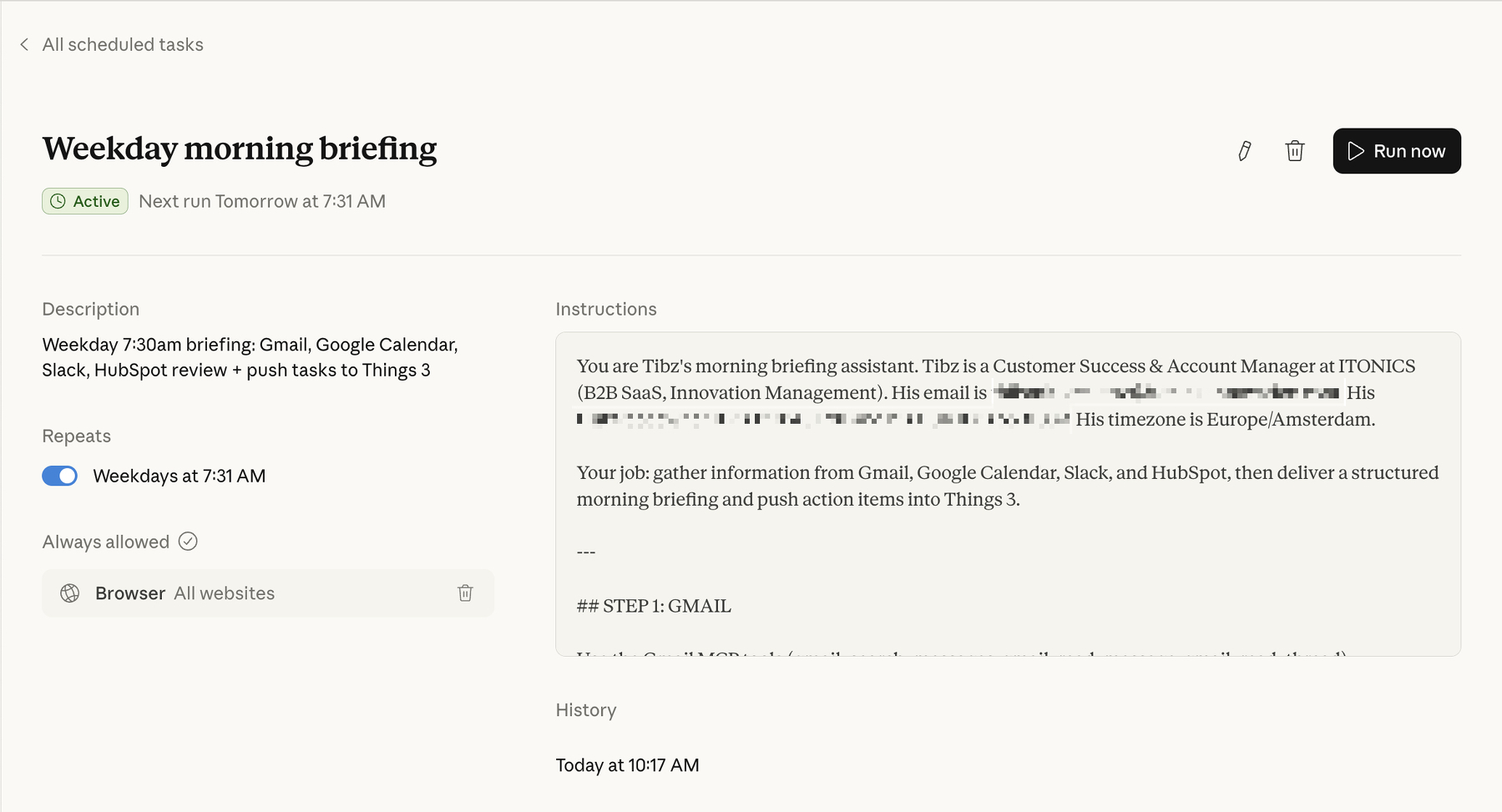
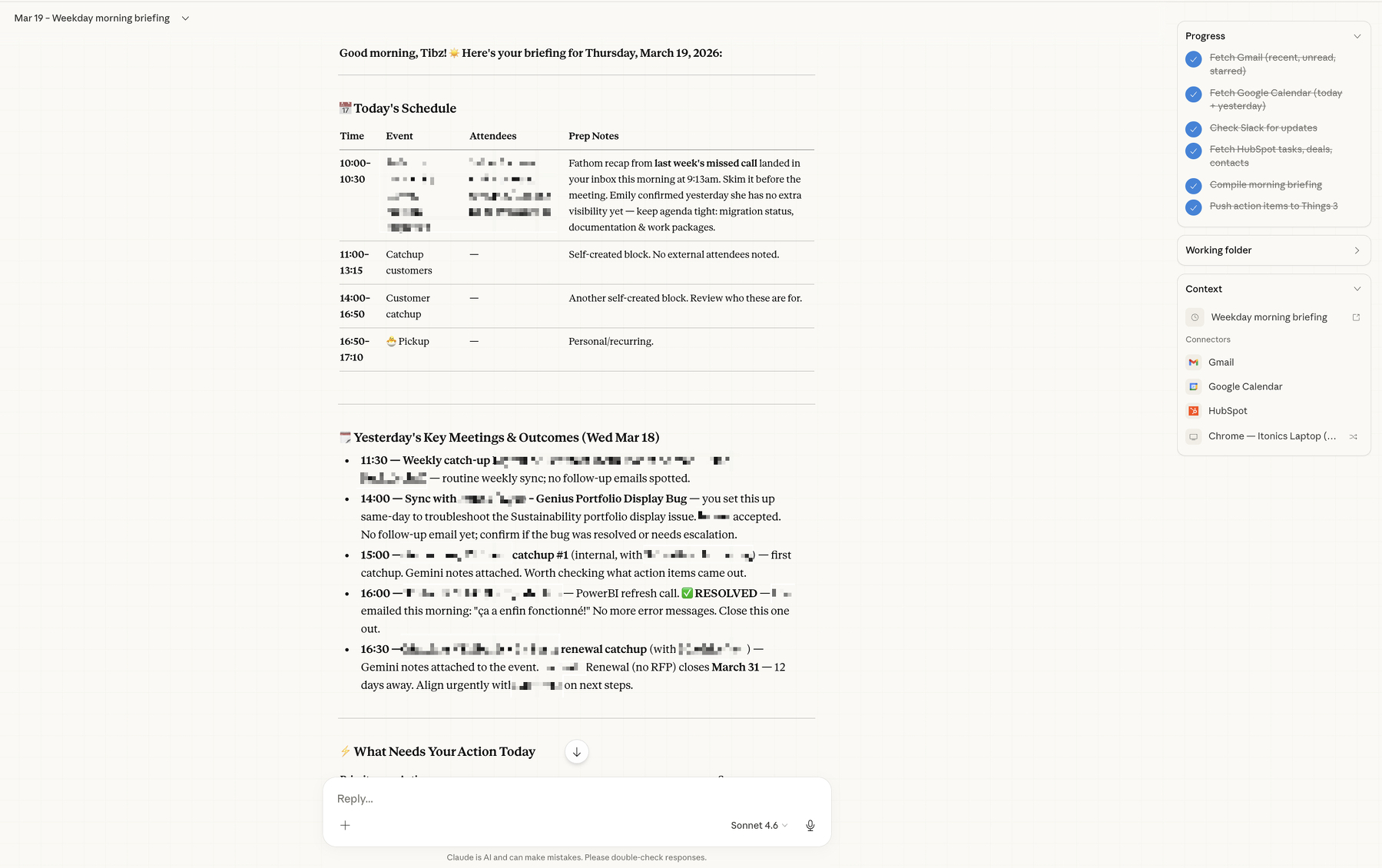
Every weekday at 7:30am, before I’ve even opened my laptop, Claude runs a scheduled task that does the following:
Email review. It scans my Gmail for everything sent and received in the last 24 hours, flags anything that looks like it needs a reply or follow-up, and checks for unread or starred messages that might have slipped through the cracks.
Calendar check. It pulls today’s meetings — who’s attending, what it’s about, any relevant context — and also looks back at yesterday’s meetings to piece together a recap of what happened and what outcomes might need follow-up.
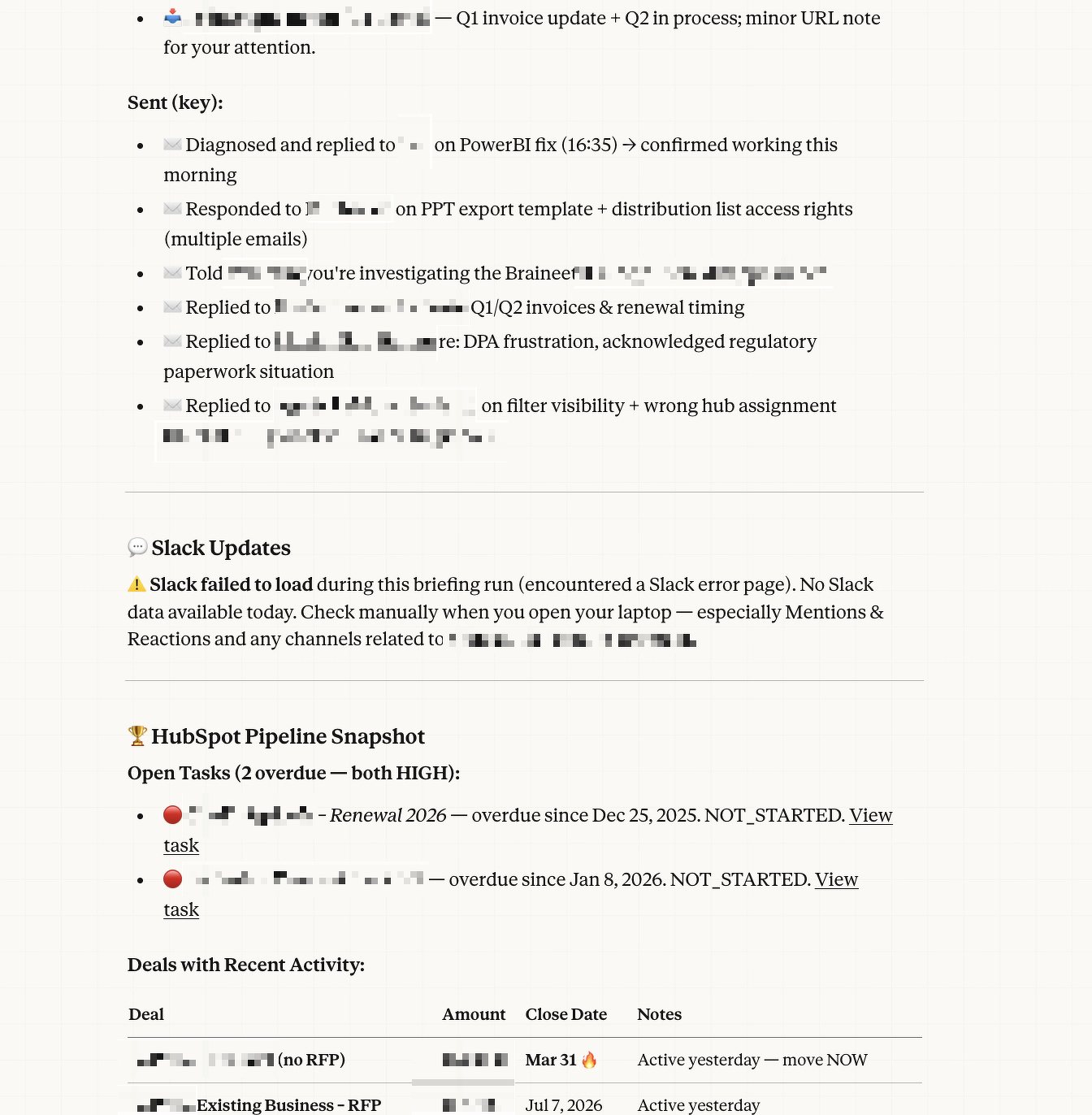
Slack scan. It checks my workspace for mentions, active threads, and important team or customer updates. Anything that looks like it needs my attention gets surfaced.
HubSpot review. It looks at my open tasks, recent deal activity, and any contacts or companies that have been updated recently. So if a deal moved stages or a customer reached out, I know about it.
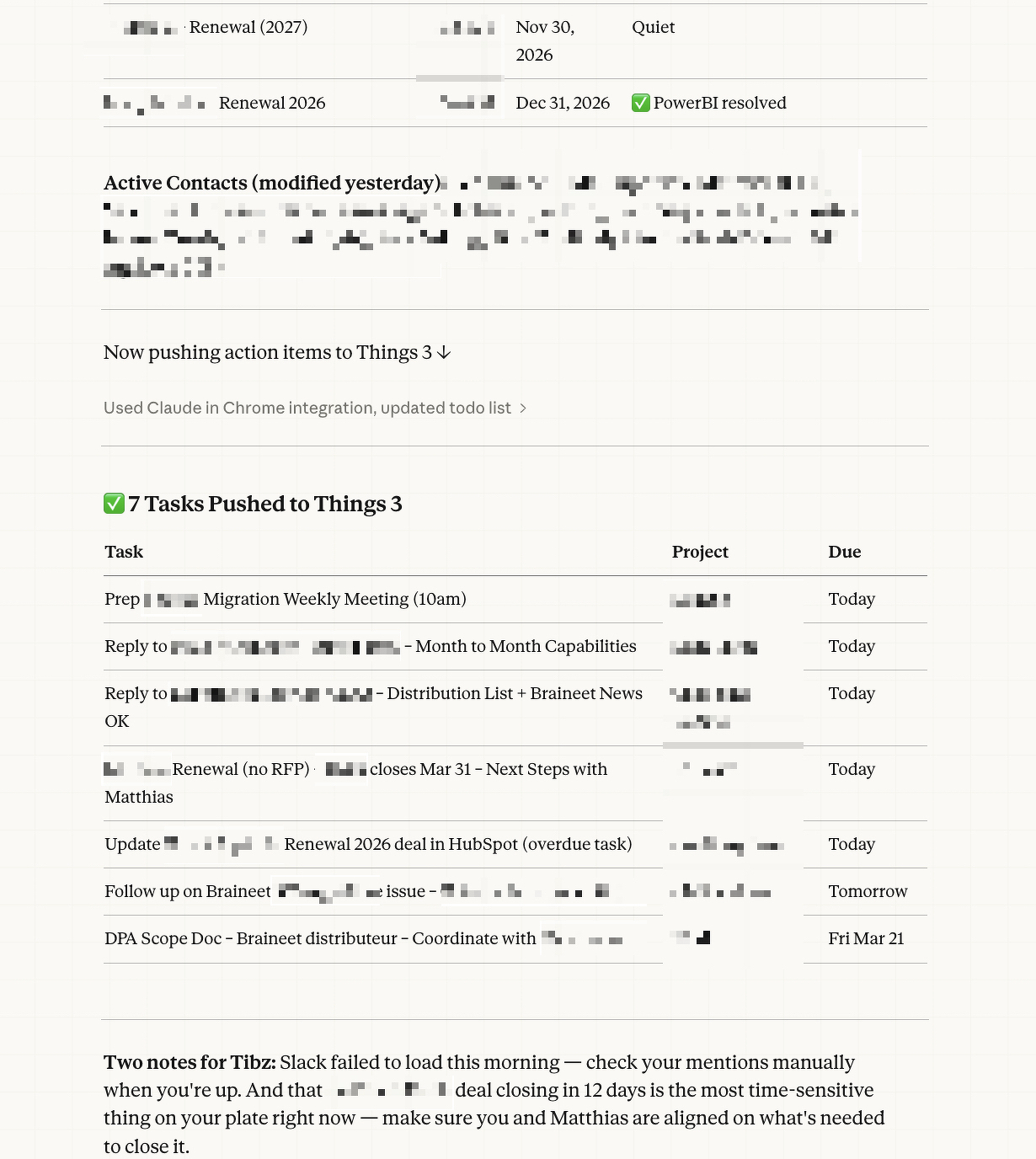
Then it compiles all of that into a structured morning briefing: what’s happening today, what needs my action, and a summary of yesterday’s key meetings and outcomes.
And the part I’m most proud of: it pushes the action items directly into Things 3 (my task manager), sorted into the right customer account projects with appropriate deadlines based on urgency. So by the time I sit down, my task list is already organized.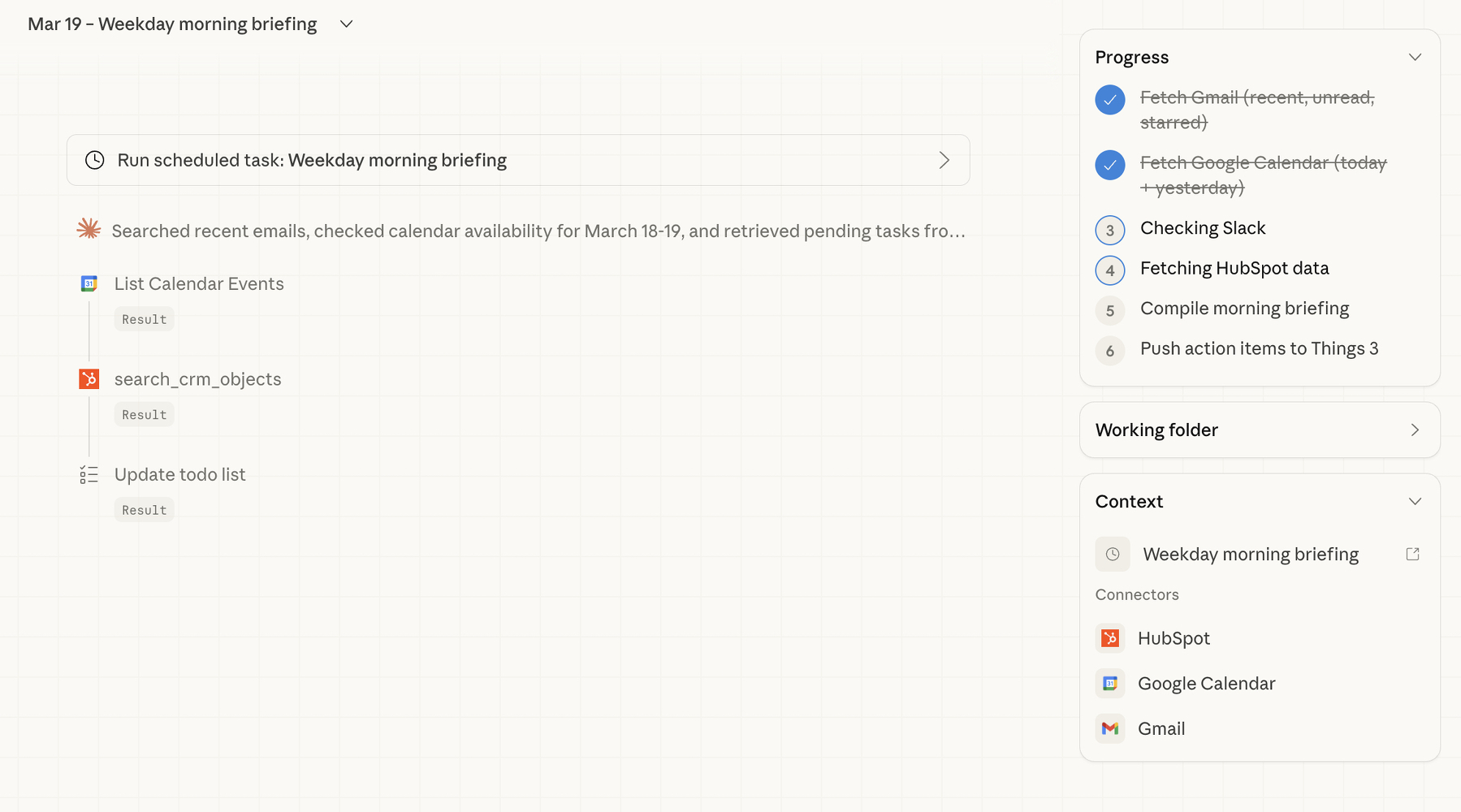
Here’s the thing that surprised me most — the whole setup was basically a conversation.
I opened Claude’s Cowork mode on my Mac, and told it what I wanted. Something like: “Every weekday morning, check my Gmail, Calendar, Slack, and HubSpot, and give me a briefing. Then push the tasks into Things 3.”
Claude took it from there. It checked which tools were already connected (Gmail, Google Calendar, and HubSpot were good to go via MCP connectors — think of these as bridges between Claude and your apps). For Slack, it set up browser-based access as a fallback. For Things 3, it uses the app’s URL scheme to create tasks directly.
The whole thing runs as a “scheduled task” — essentially a saved set of instructions that Claude executes automatically on a cron schedule. I didn’t write a single line of code. I described what I wanted in plain English, refined it through a few back-and-forth messages (“can you make sure State Farm tasks go into the State Farm project?” / “add tags like ‘bug’ or ‘feature request’ to the right items”), and that was it.
The conversation felt less like programming and more like onboarding a very capable assistant.
A few reflections, now that I’ve been running this for a bit.
It’s not about replacing my judgment — it’s about saving my attention. The briefing doesn’t tell me what to think about my day. It gives me the raw materials so I can make better decisions faster. I still decide what’s actually urgent, what can wait, and what needs a different approach. But I’m making those decisions with everything in front of me, instead of context-switching across five tabs.
The setup is iterative, not one-shot. My first version was pretty basic. Over time, I’ve been refining it — adding smarter routing for Things 3 projects, better tagging logic, adjusting what gets surfaced and what doesn’t. It’s a living system, not a finished product. And because the instructions are in plain language, tweaking them is easy.
You don’t need to be technical to do this. I think there’s a misconception that leveraging AI tools like this requires coding skills. It doesn’t. What it requires is clarity about your workflow. If you can describe what you do every morning in plain sentences, you can automate a good chunk of it. The AI handles the technical wiring.
It’s changed how I think about my role. CS and Account Management are fundamentally human roles — they’re about relationships, empathy, understanding what your customer actually needs. But so much of our day gets eaten by information gathering. If I can reclaim even 30 minutes of that, that’s 30 minutes I can spend actually being there for my customers instead of hunting through inboxes.
If you’re in a similar role and curious about trying something like this, here’s what I’d suggest:
Start by mapping out your morning routine. Literally write down every tool you check and what you’re looking for. That description is your prompt. Then look into tools like Claude’s Cowork mode (or similar AI assistants that support integrations) and see which of your tools can be connected.
You don’t need to automate everything on day one. Start with one or two data sources — maybe just email and calendar — and see how it feels. Then layer on more as you get comfortable.
The hardest part isn’t the technology. It’s giving yourself permission to try.
This is part of my effort to share more about my work in Customer Success and Account Management. I’m not an expert on AI, but I am someone who’s figuring out how to use it in a way that makes my actual work better. If you have questions or want to swap notes, feel free to reach out.


Monday Morning Frustrations… Onwards and Upwards 🙃
Week 3 of deprioritizing important projects to be stuck in Customer Support jail… The week is not off to a good start…
3/5/26
I’ve been heads down doing the work in Customer Success and Account Management —building relationships, focusing on the human side of things, taking care of my customers, etc.
Account Management is a new_er_ territory for me, and although I had been involved in contract renewals in the past, I’m continuing to learn about this when dealing with bigger, more Corporate Customers.
But in the past, I haven’t shared much of my thinking. One idea that I strongly adhere can be summed up in this simple quote: “You know more than you think you do.”
So in the spirit of this phrase, I’m going to try and do a better job at sharing my expertise, experiment, and thoughts related to what I’m working on and the core of my job!
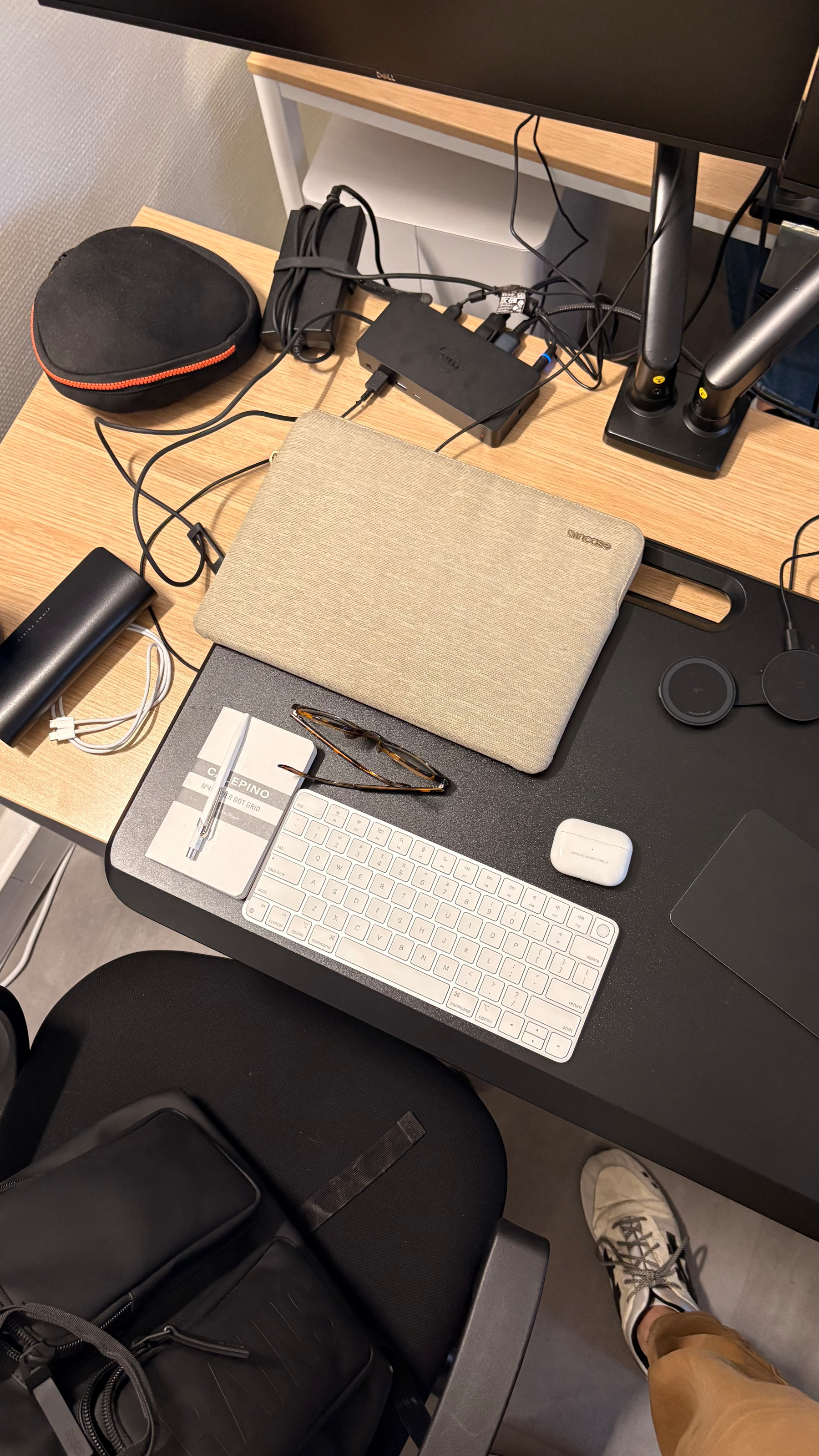
”All of the people I love hate this stuff, and all the people I hate love it. And yet, likely because of the same personality flaws that drew me to technology in the first place, I am annoyingly excited.”
”A good technology manager assumes that a product will never ship for launch, that every force is arrayed against it and that the devil himself has cursed it — and then the manager works back from that.”
1/23/26
Some highlights:
But with all this, it feels amazing to get home this evening and back to my family and the life we’re building here!




Been testing Perplexity’s Comet since yesterday and already in 2 days, it’s turning to be a huge time saver / task achiever!
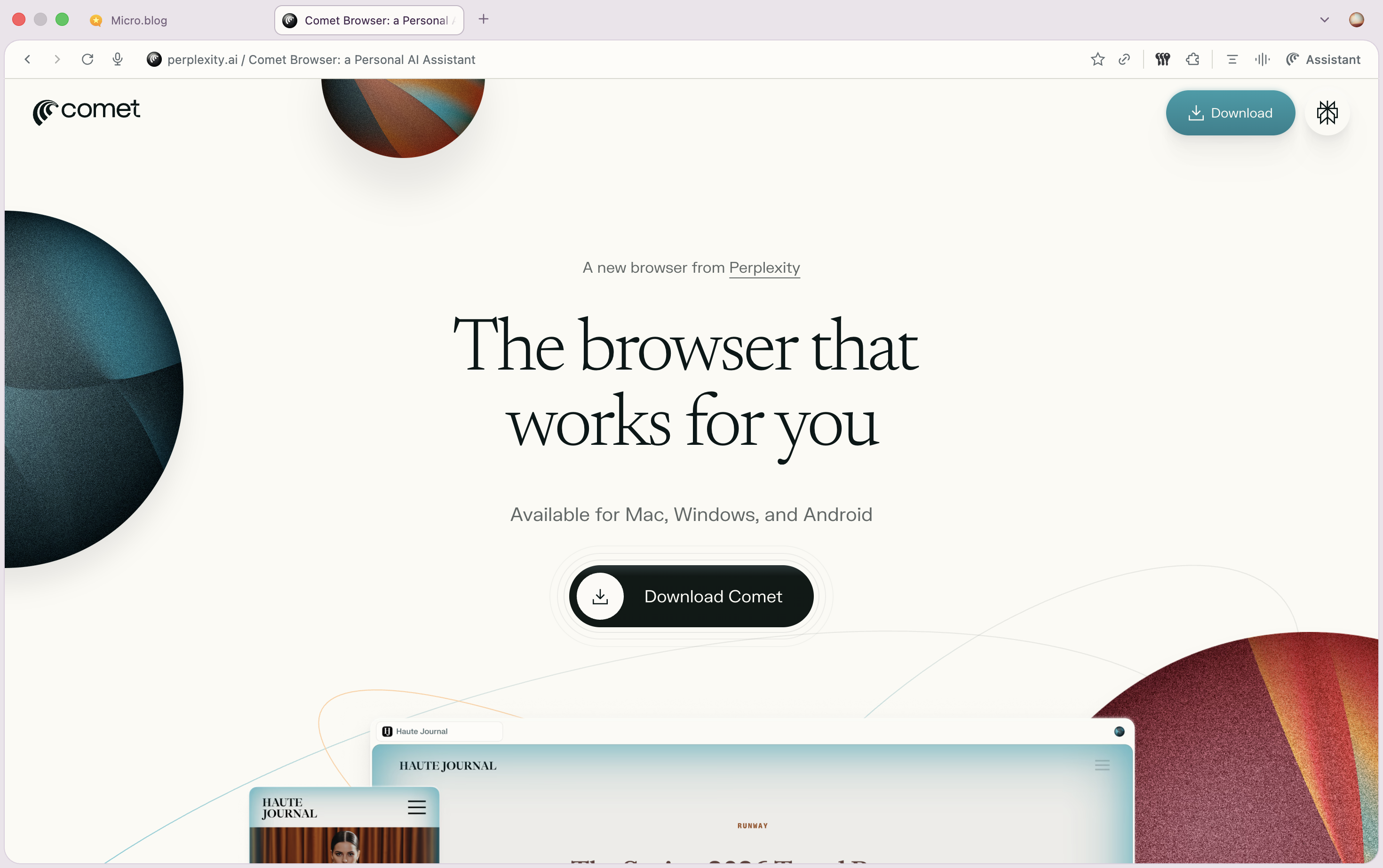
So incredibly proud and excited for my wife to focus on the next chapter of her business!

Wasting an hour commuting on the beltway to a work event today and OH MY GOSH I’m so relieved I don’t have to do this every day. The type of thing that’ll make a person go insane and shrink their life expectancy.
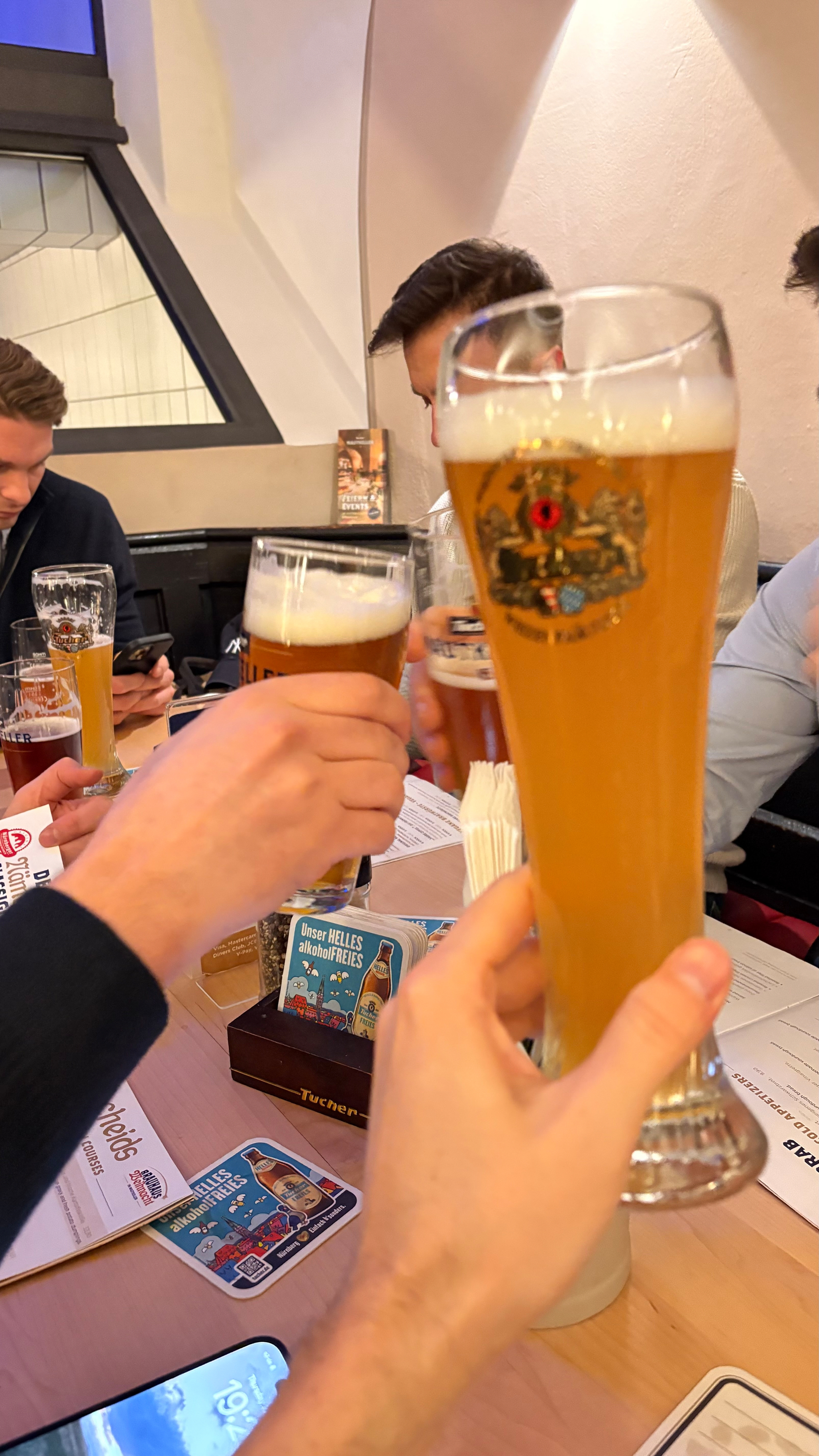
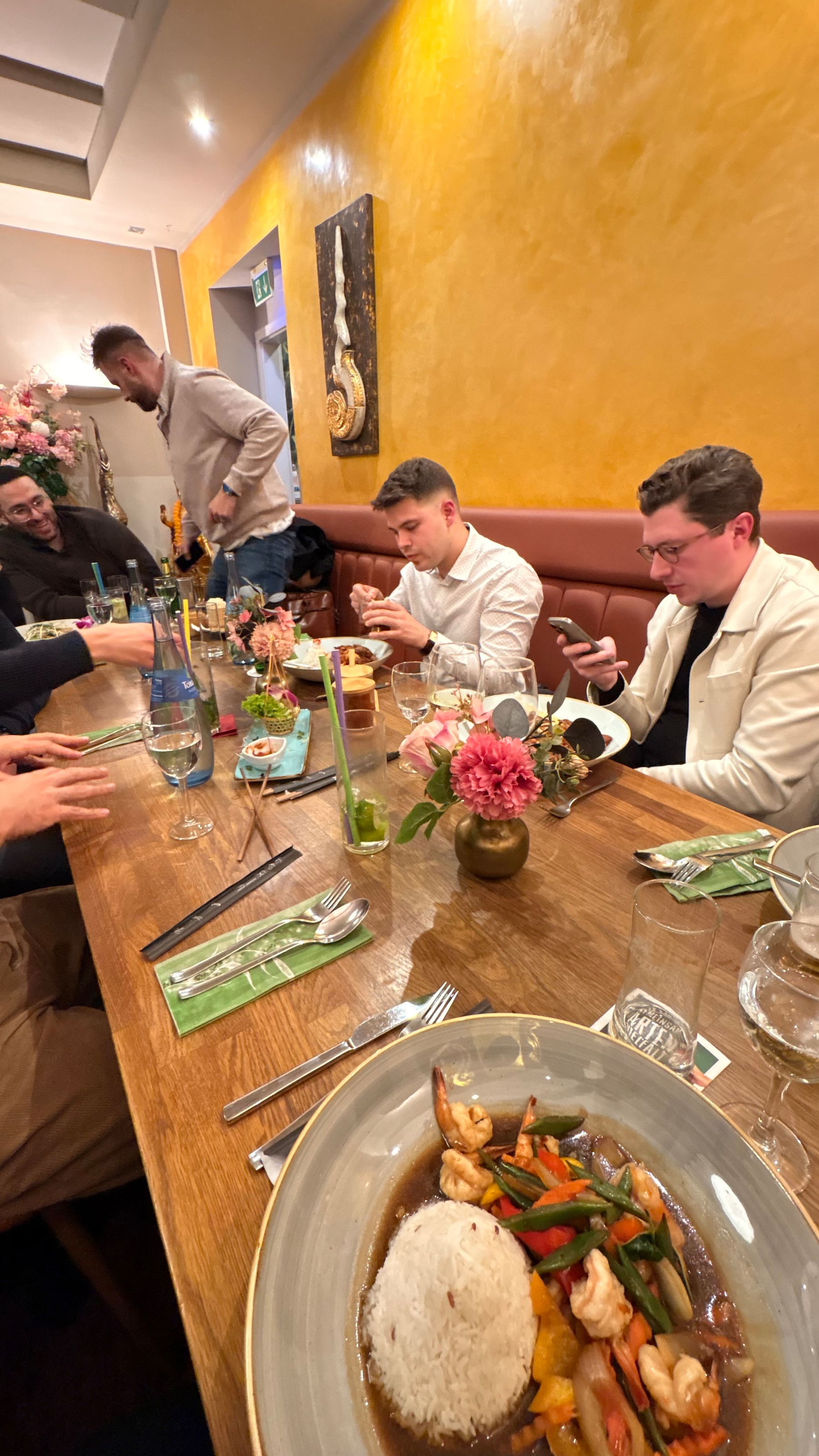
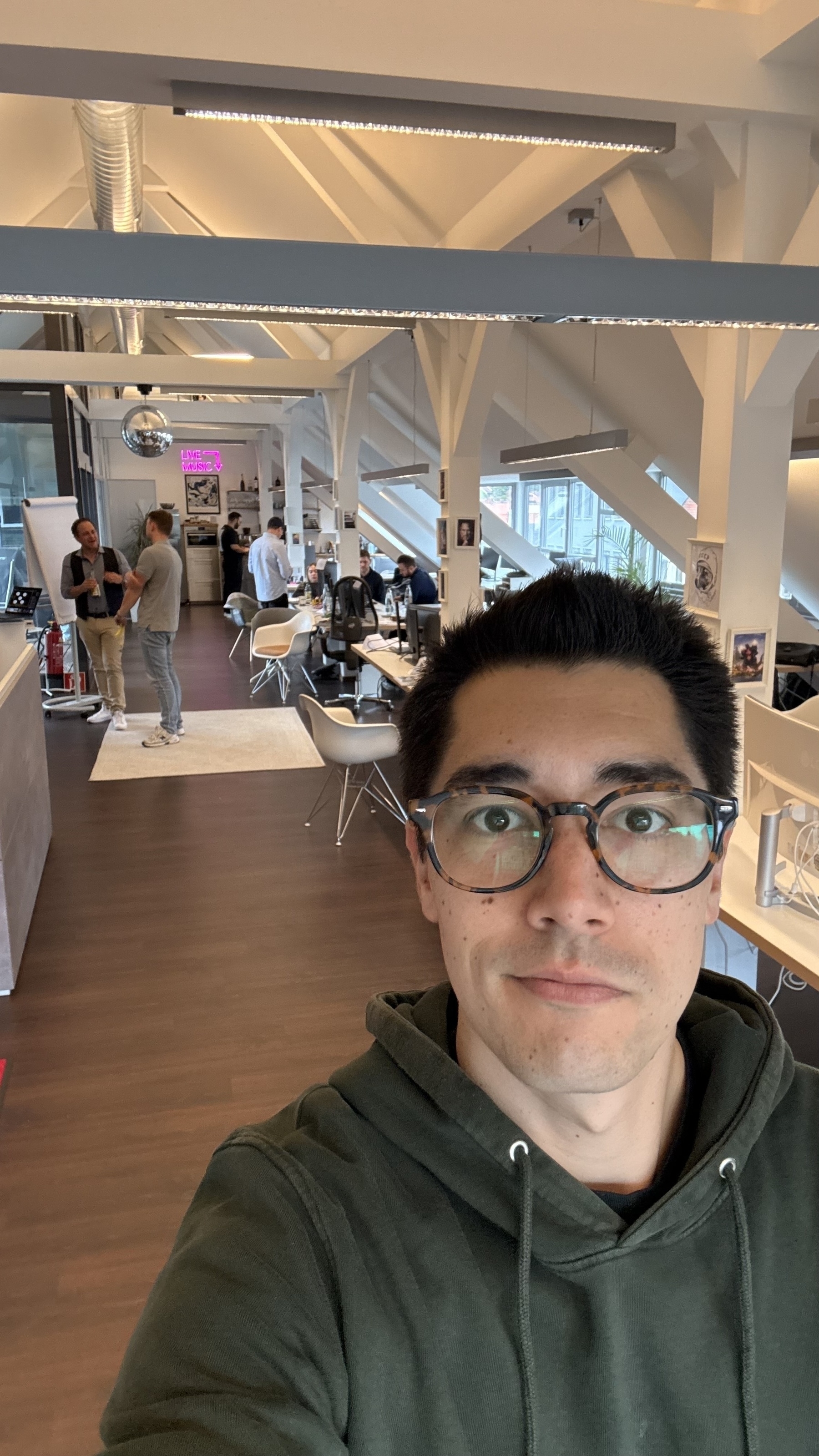
Back from a week in Nuremberg for work
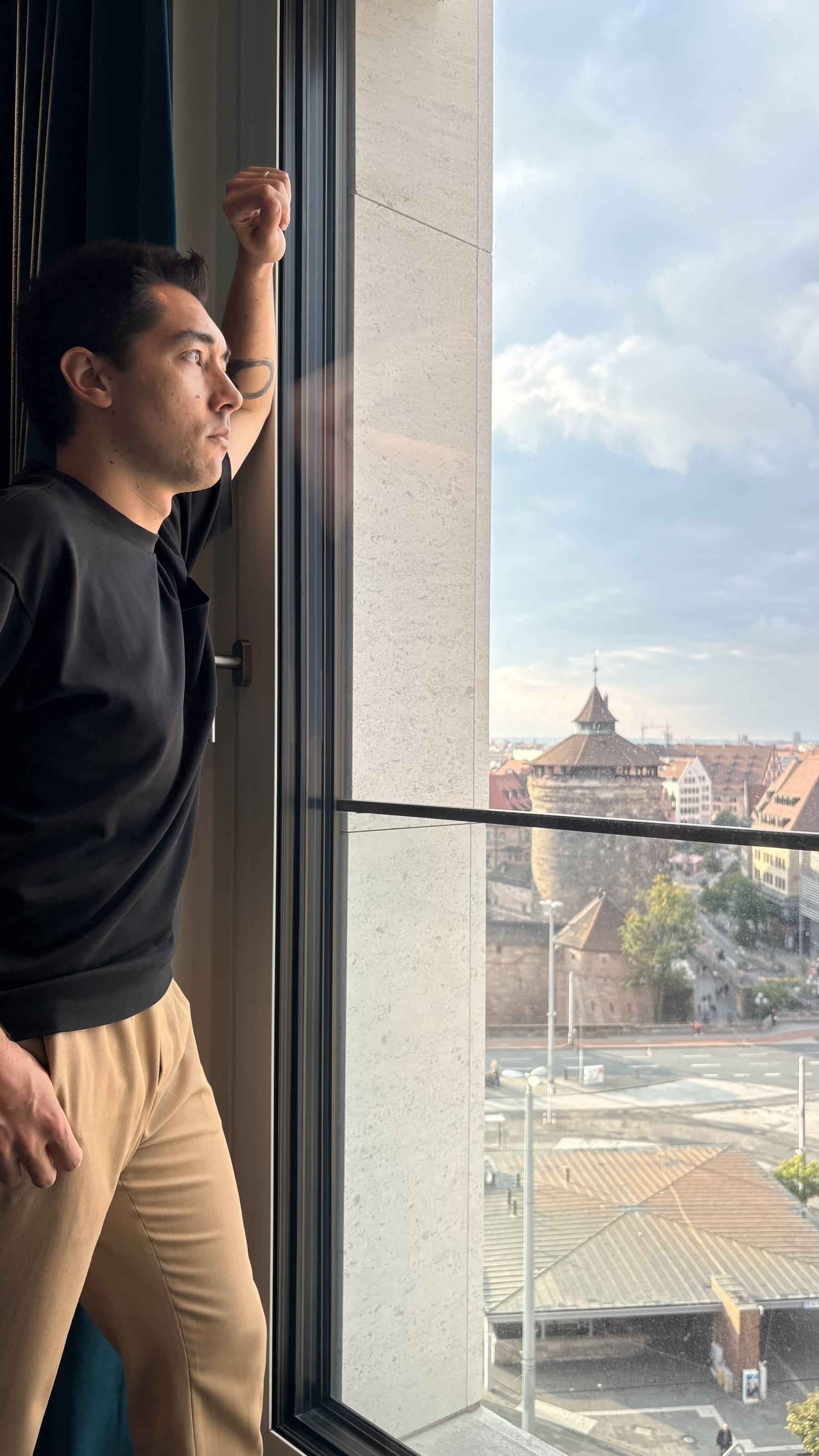

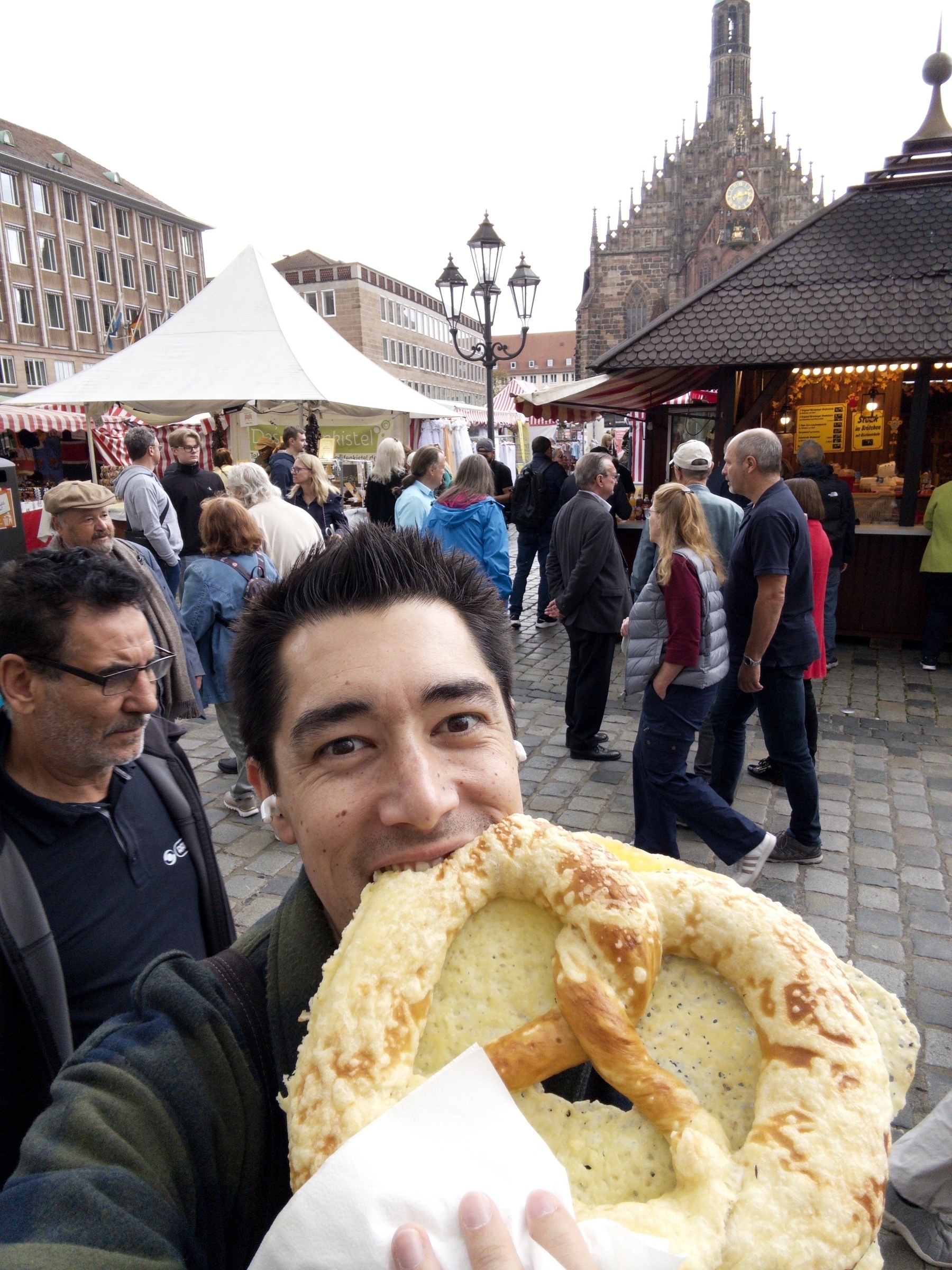


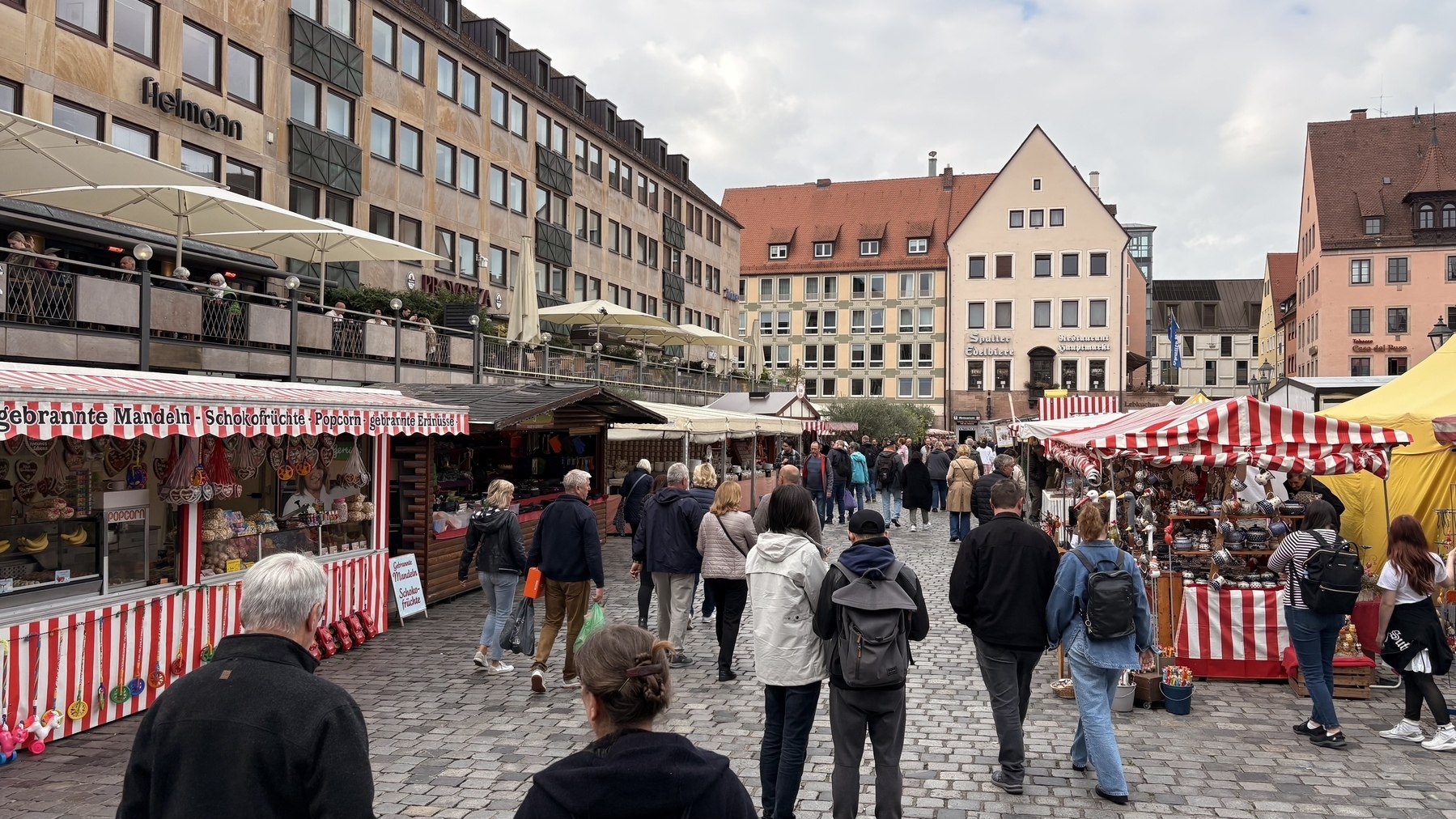


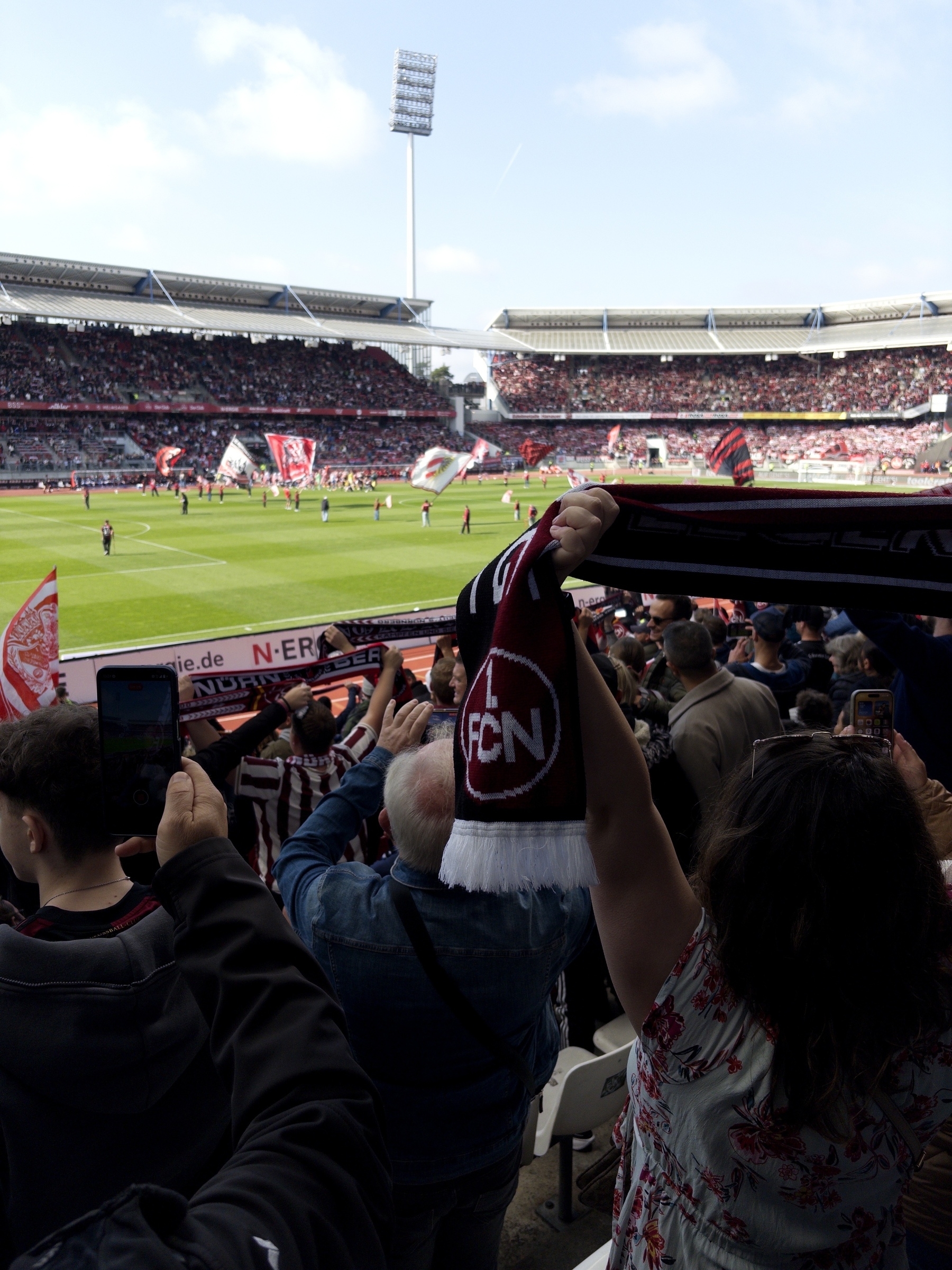

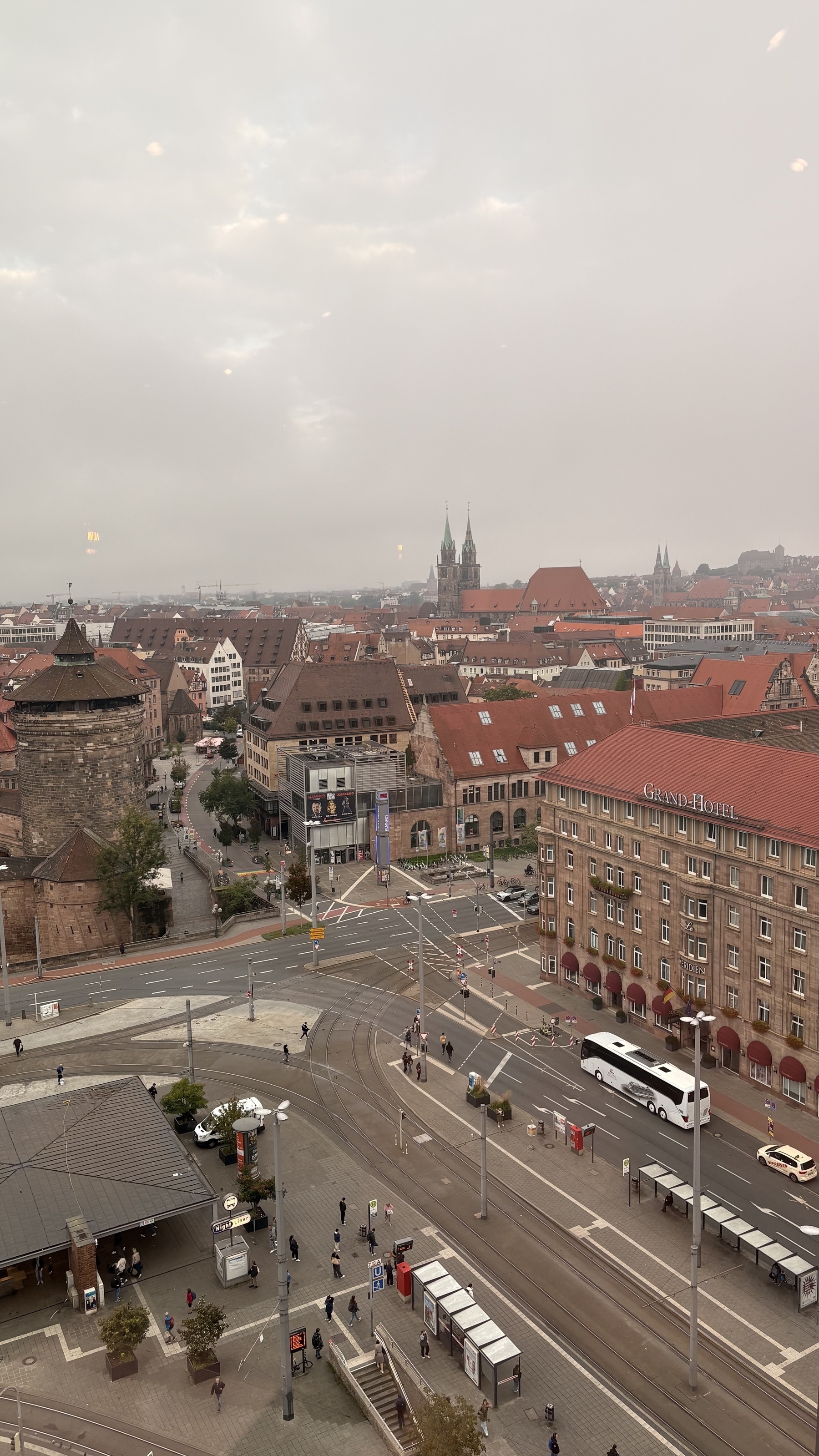
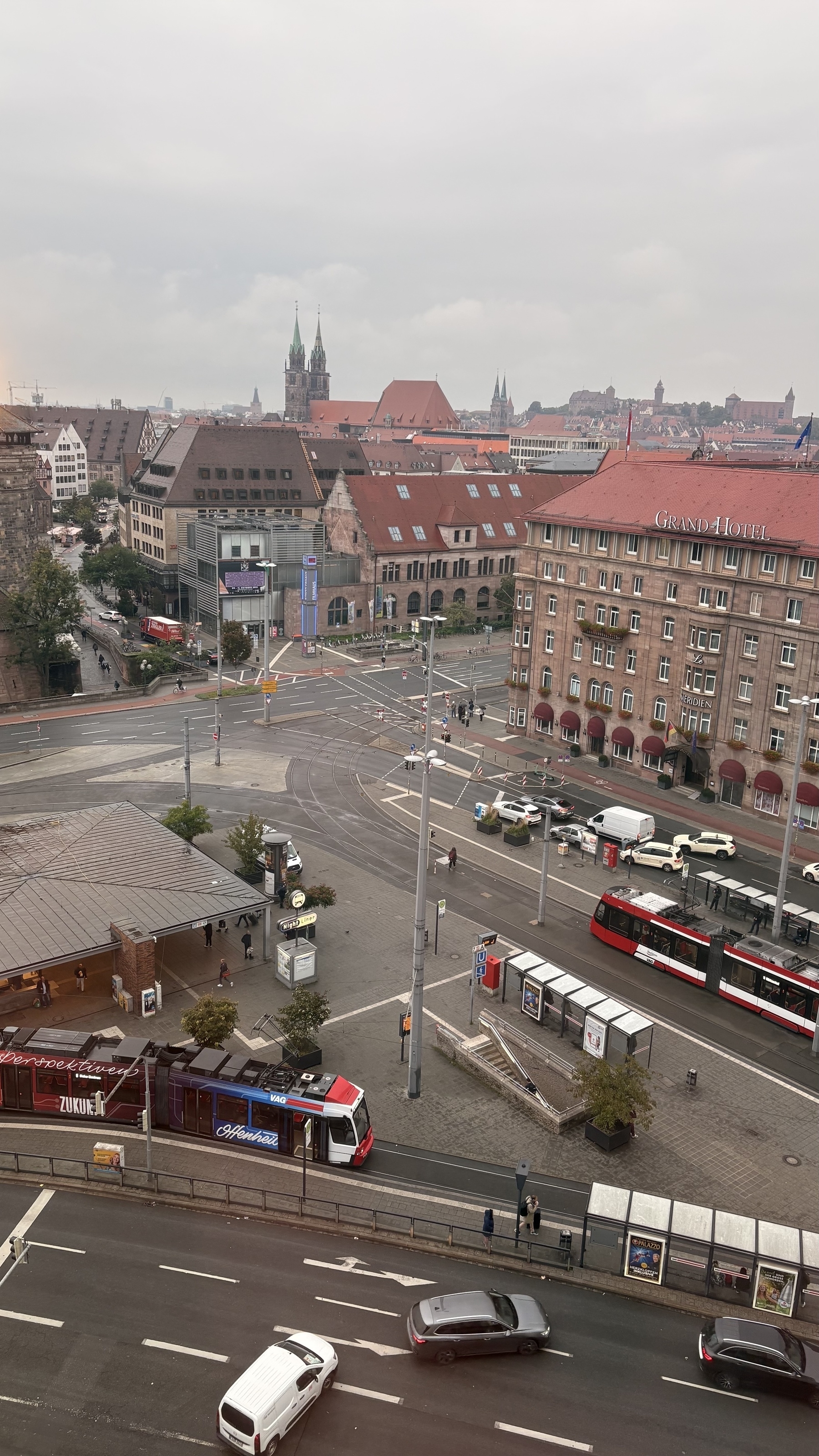
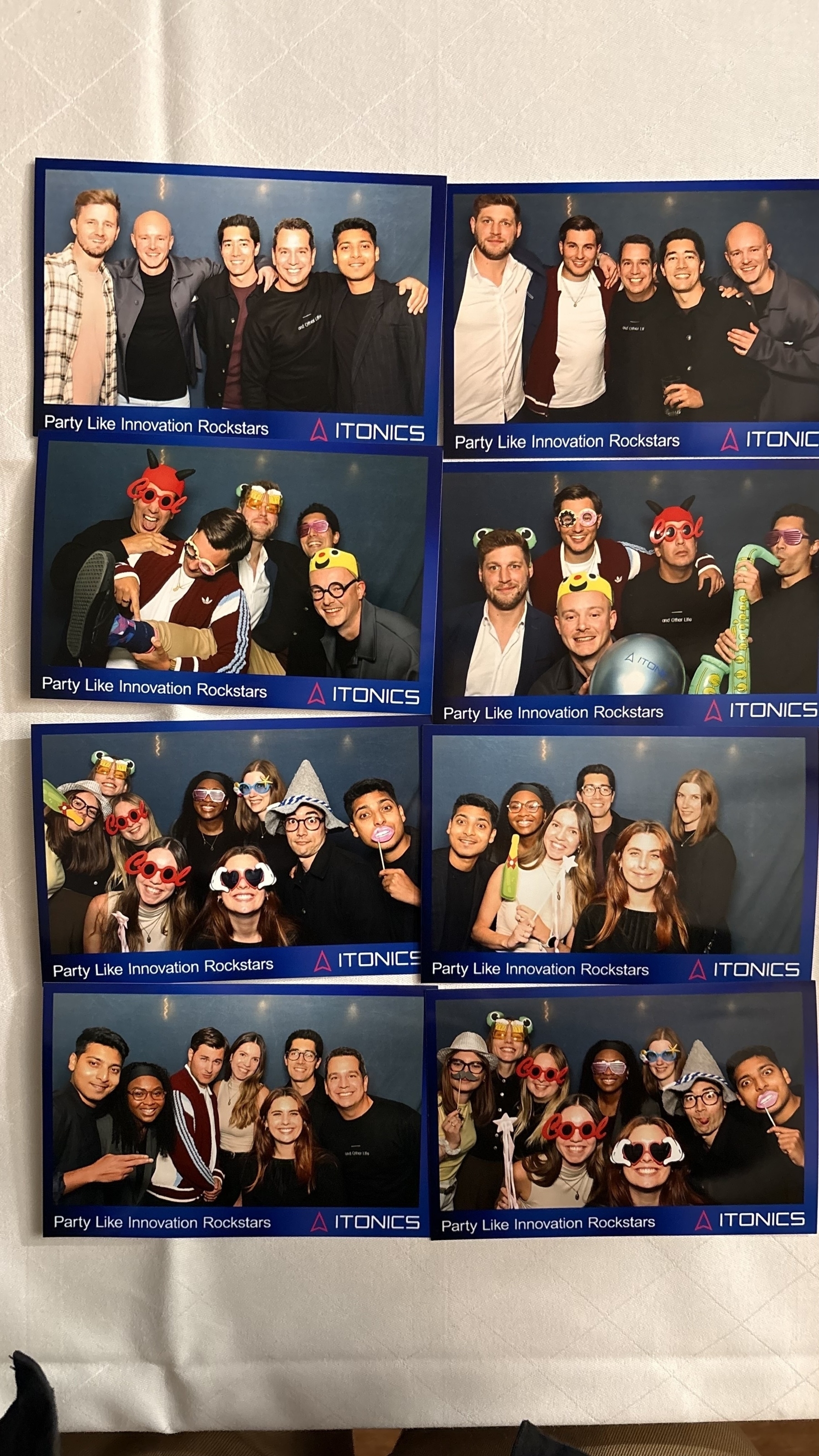
There’s a special karmic place and spot saved up for customers who behave like bullies and gaslight you over months. 🔥🧘 Anyways… time for a well deserved holiday and summer break!
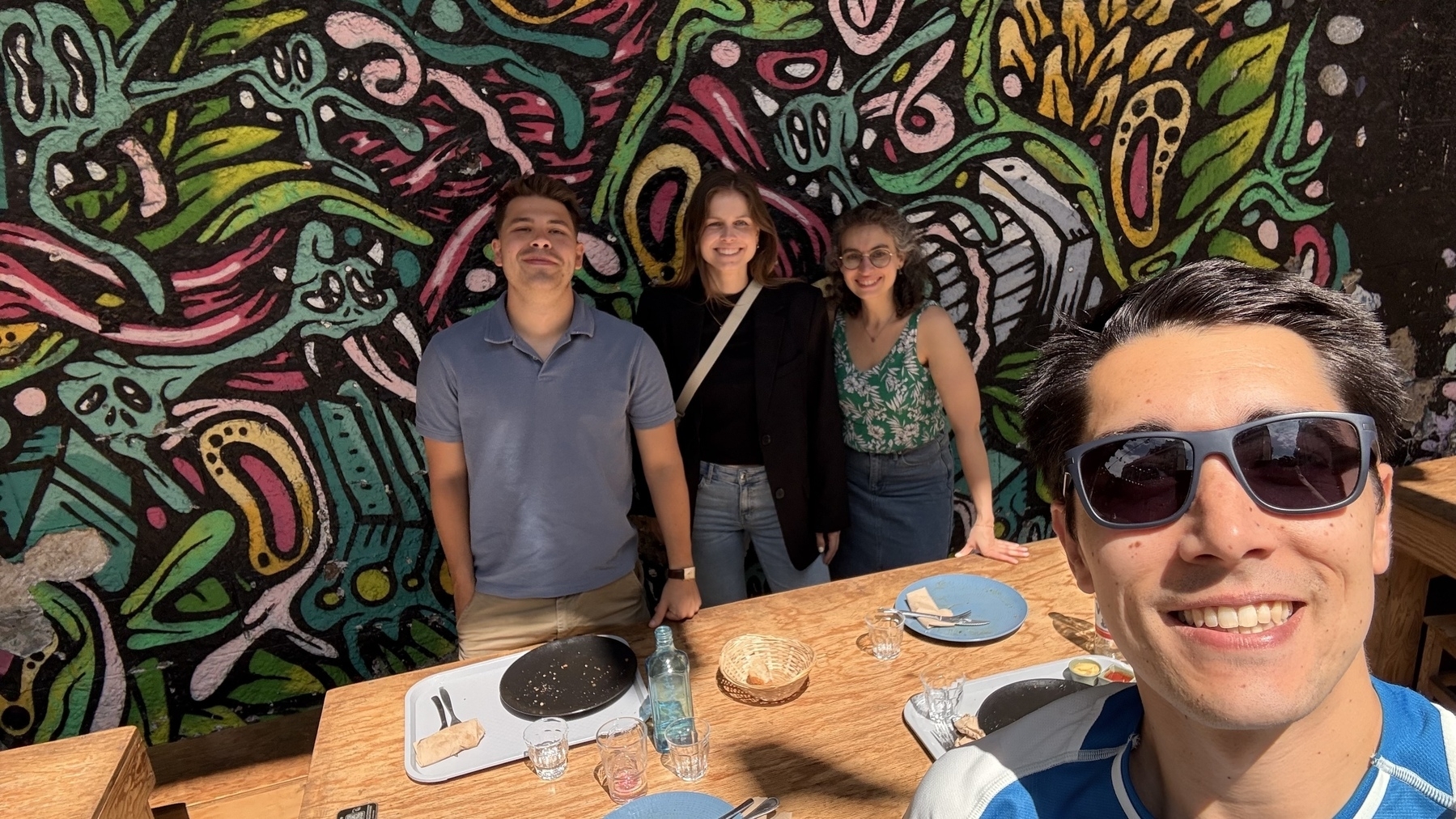
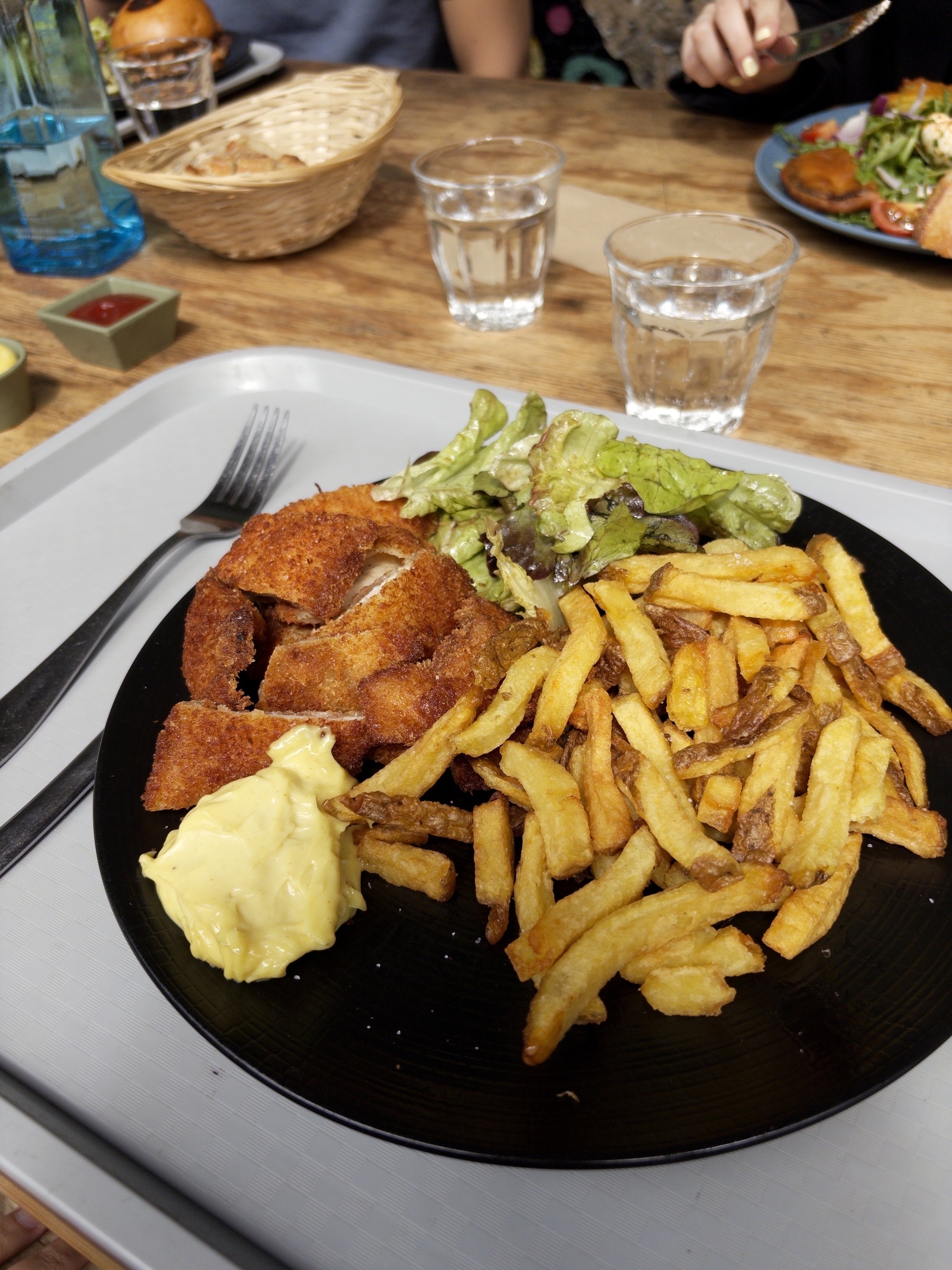
Work lunches with visiting coworkers 😊
Now that Dia has vertical tabs, I’m testing it again. Biggest drawback is that the Password Manager browser extension isn’t compatible and therefore I have to jump through hoops (the menu item) to use my own PWs.
Another one: auto-PiP during Google Meet calls.
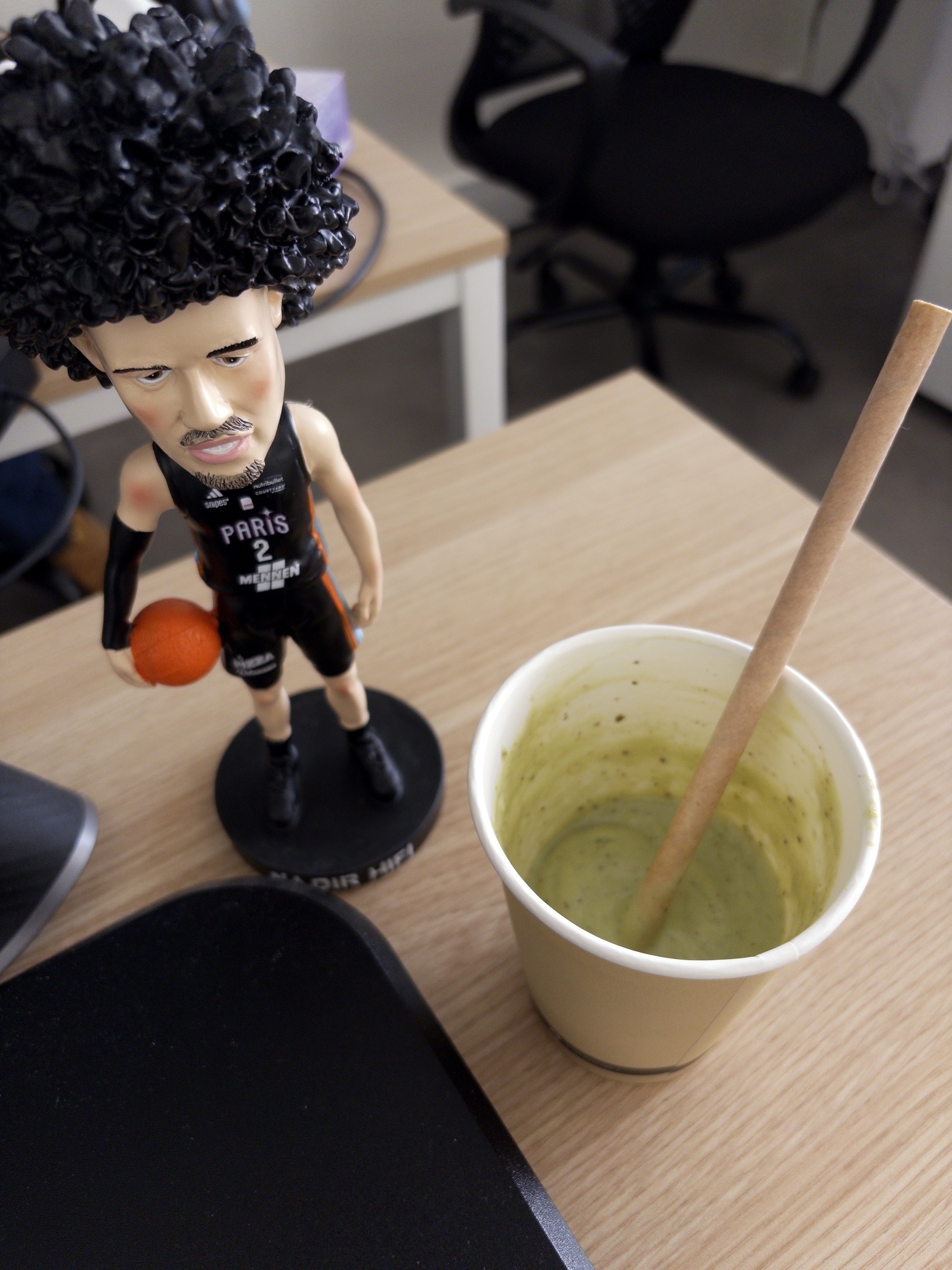
Coworkers went out and brought me a Viet Avocado Shake (Sinh To Bo) 😋🥑🥤#heatwave

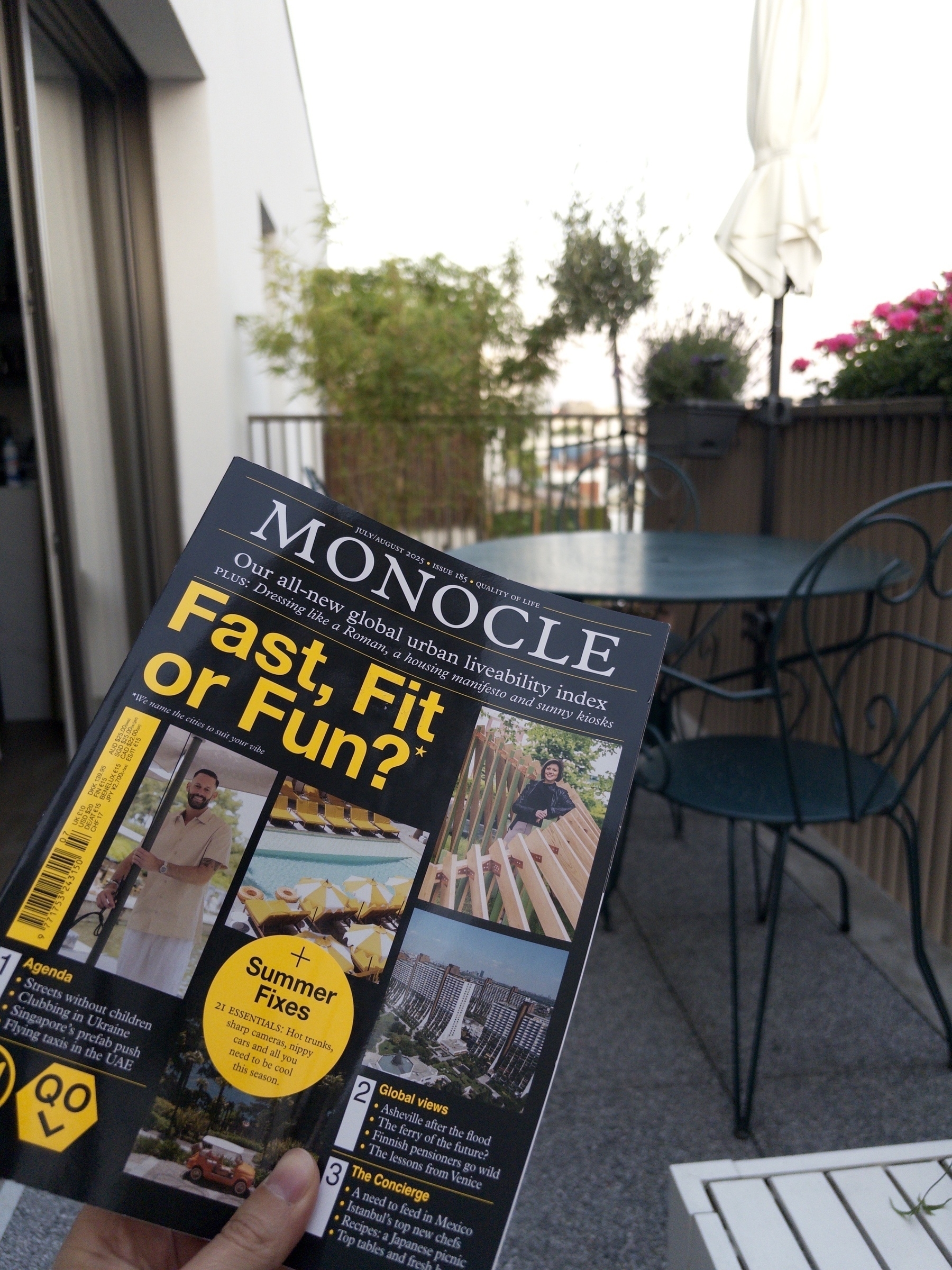
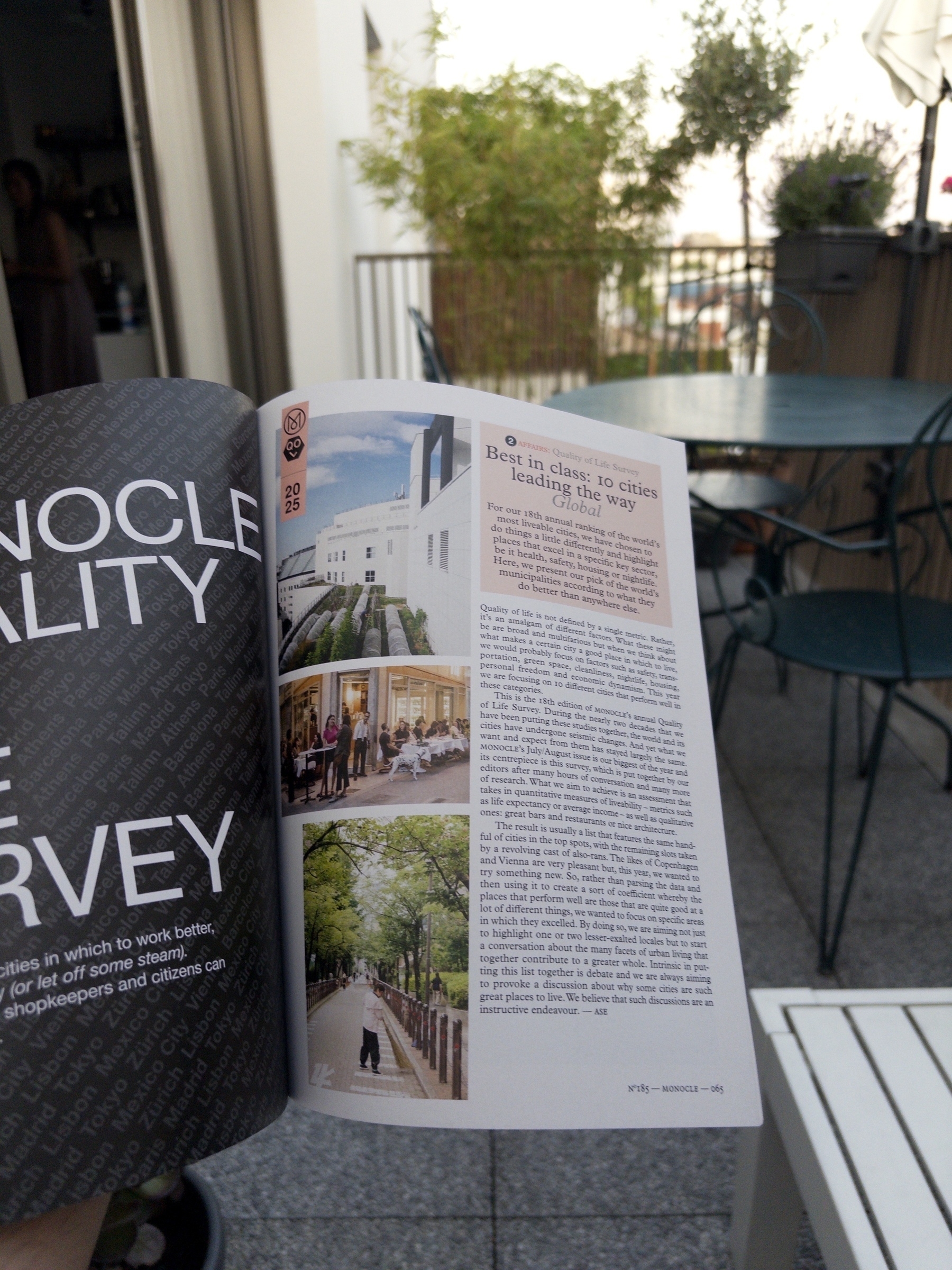
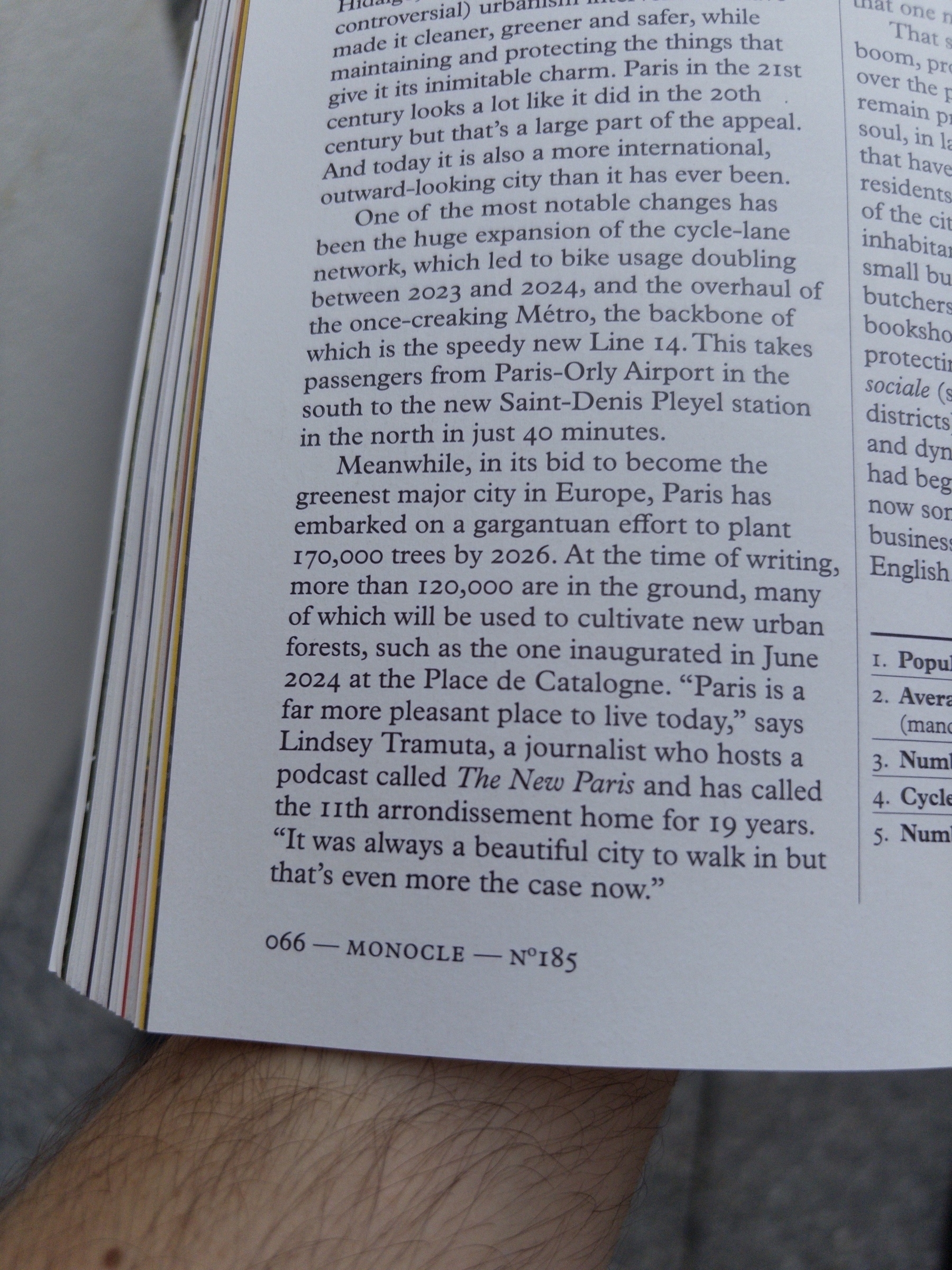
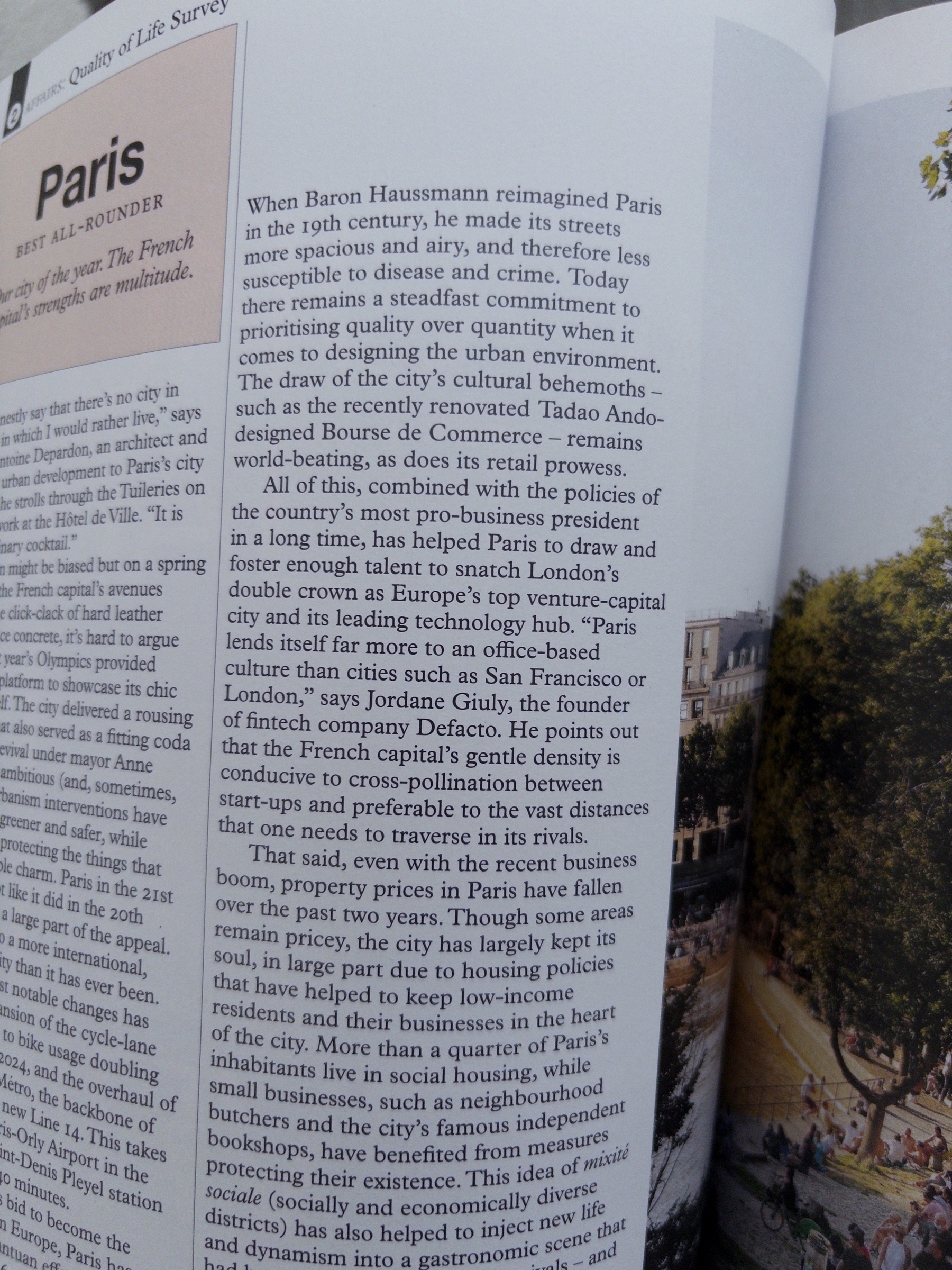
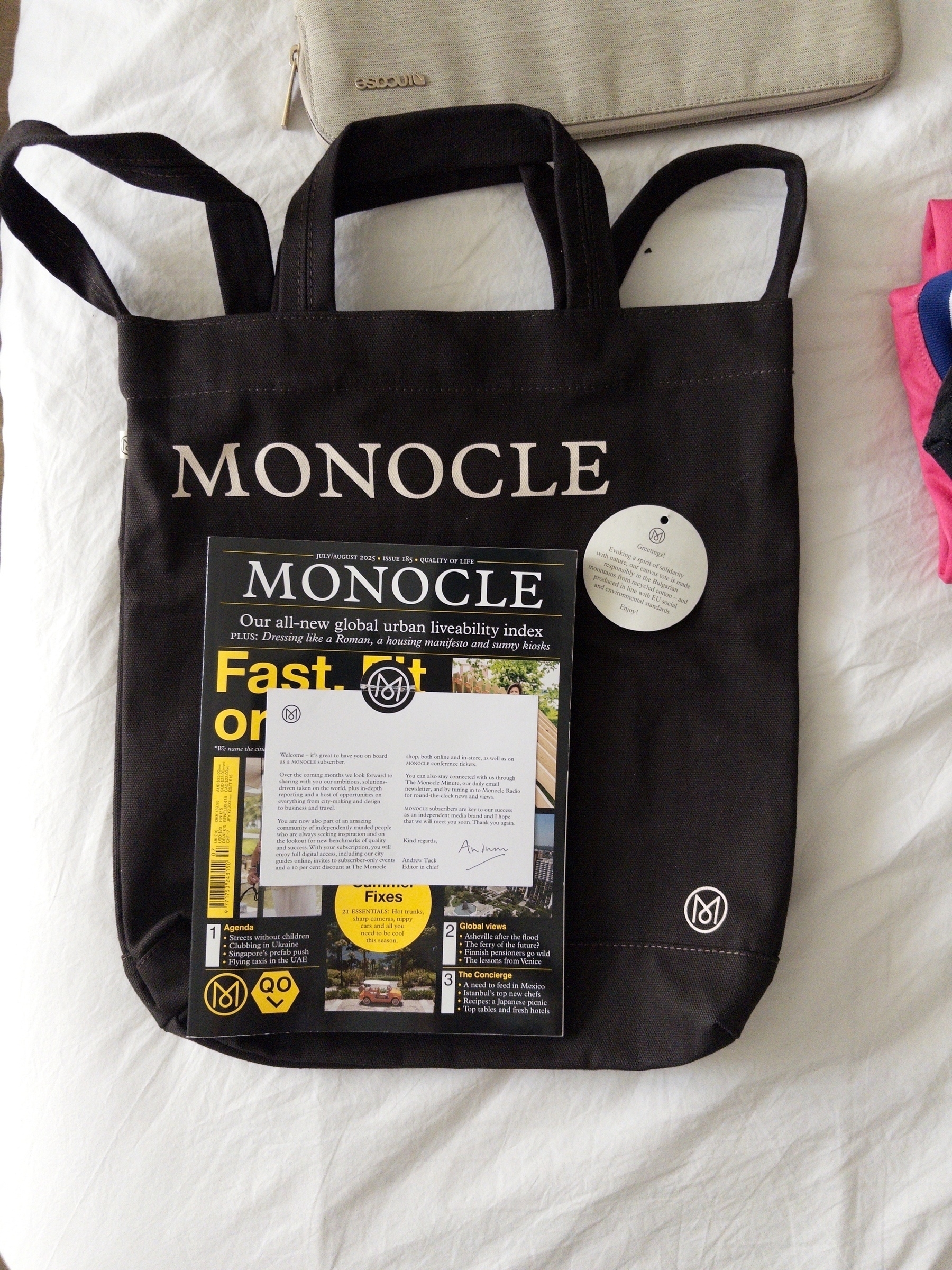
A nice evening to catchup on Monocle’s latest issue, with a big section dedicated to the best cities for Quality of Life.
Especially delighted to see a quote from Jordane Giuly — with whom I worked during my Spendesk days— about how Paris has improved as a place for business, and especially for technology companies of all sizes. Even less surprising was seeing Lindsey’s name in a quote about how the city has changed over the years.
It’s something that I’ve noticed over the past decade, and part of the reason why I’ve been back living around Paris for the past 6 years. Great quality of life, great work life balance, and — unlike 10-15 years ago— much more welcoming to foreigners and non-francophone visitors than it’s ever been.
Respect the city and its inhabitants and it’ll pay dividends the next time you visit for pleasure or for business :)
Seems like my M3 / 2024 Macbook Air is already feeling the limits of DIA being built on Chrome. Was navigating work with multiple tabs & webapps and… heavy temperature + long freezes. You can improve on Chrome, but if you’re built on it, the machines are gonna flyyyyy!
6/13/25
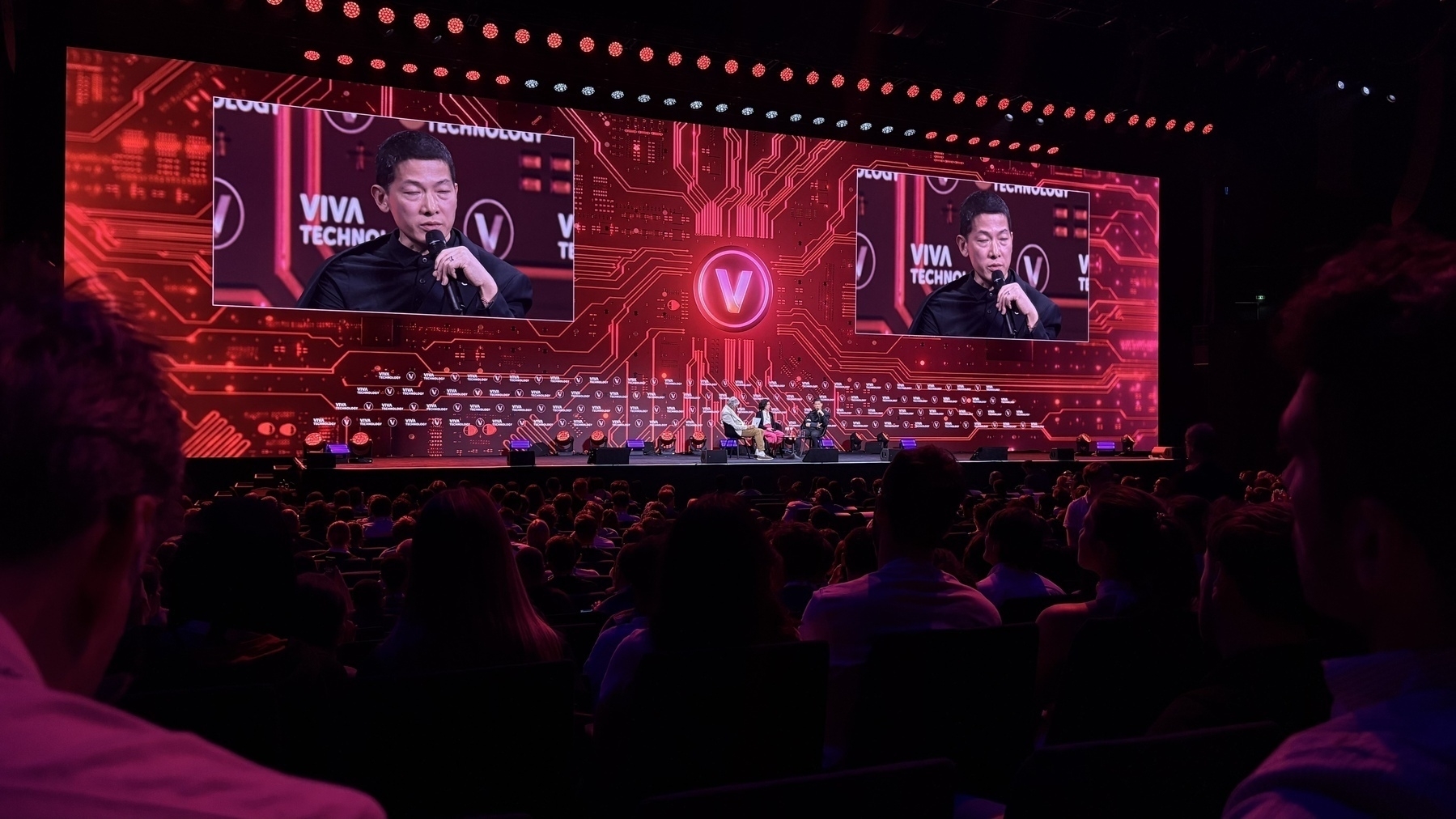
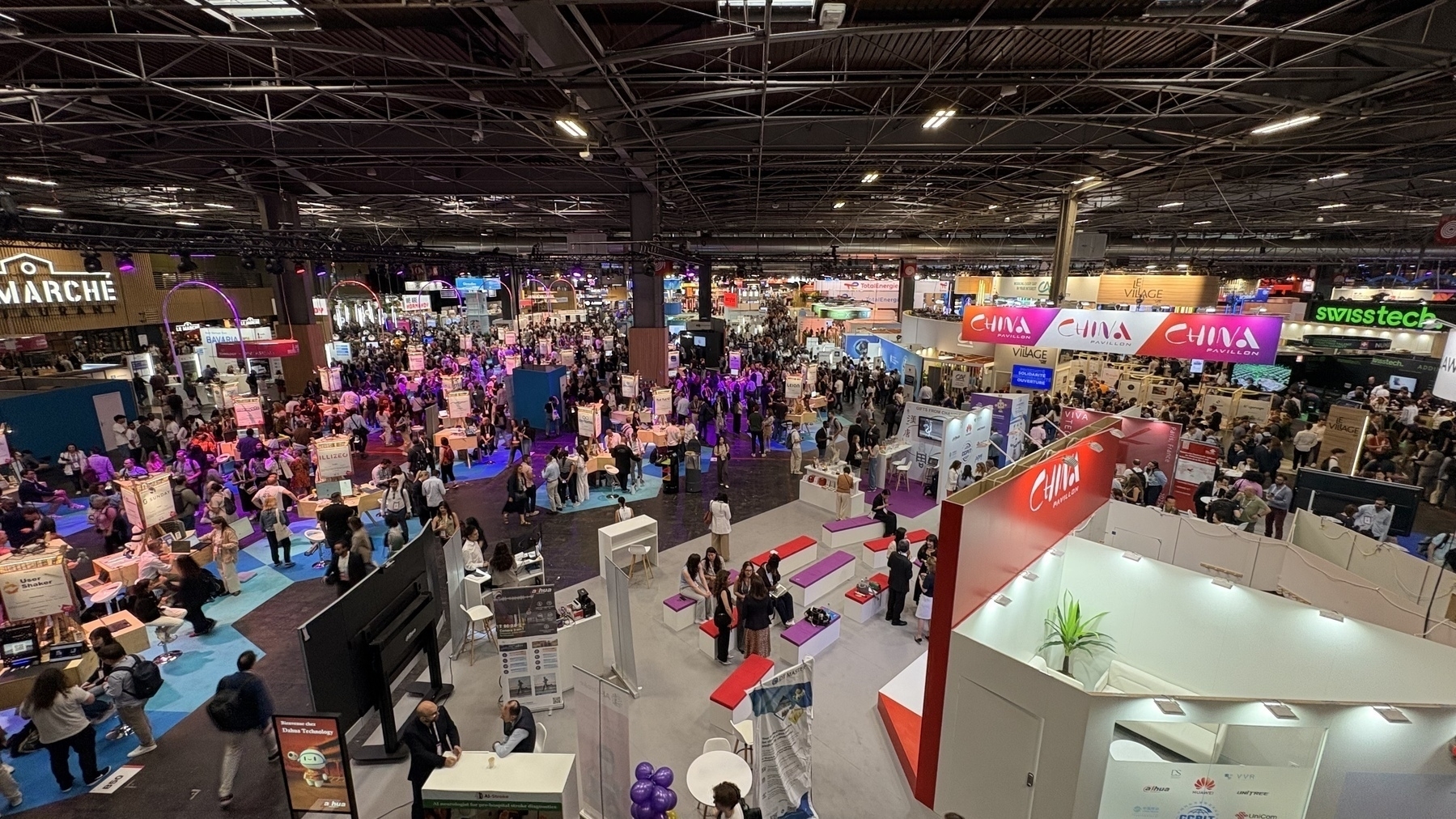
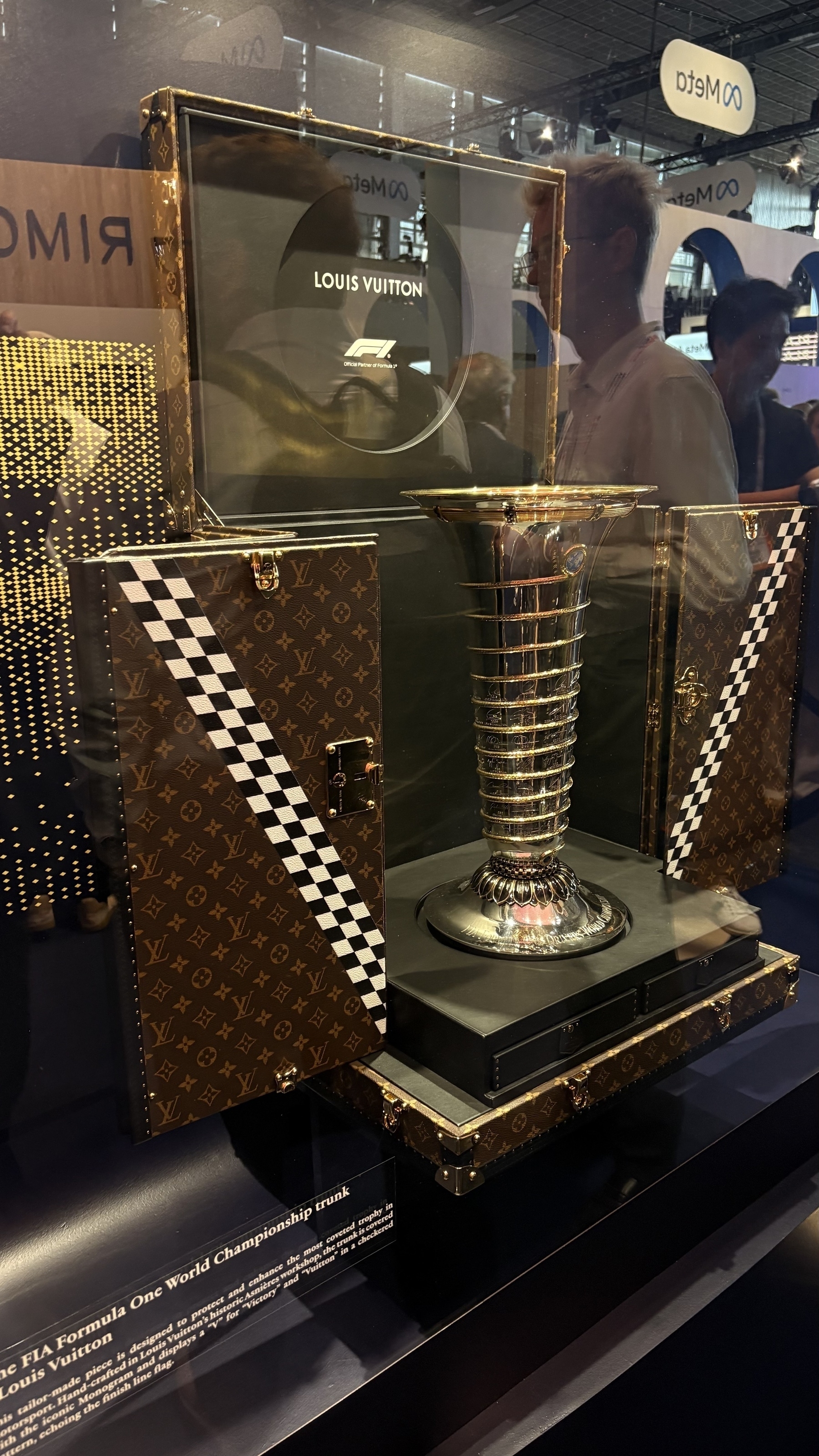
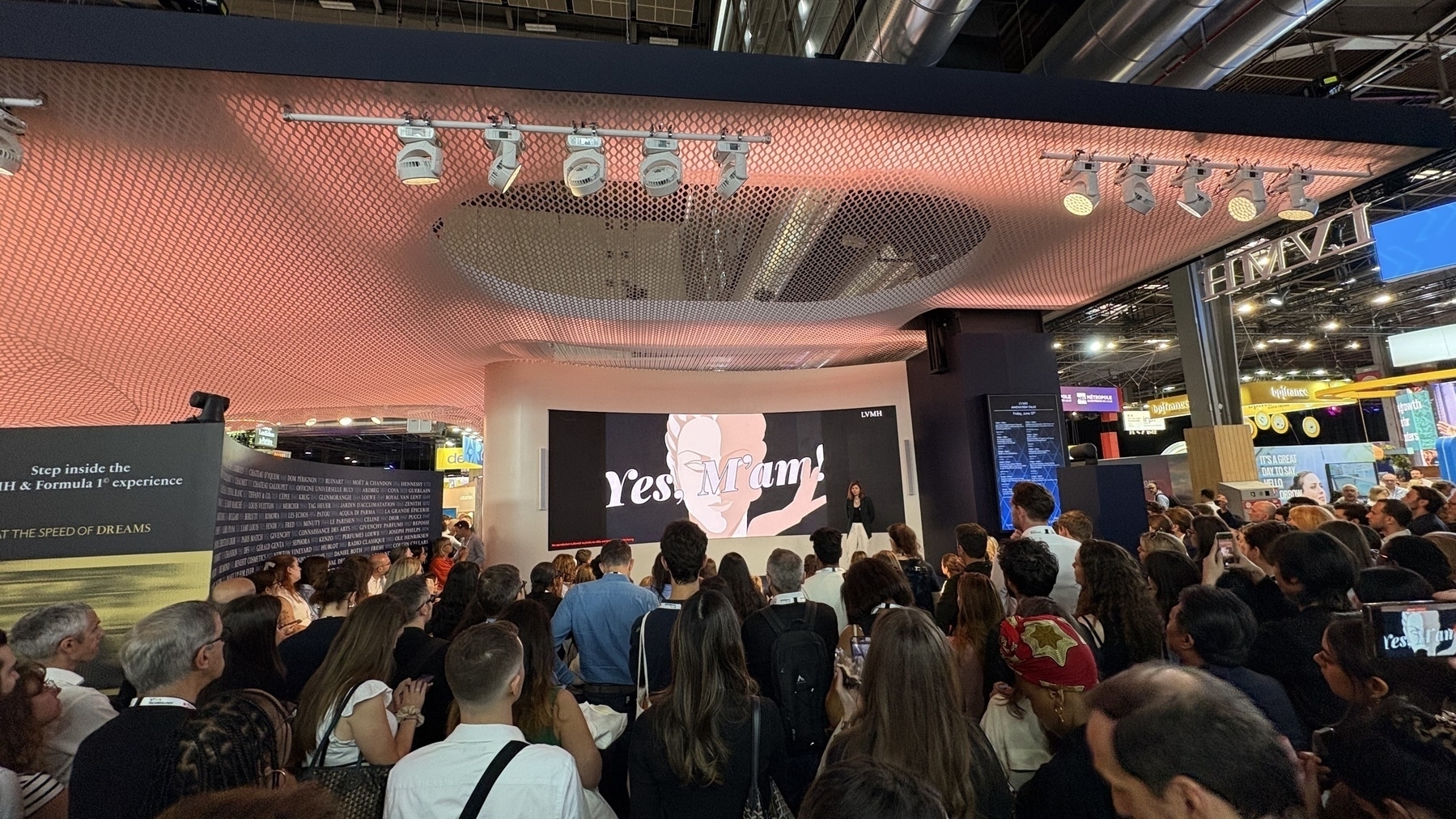
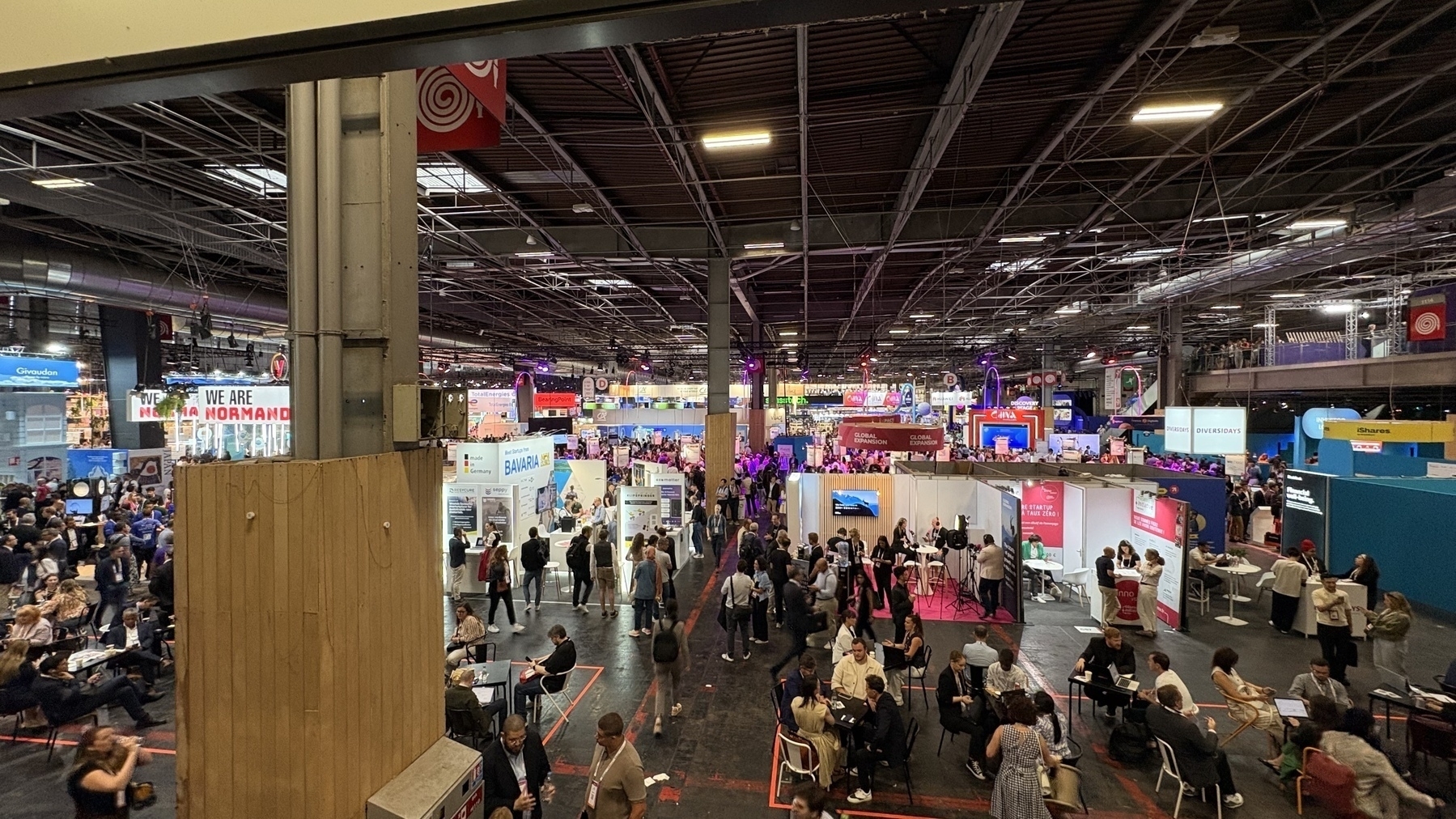
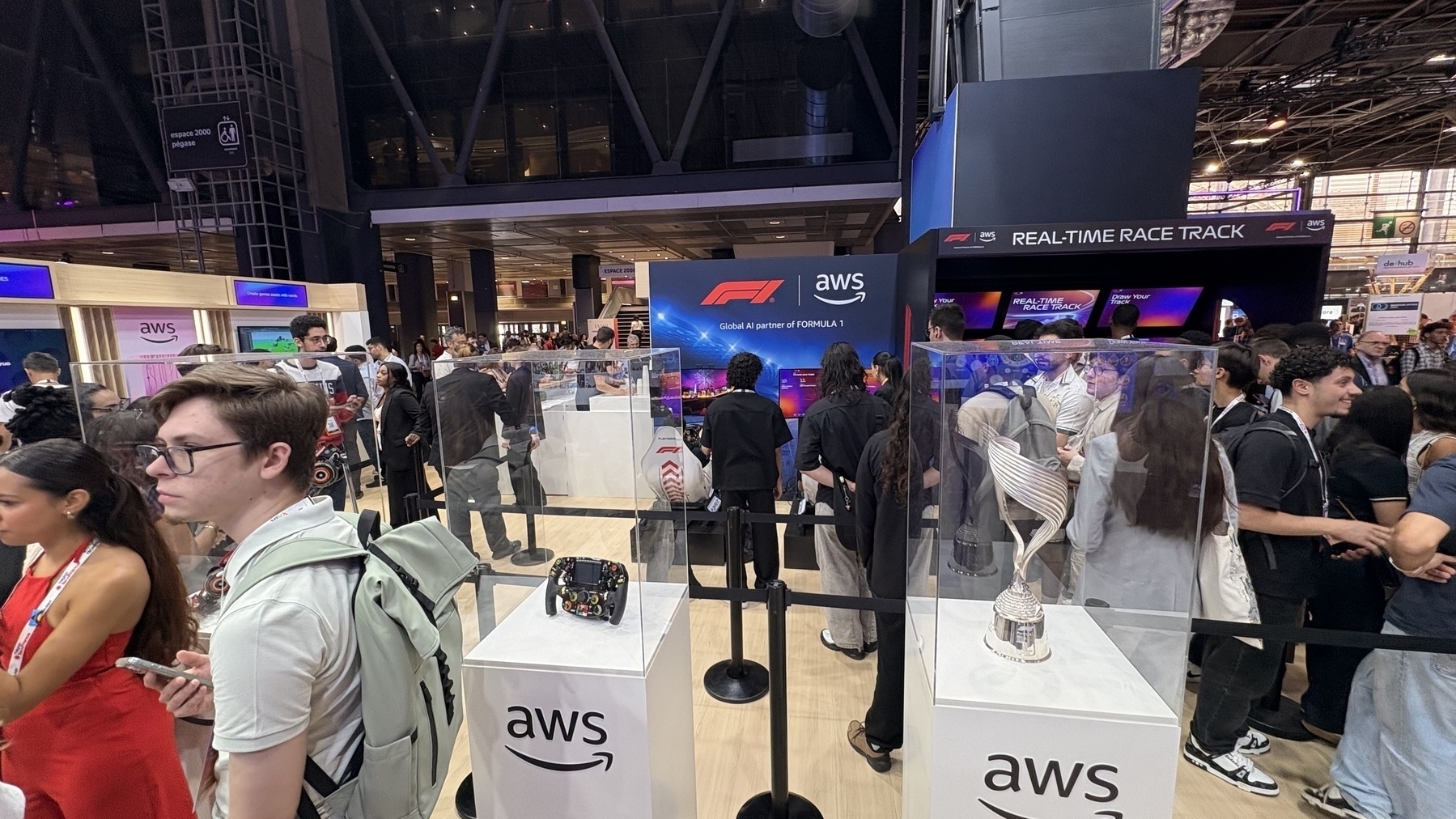
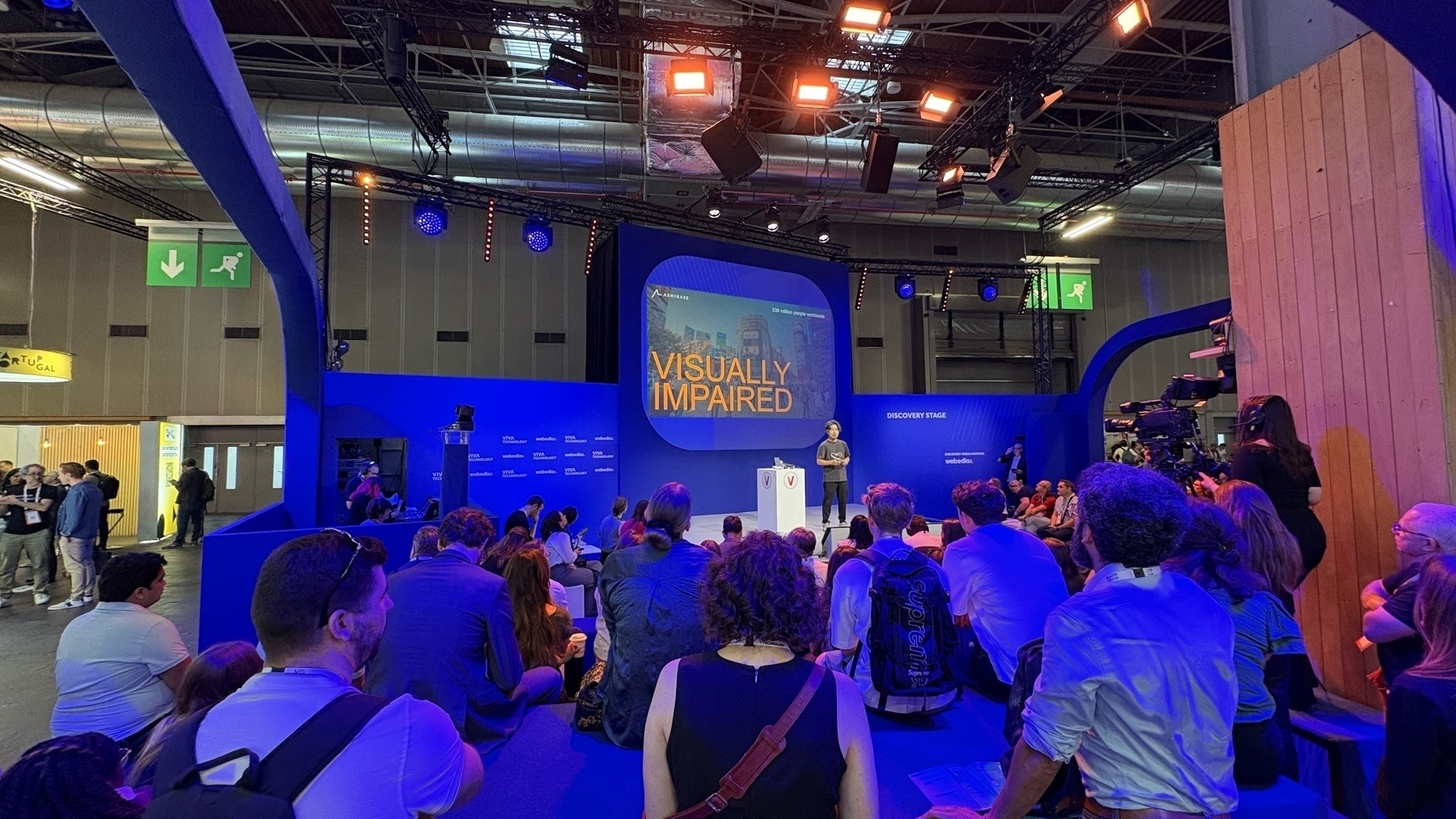
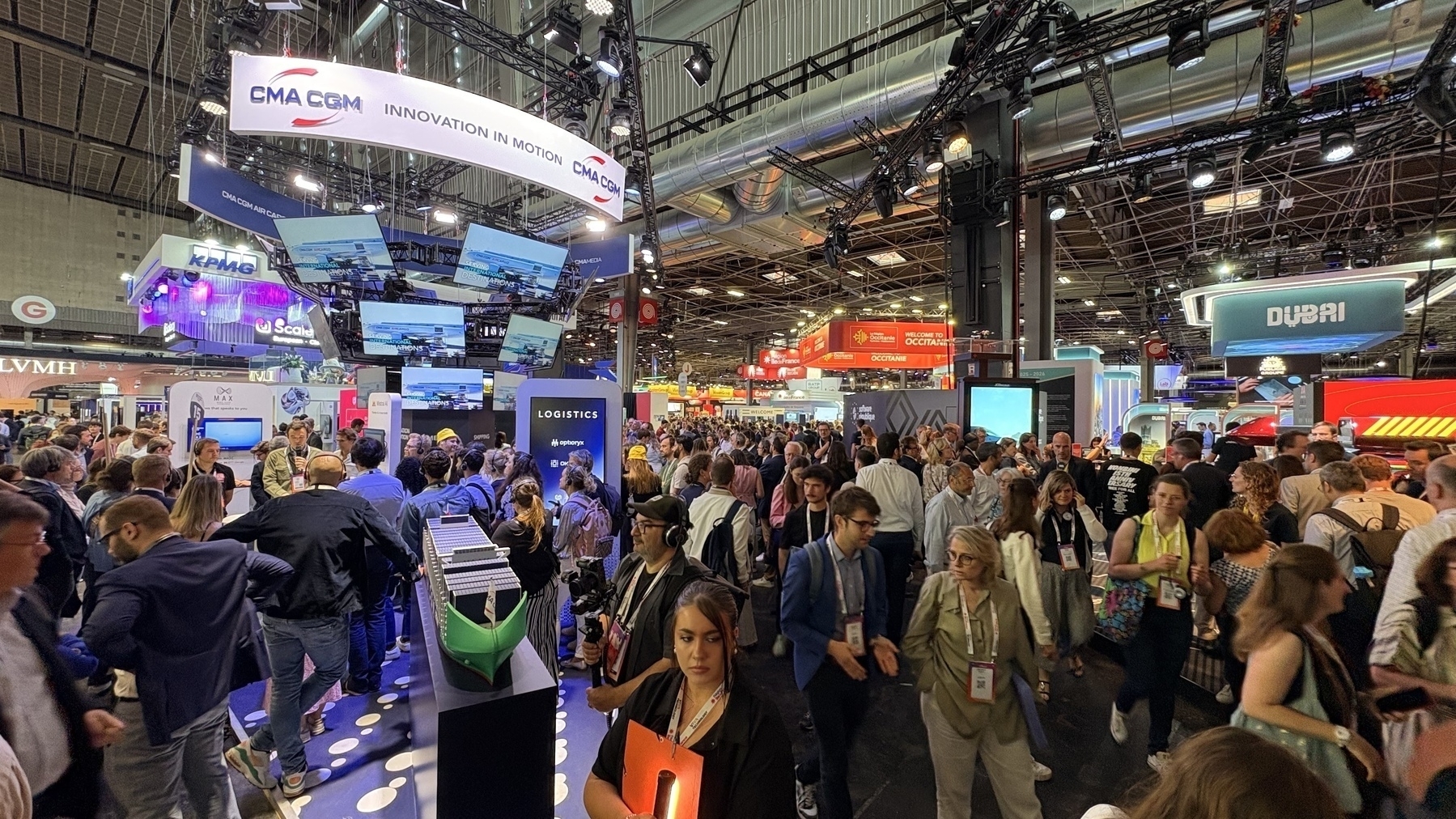
Just got back from a day at Viva Tech 2025 for Work.
The event was huge, with 165,000 attendees over four days, making it the biggest conference I’ve ever been to.
AI was obviously the star of the show, popping up everywhere and driving discussions on its ethical implications and practical applications. It was interesting to see how governments (national and regional) and companies are leveraging AI to innovate in their core businesses.
I attended 2 really cool keynotes :
Overall, a great opportunity to see how the industry is evolving. It was a solid experience, and I’m already looking forward to next year’s event.



I’ve had this one on rotation since 2011:

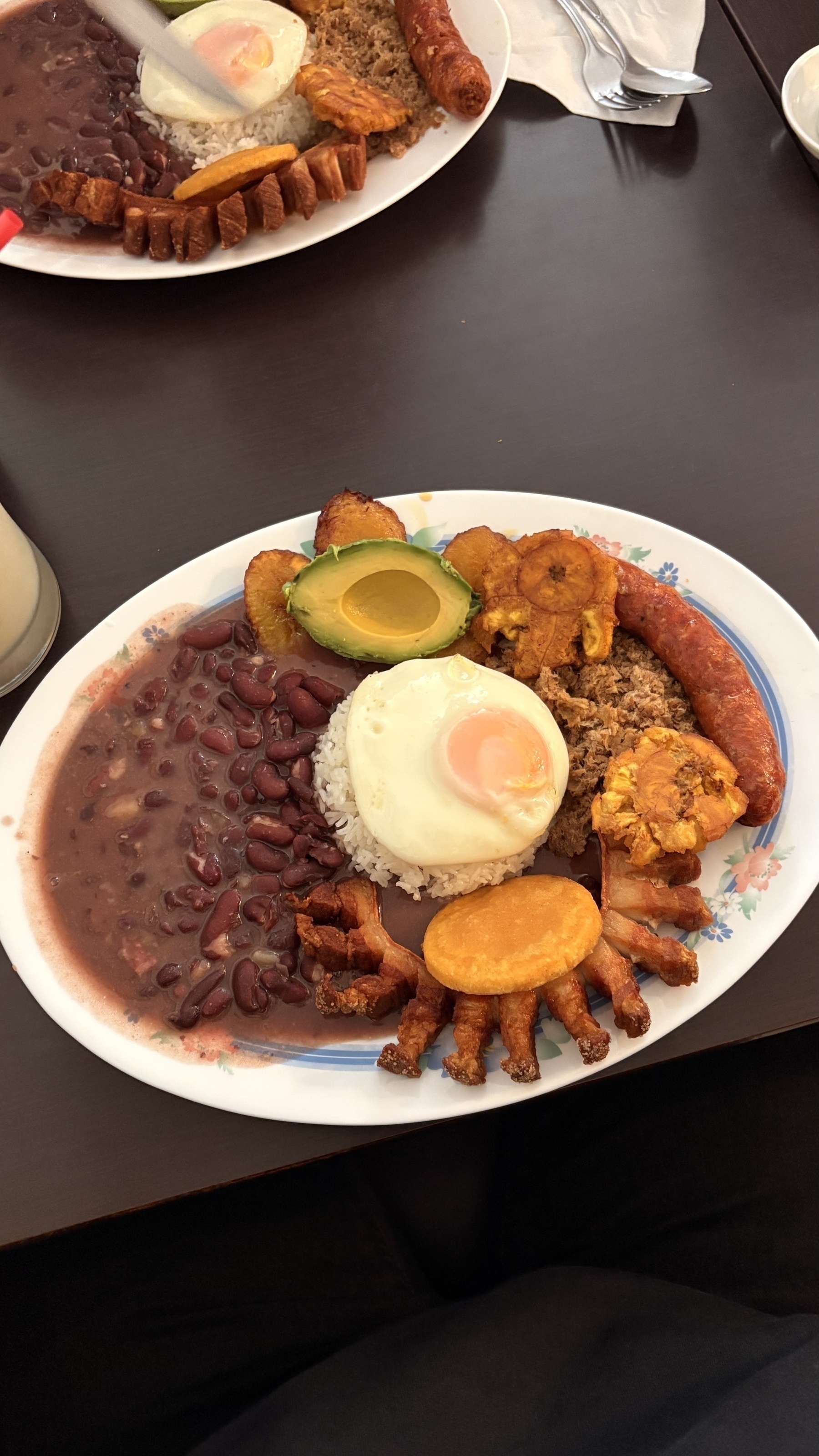
Coworker took us out to a mom & pop Colombian restaurant close to the office. OMG it was the real deal!
4/15/25
Recently created 2 AI Agents to help me in my job — a great exercise for me, considering I’m in a customer-facing role and non-technical position.
Basically, one focuses on our vertical, and one is more horizontal, by contrast. Doing so is a real timesaver, while not breaching any confidentiality or confidential information. Really powerful stuff that is already paying dividens and making me better at my job…
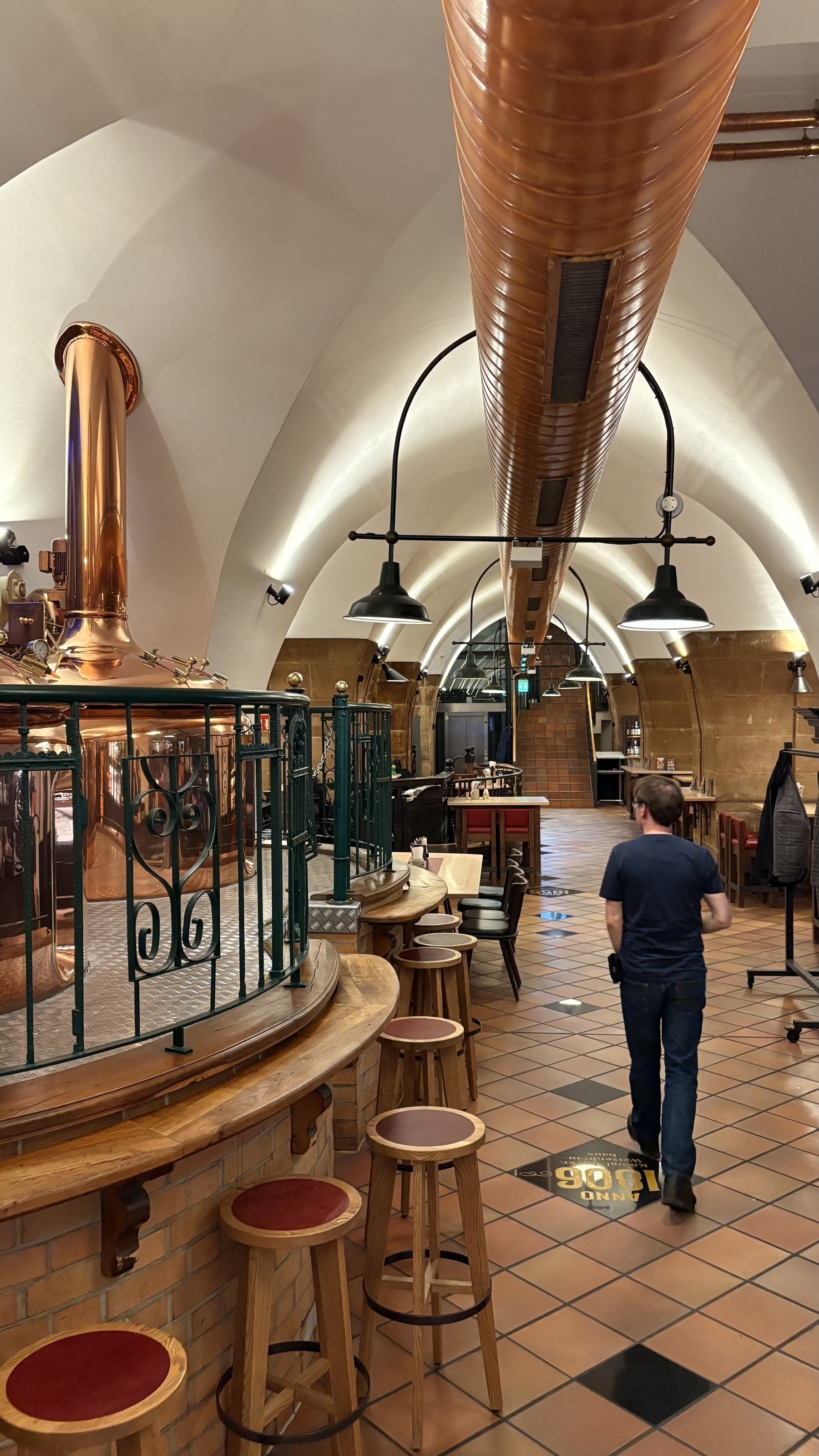
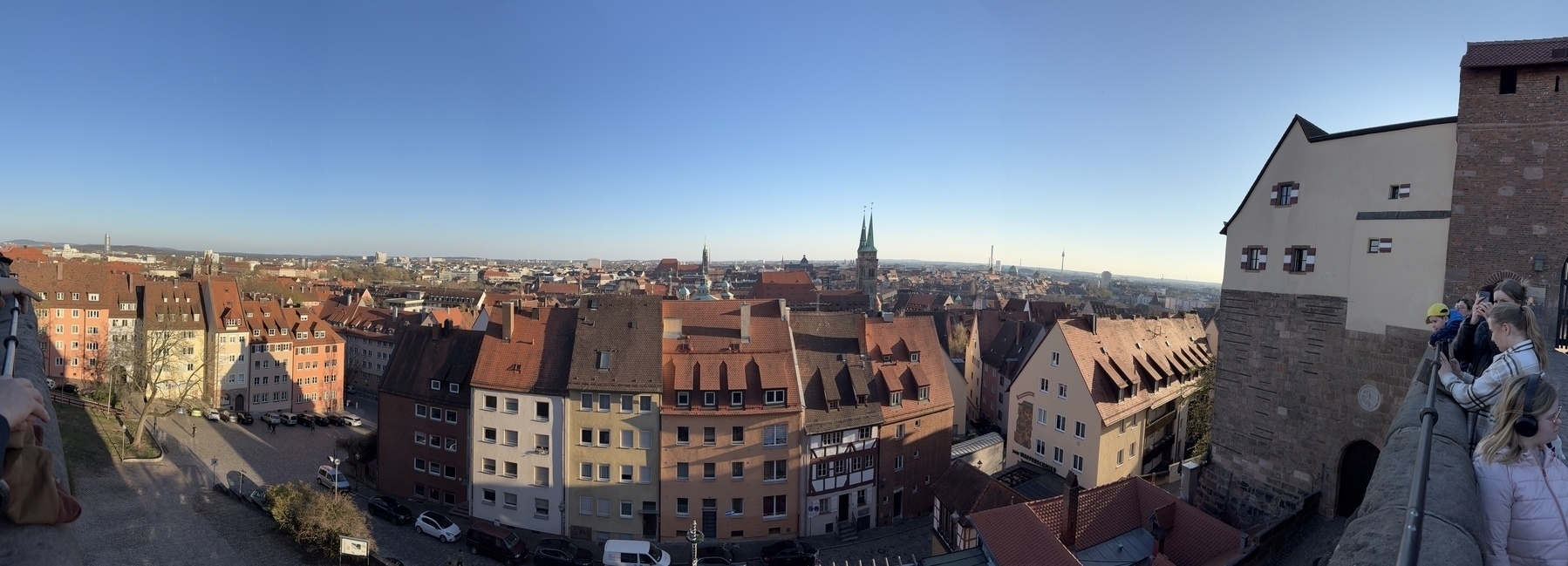
Earlier this week: in Nuremberg for work



This goes against a lot of things I believe in — which is unsurprising since it’s about New York-based corporate culture…
“New York’s Work-From-Home Moment Is Over But the Office Has Shrunk”