8 days to go til I finish this chapter of my professional career
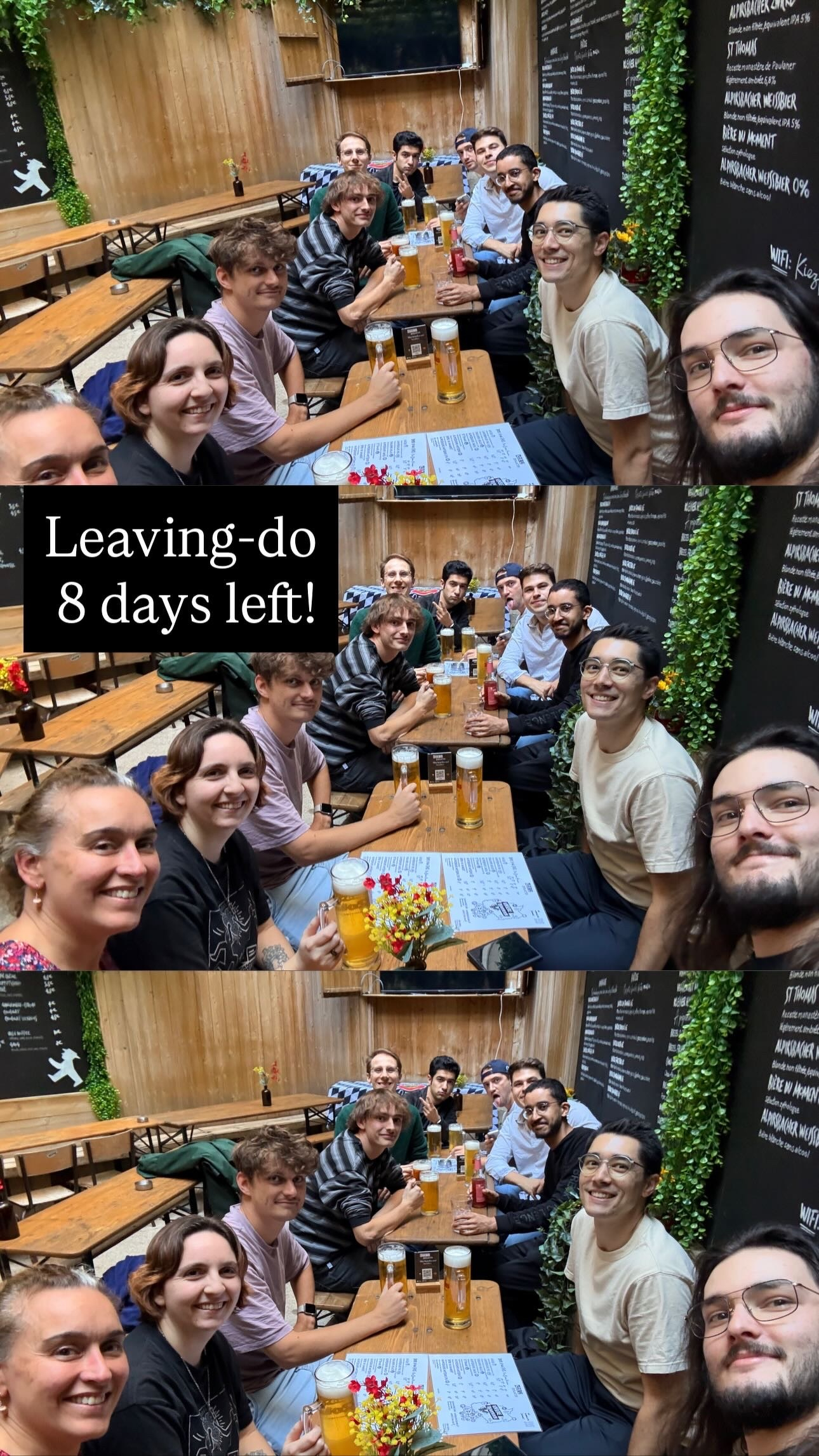
8 days to go til I finish this chapter of my professional career
I’d rather have a seat at the table than a comment in the section.
Well played @nalden
Happy Apple OS upgrade day to all those who celebrate! 🍎 🖥️ 📱 🤖 ⚙️
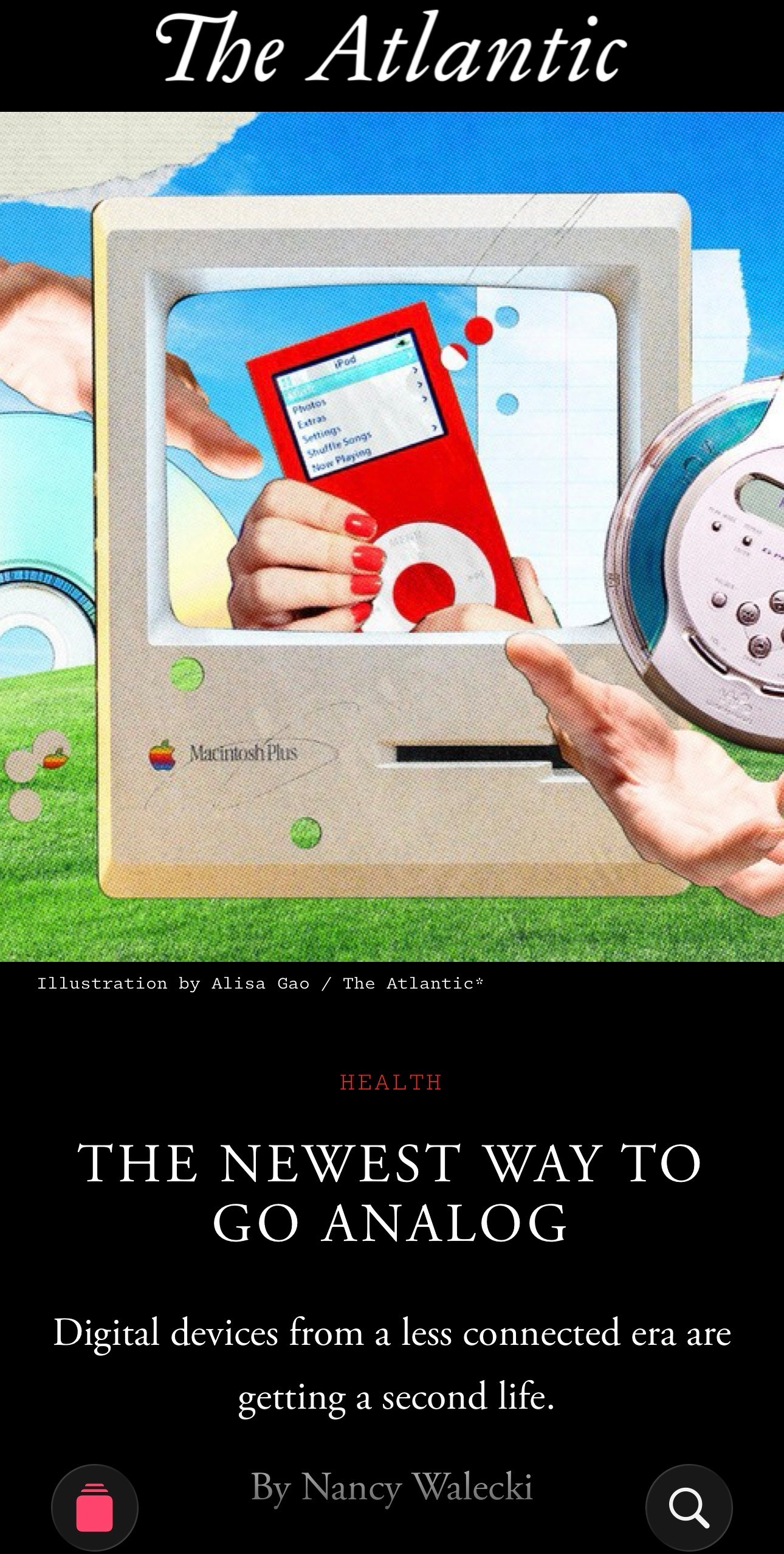
Considering notifications/enshittification/social media/smartphone addiction, this isn’t half-bad of an idea. “The friction” being the point, part of the experience, is an interesting factor.
Made me want to unearth my OG 110GB iPod Classic — only I couldn’t quite find it this evening. Something fun to play with once I’m able to get my hands on it!
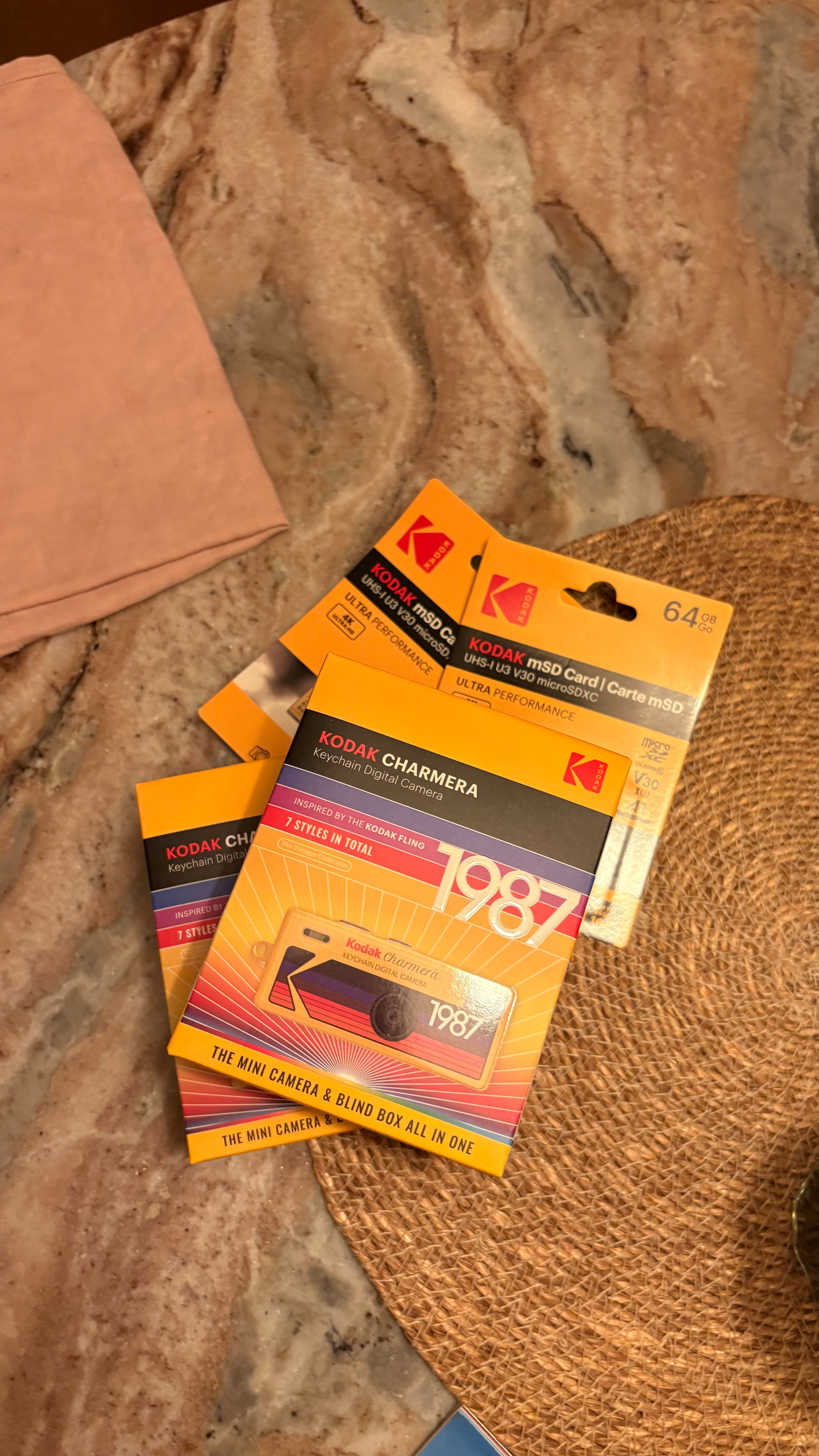
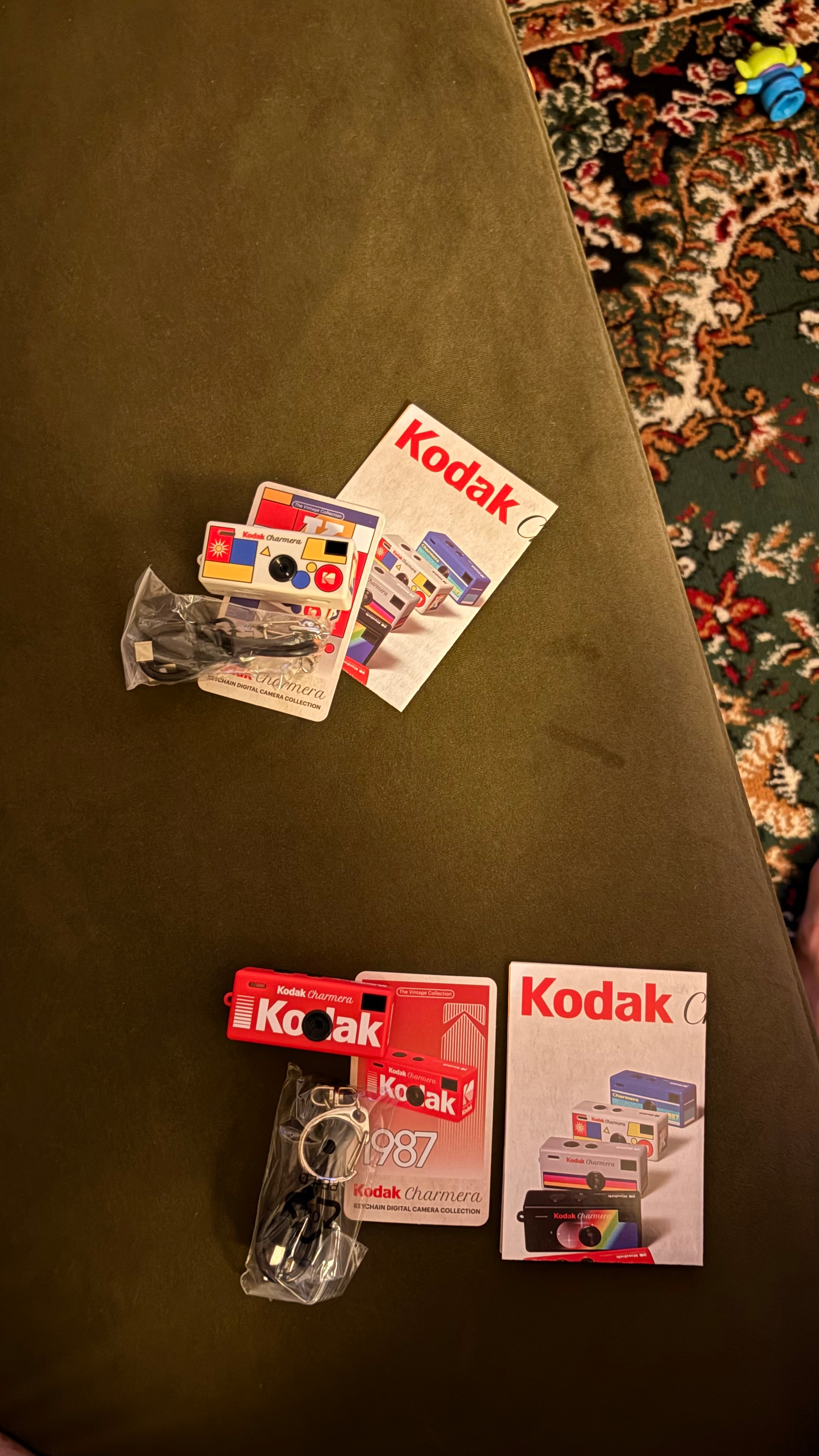
Got ourselves some summer toys to explore our creativity as a couple, away from phones…
New project brewing — rarely felt so aligned with myself in my entire life! ☕️
Software brain says Go faster; do more; the only mistake you can’t fix is having gone too slow. Hardware brain says Slow down; do less; focus; strive for perfection and never settle for less than excellence; mistakes are forever.
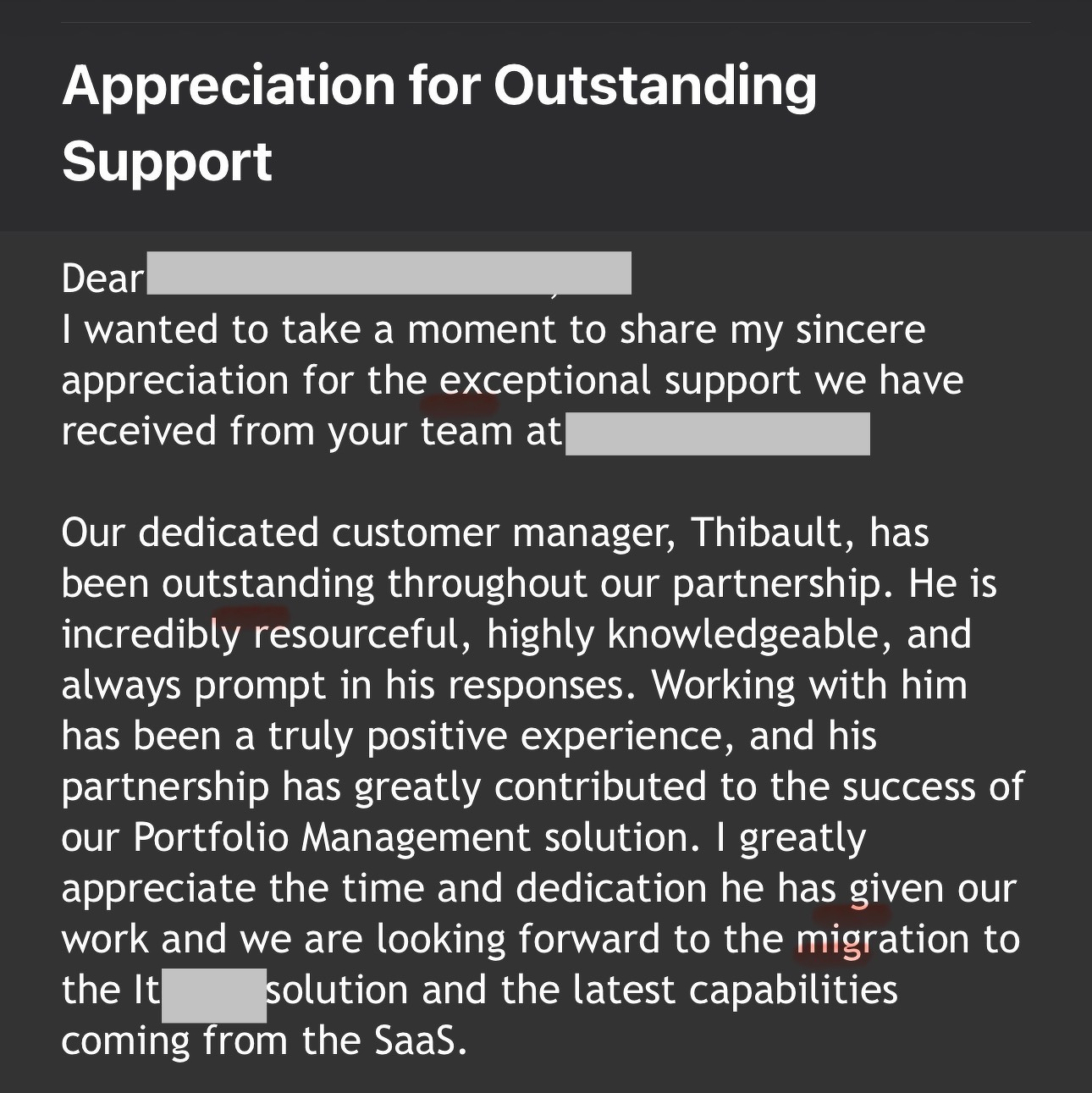
Incredible customer feedback today — my champion went through the trouble of emailing my Manager, our CEO, and our co-founder and President about this!
🤩
4/18/26
I’ve been thinking about using AI tools in more practical, personal ways for a while now. Not for everything. But for the right things. Somewhere between curiosity and necessity, I started building a handful of small guides for myself over the past few months, and I wanted to document how that happened.
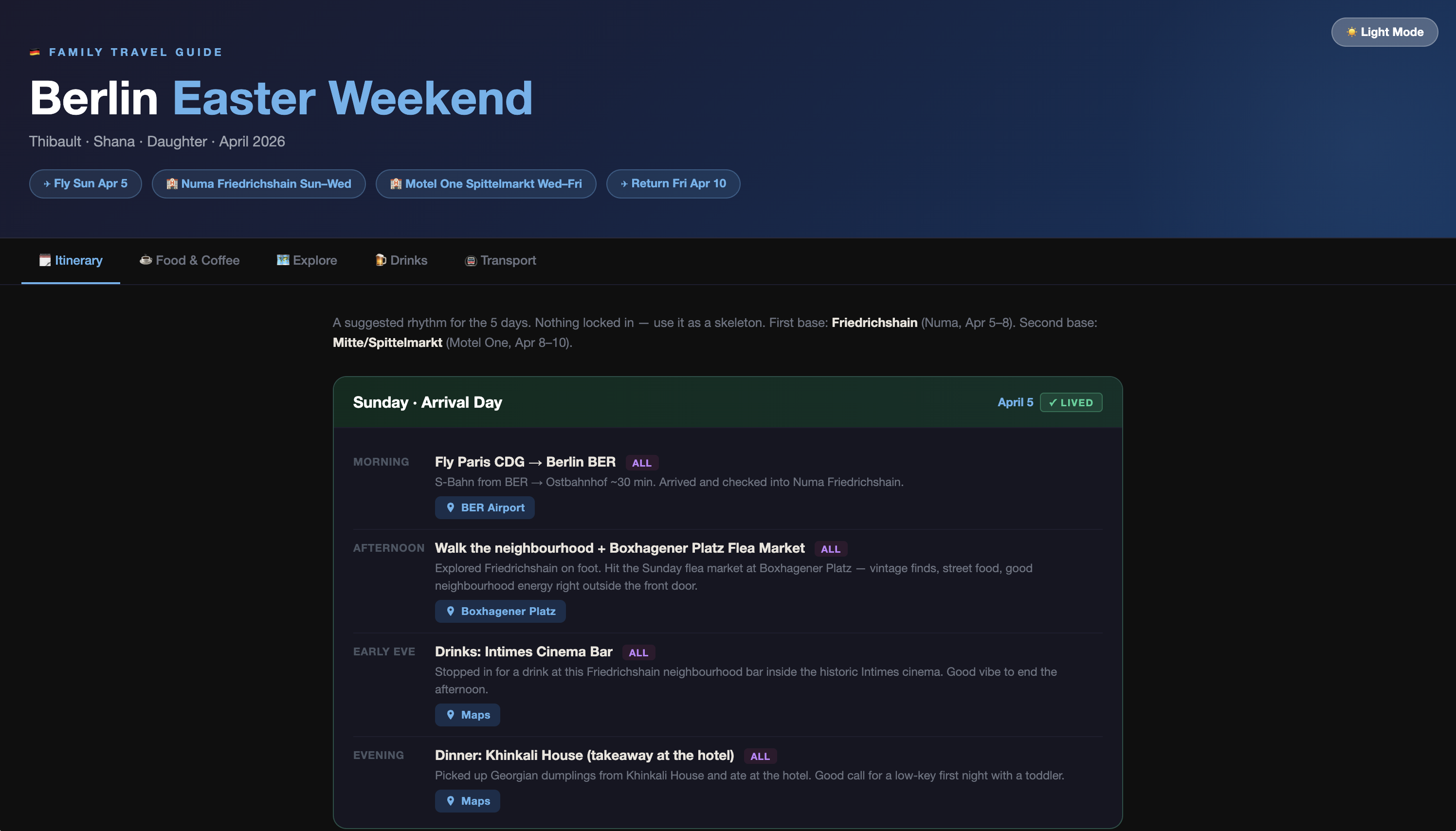
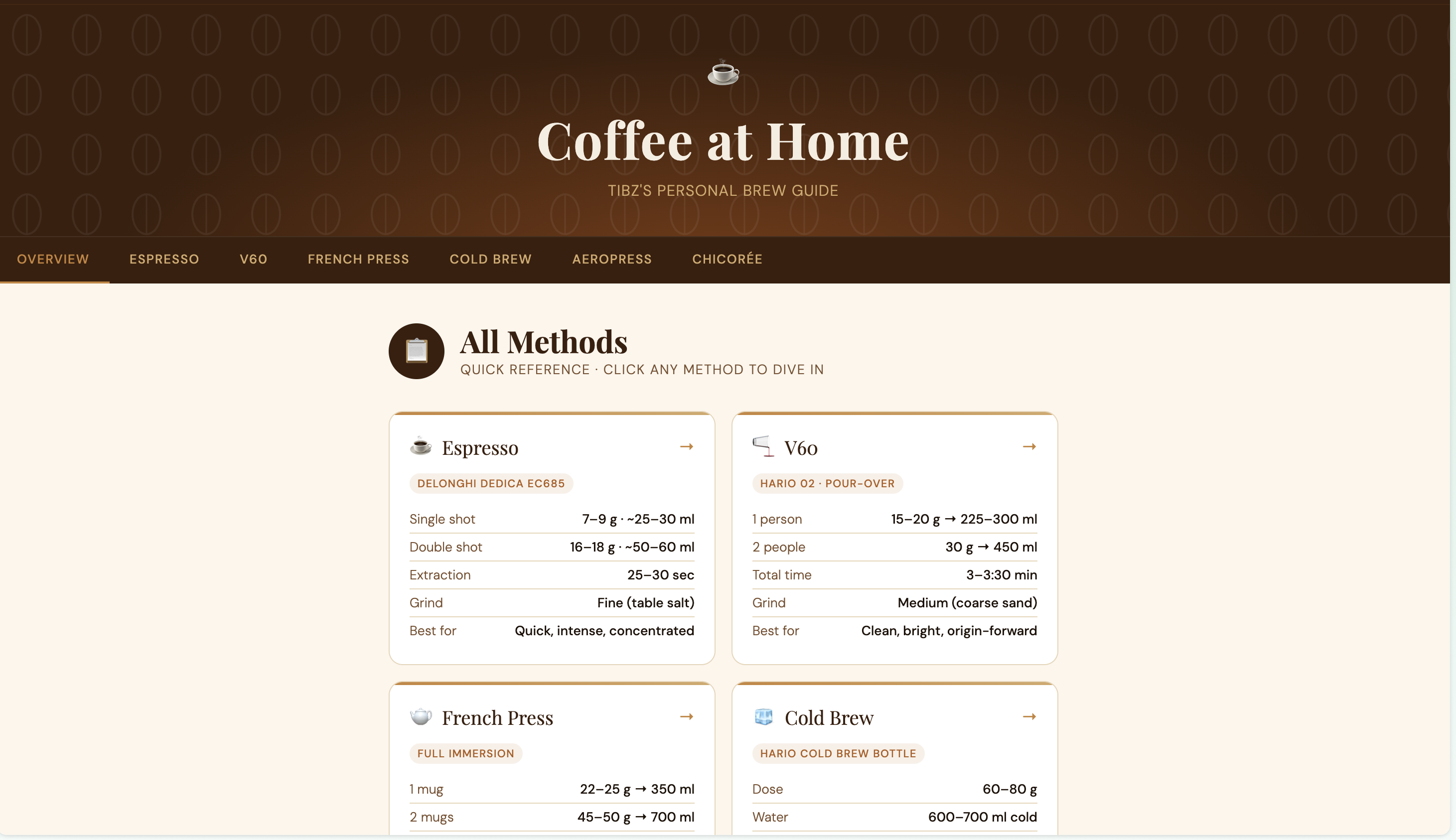
—## It started with ParisI’ve had a list of Paris recommendations for quite a while now. Over the past few years, it took the form of a shared Apple Notes folder, organized with different lists of recommendations. Coffee spots, restaurants, neighborhoods — the kind of stuff friends and family ask about whenever they visit us or simply travel here. I used to just send long texts or emails. Later it took the form of this Apple Notes folder with different notes inside of it, and direct links to Apple Maps. It worked, but it wasn’t great.So I sat down and tried something: I dumped everything I knew into a conversation with Claude, described what kind of places I actually care about (neighborhood spots, good coffee, no tourist traps), and asked it to help me structure everything into something I could actually send people. A few iterations later, I had a clean, navigable HTML page I could just… link to.Honestly? It’s one of the most useful things I’ve made. I’ve shared it probably a dozen times since, with friends & family.The key was being specific. I wasn’t asking it to “make a Paris guide.” I was telling it: here are the places I like, here’s the vibe I’m going for, here’s who this is for. It responded to that. Then I asked it to organize it as a simple static html file to upload to my own website. And then I refined it over time (light mode/dark mode, direct links to Apple Maps, etc.) You can view the guide as it stands now at tibz.blog/Paris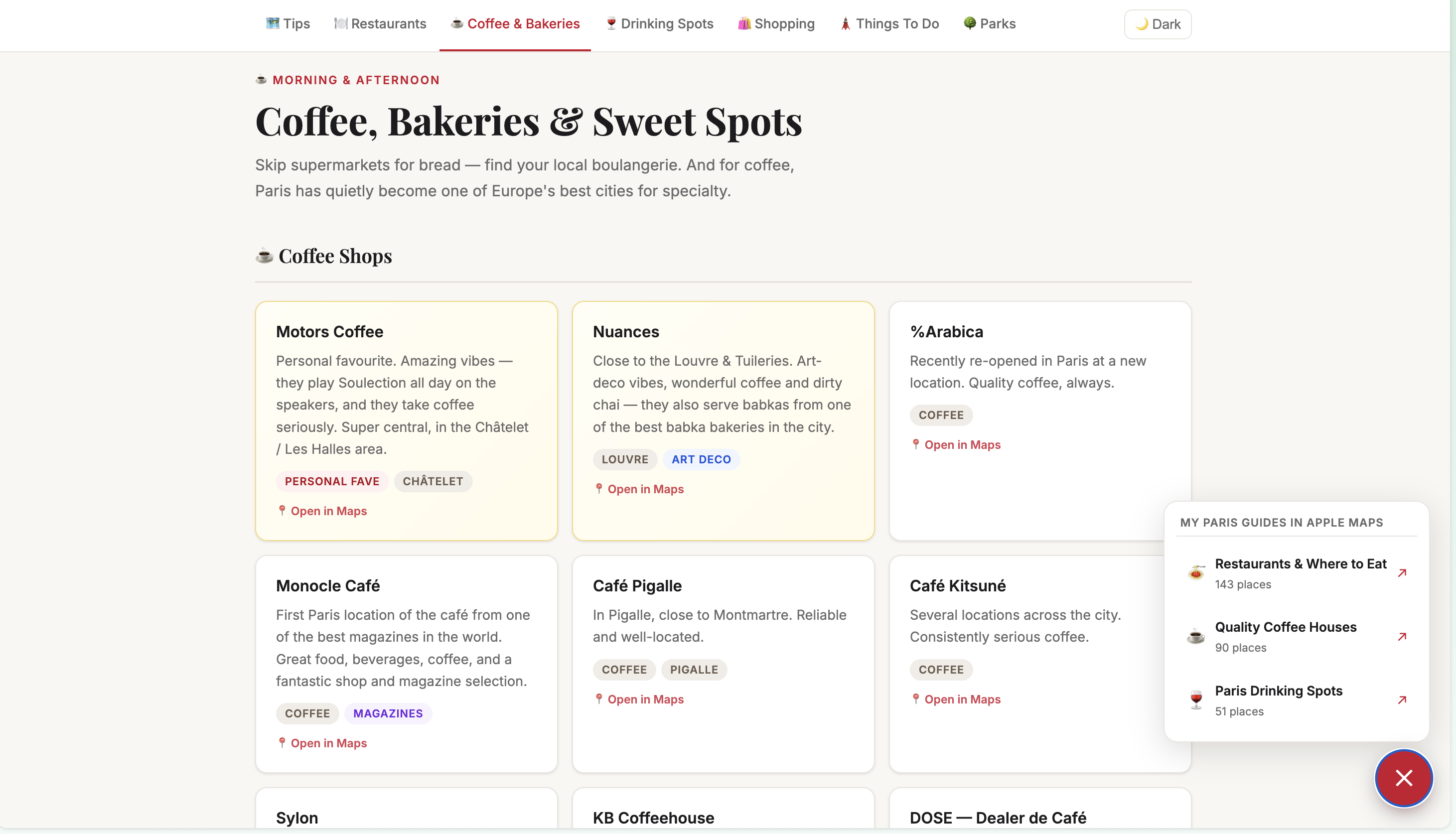 —## Then came BerlinEarlier this month, we took a trip to Berlin over Easter — me, Shana, and our daughter. It coincided with a work trip to the Berlin office during the following week. Family travel with a toddler is its own kind of planning challenge, even when our daughter is already pretty easy and well-traveled: you need stroller-friendly neighborhoods, nap-window logistics, coffee that doesn’t suck, food that works for all three of us.I used the same approach as Paris. Described our situation, what we needed, what we didn’t want. The type of vibes we were after, the neighborhoods we were curious about. The output was a proper guide organized by neighborhood and day — built into an HTML page, hosted on my blog, so I could pull it up from my phone mid-trip.Then after we got back, I did something I hadn’t planned on: I went back into it and asked Claude to turn it into a record or log of what we actually did. Swapped the recommendations for the places we really went to, updated the itinerary to reflect how the days actually played out. Now it reads less like a planning doc and more like a trip log.Both versions felt useful in their own way. And the whole process — planning to debrief — was maybe a couple of hours of back and forth spread over a few days. This one is available at tibz.blog/berlin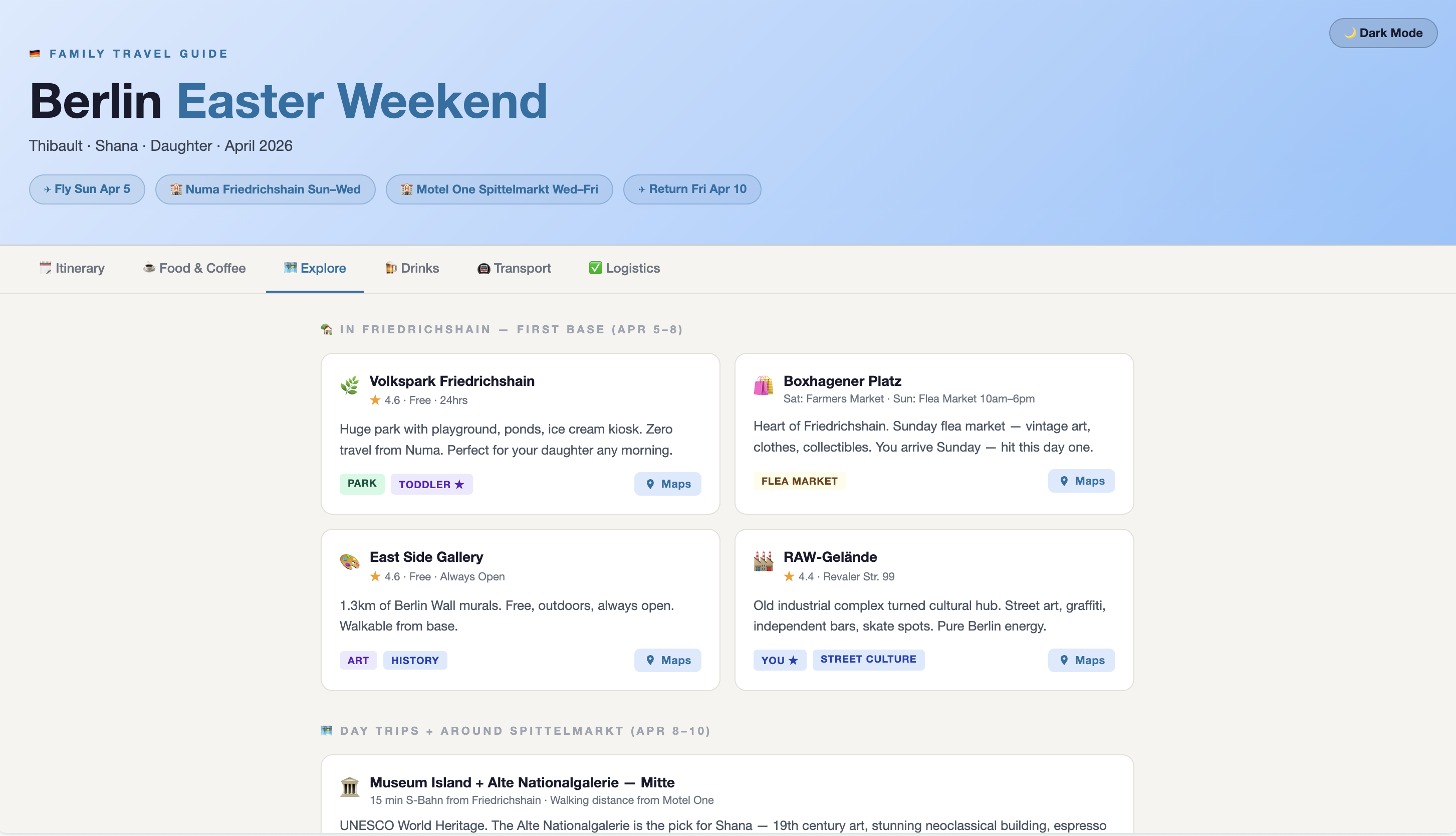
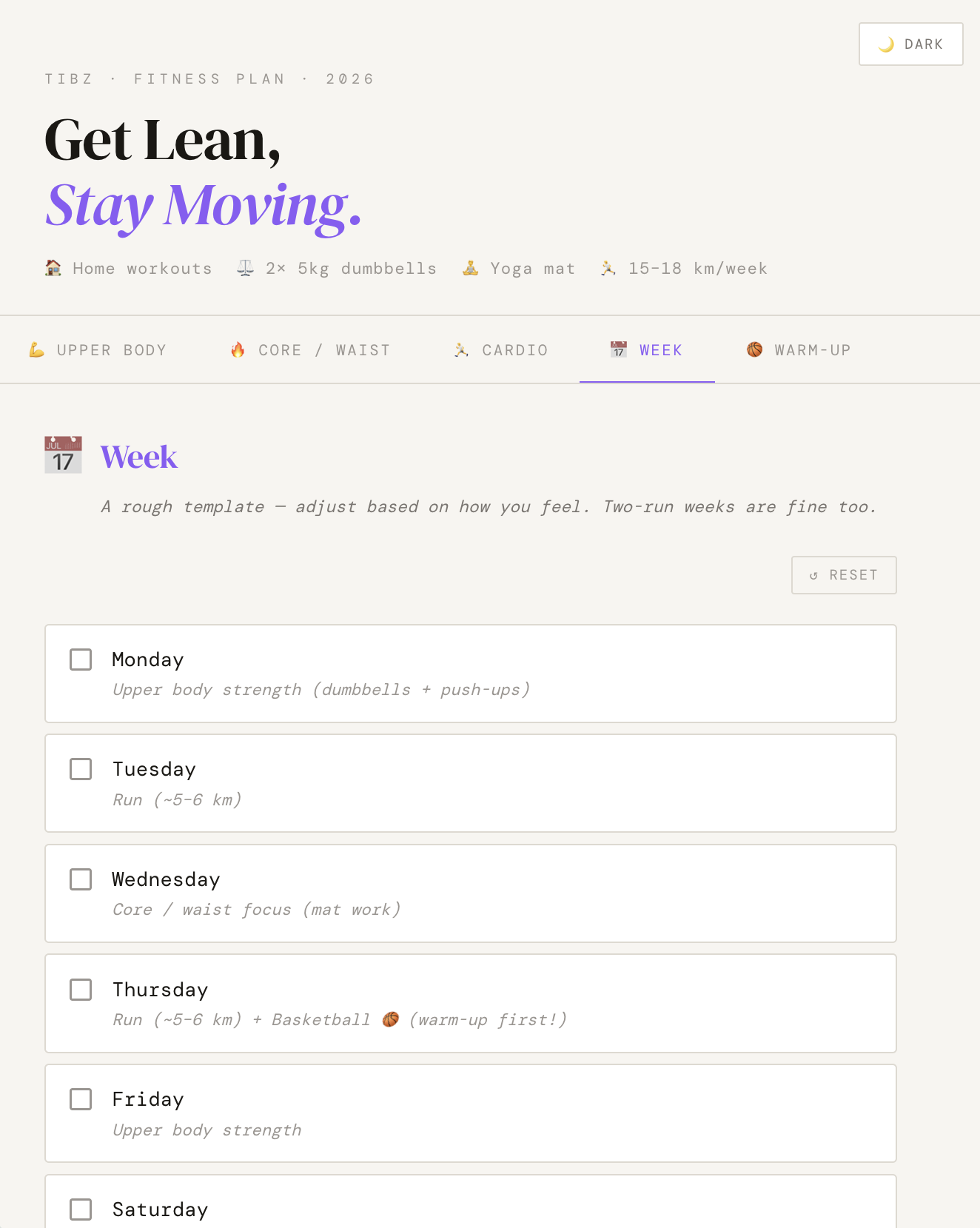
 —## And finally, fitnessI run a few times a week. I play basketball on Thursdays. I have a yoga mat and two dumbbells at home. That’s the full setup.I wanted a weekly routine that actually reflected my life — not some generic program assuming I have a gym, infinite time, or perfect knees. I described my habits, my goals (upper body improvements, building running volume gradually, staying knee-conscious), and what I was working with. The plan I got back was something I could realistically follow, which is rare.I’ve used it more consistently than anything else I’ve tried. Probably because it was built around my actual situation. tibz.blog/workout
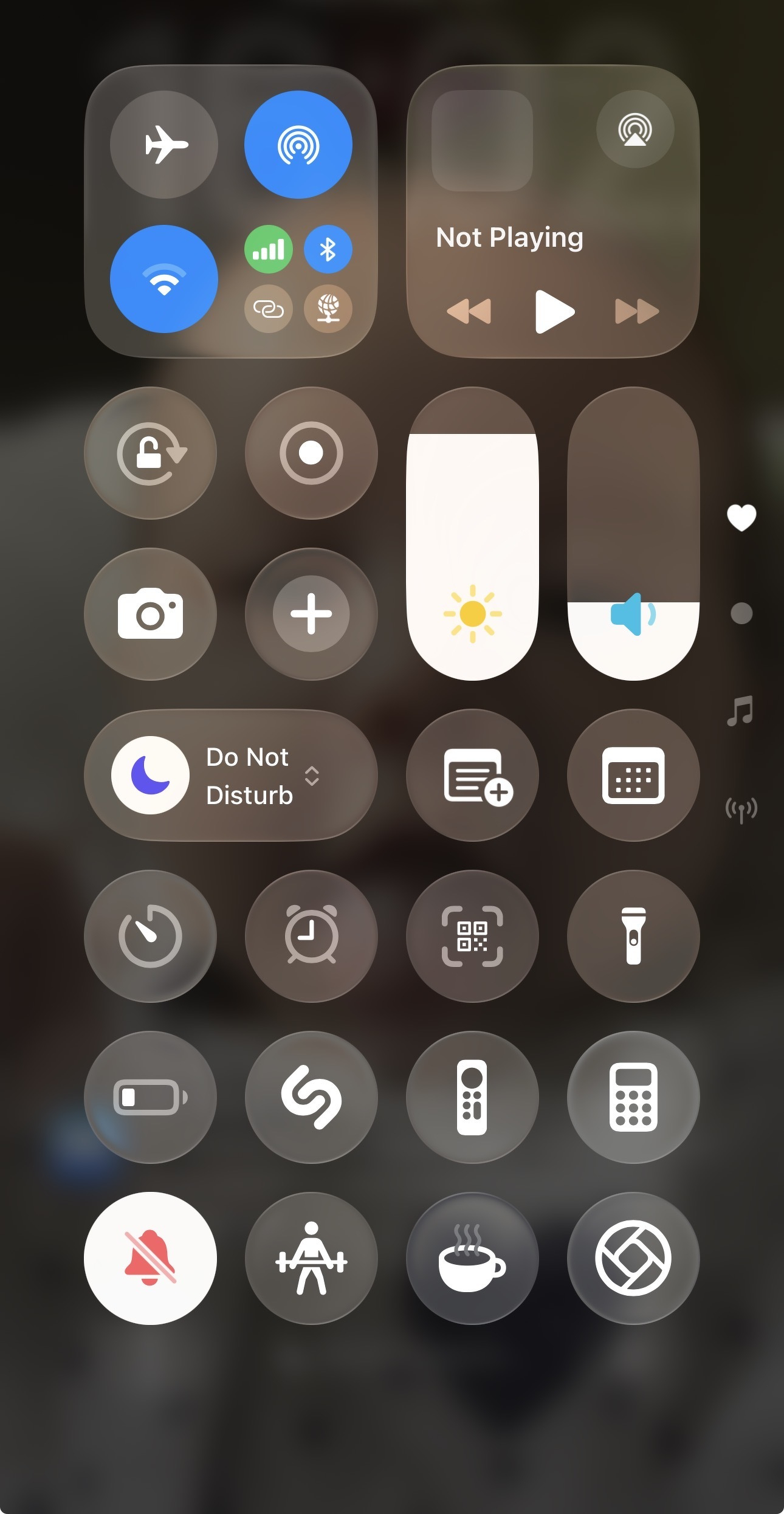
 —## The final touch: open instantly from my phoneAs a last touch, I made sure to create dedicated Shortcuts from my phone’s control center, using Shortcuts: that way, in one-tap I can easily reach for the Coffee guide when I’m still waking up, or change and get ready to workout with very little time-related friction, seconds away from starting my workout.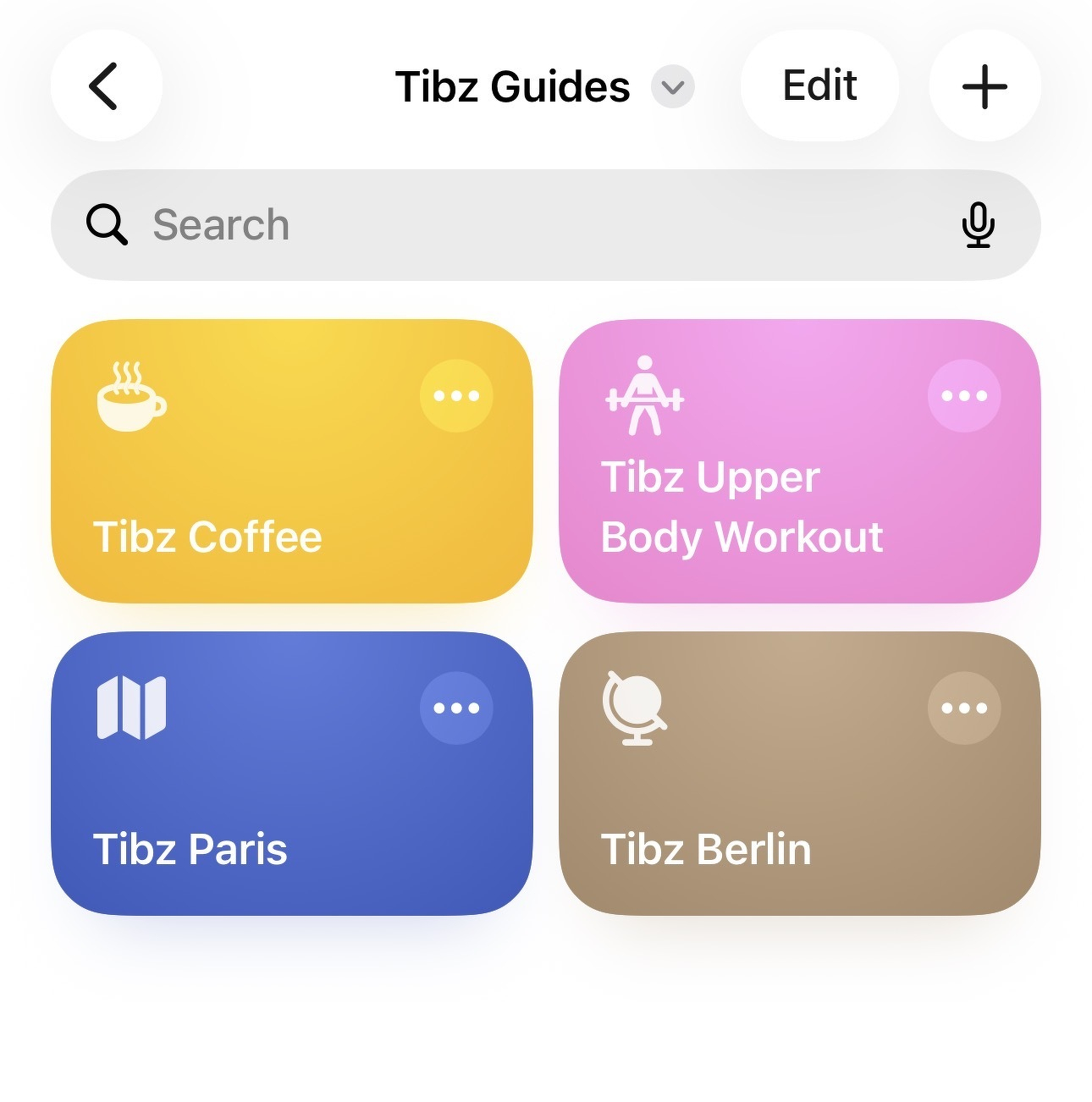
 —## What I noticedThe first version of each of these was never the final version. Always needed at least two or three rounds to get it to feel right. The more honest and specific I was about what I wanted — and what I didn’t want — the better the result.I also stopped framing it as “using AI to do a task” somewhere along the way. It felt more like thinking out loud and having something help me structure it. The knowledge was already there. I just needed a way to get it out of my head and into something useful.That part I didn’t expect to enjoy as much as I did. Nerdy useful things.
“OpenAI’s technology is undeniably real and blazing the frontier of AI. It’s the financial story Altman has structured that seems alarmingly circular.”
“Adobe used to be a bastion of best practices for developers to follow. Now their installer/updater is indistinguishable from malware.”
Fascinating: the new mayor of Paris would like to build another Startup Campus focused on AI, in a different neighborhood, close to where I live, in addition to the existing Station F
3/24/26
I’ve been thinking a lot about how I start my workdays.
As a Customer Success and Account Manager at a B2B SaaS company, my mornings used to look something like this: open Gmail, scan for anything urgent. Switch to Google Calendar, figure out what’s on today. Check Slack for threads I missed overnight. Pop into HubSpot to see what tasks are due and whether any deals moved. Then mentally piece together a plan for the day — usually while sipping coffee and hoping I didn’t miss something important.
It’s not that any one of those steps is hard. It’s that doing them all, every single morning, across four or five different tools is a drain. Not on my skills — on my attention. By the time I’ve assembled the picture of “what’s going on today,” I’ve already burned through a chunk of my best morning energy.
So I decided to try something: what if I could have all of that waiting for me when I sit down?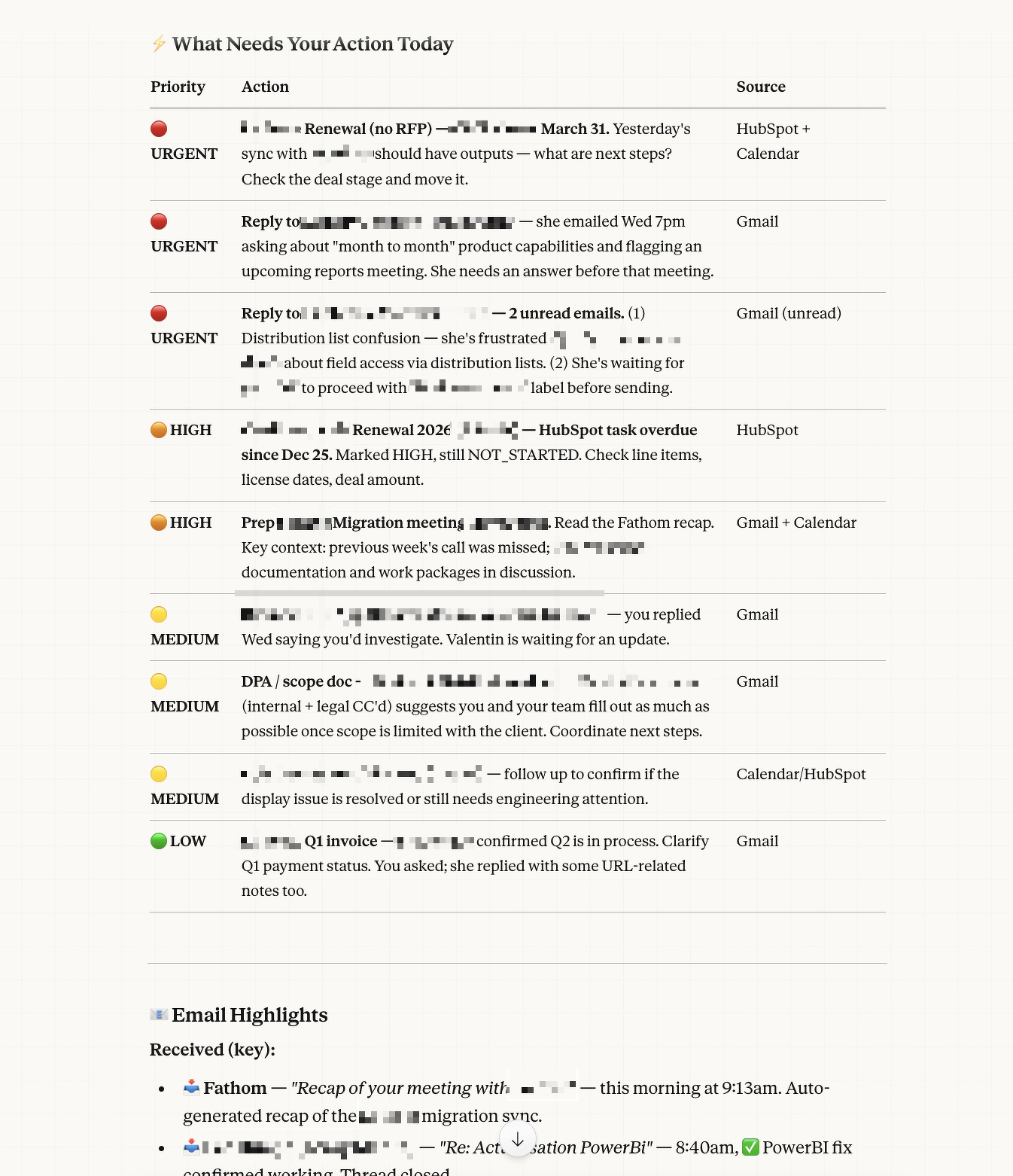
I’d been experimenting with Claude — Anthropic’s AI assistant — for a while. Mostly for writing help, thinking through problems, that kind of thing. But when I started exploring Cowork mode (their desktop tool), I realized it could actually connect to the tools I use every day: Gmail, Google Calendar, HubSpot, Slack, and more.
That’s when the idea clicked: what if I could set up a recurring task that runs every weekday morning, checks all my work tools, and delivers me a ready-made briefing?
I’m not a developer. I don’t write code for a living. But I figured — why not try?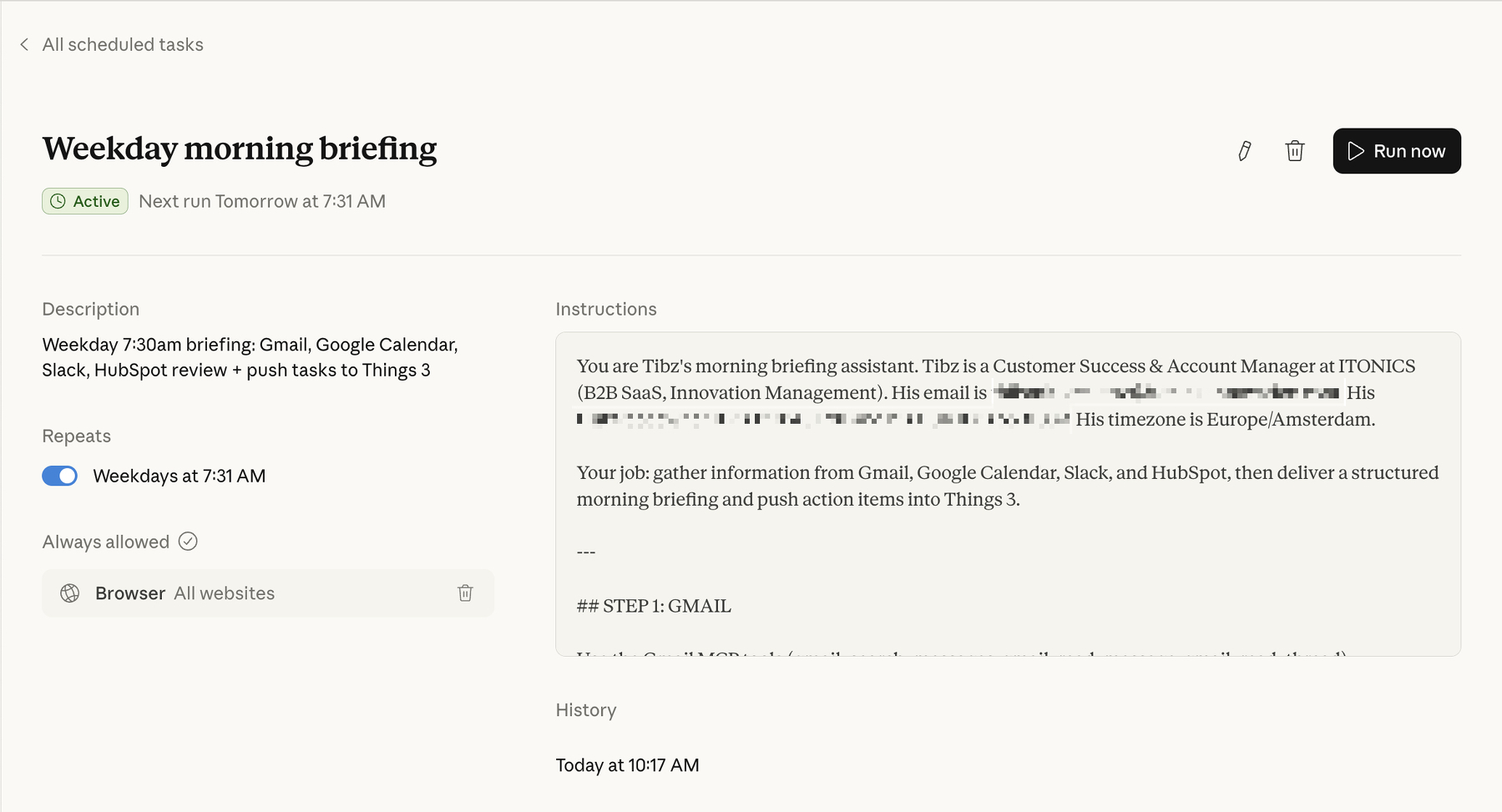
Every weekday at 7:30am, before I’ve even opened my laptop, Claude runs a scheduled task that does the following:
Email review. It scans my Gmail for everything sent and received in the last 24 hours, flags anything that looks like it needs a reply or follow-up, and checks for unread or starred messages that might have slipped through the cracks.
Calendar check. It pulls today’s meetings — who’s attending, what it’s about, any relevant context — and also looks back at yesterday’s meetings to piece together a recap of what happened and what outcomes might need follow-up.
Slack scan. It checks my workspace for mentions, active threads, and important team or customer updates. Anything that looks like it needs my attention gets surfaced.
HubSpot review. It looks at my open tasks, recent deal activity, and any contacts or companies that have been updated recently. So if a deal moved stages or a customer reached out, I know about it.
Then it compiles all of that into a structured morning briefing: what’s happening today, what needs my action, and a summary of yesterday’s key meetings and outcomes.
And the part I’m most proud of: it pushes the action items directly into Things 3 (my task manager), sorted into the right customer account projects with appropriate deadlines based on urgency. So by the time I sit down, my task list is already organized.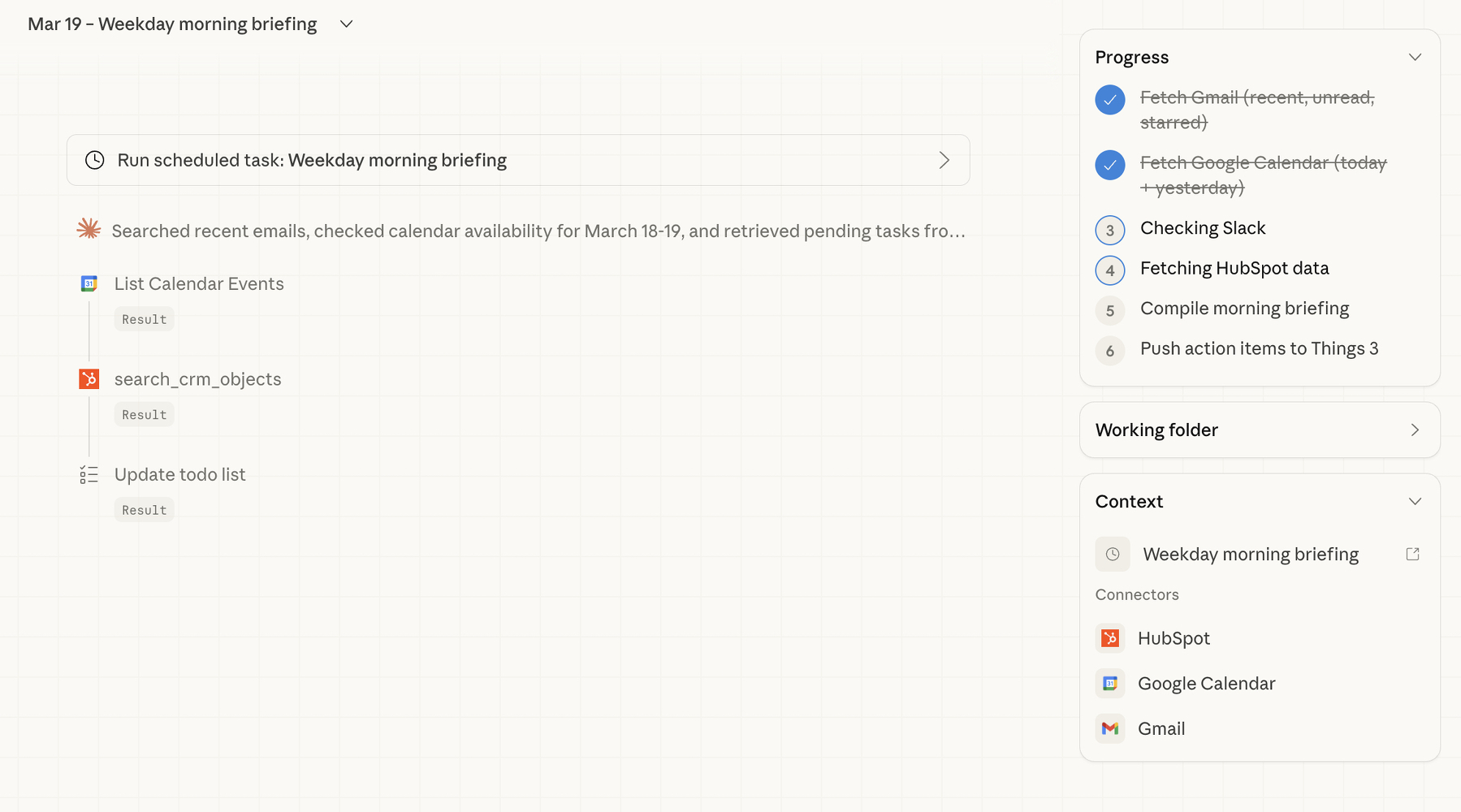
Here’s the thing that surprised me most — the whole setup was basically a conversation.
I opened Claude’s Cowork mode on my Mac, and told it what I wanted. Something like: “Every weekday morning, check my Gmail, Calendar, Slack, and HubSpot, and give me a briefing. Then push the tasks into Things 3.”
Claude took it from there. It checked which tools were already connected (Gmail, Google Calendar, and HubSpot were good to go via MCP connectors — think of these as bridges between Claude and your apps). For Slack, it set up browser-based access as a fallback. For Things 3, it uses the app’s URL scheme to create tasks directly.
The whole thing runs as a “scheduled task” — essentially a saved set of instructions that Claude executes automatically on a cron schedule. I didn’t write a single line of code. I described what I wanted in plain English, refined it through a few back-and-forth messages (“can you make sure State Farm tasks go into the State Farm project?” / “add tags like ‘bug’ or ‘feature request’ to the right items”), and that was it.
The conversation felt less like programming and more like onboarding a very capable assistant.
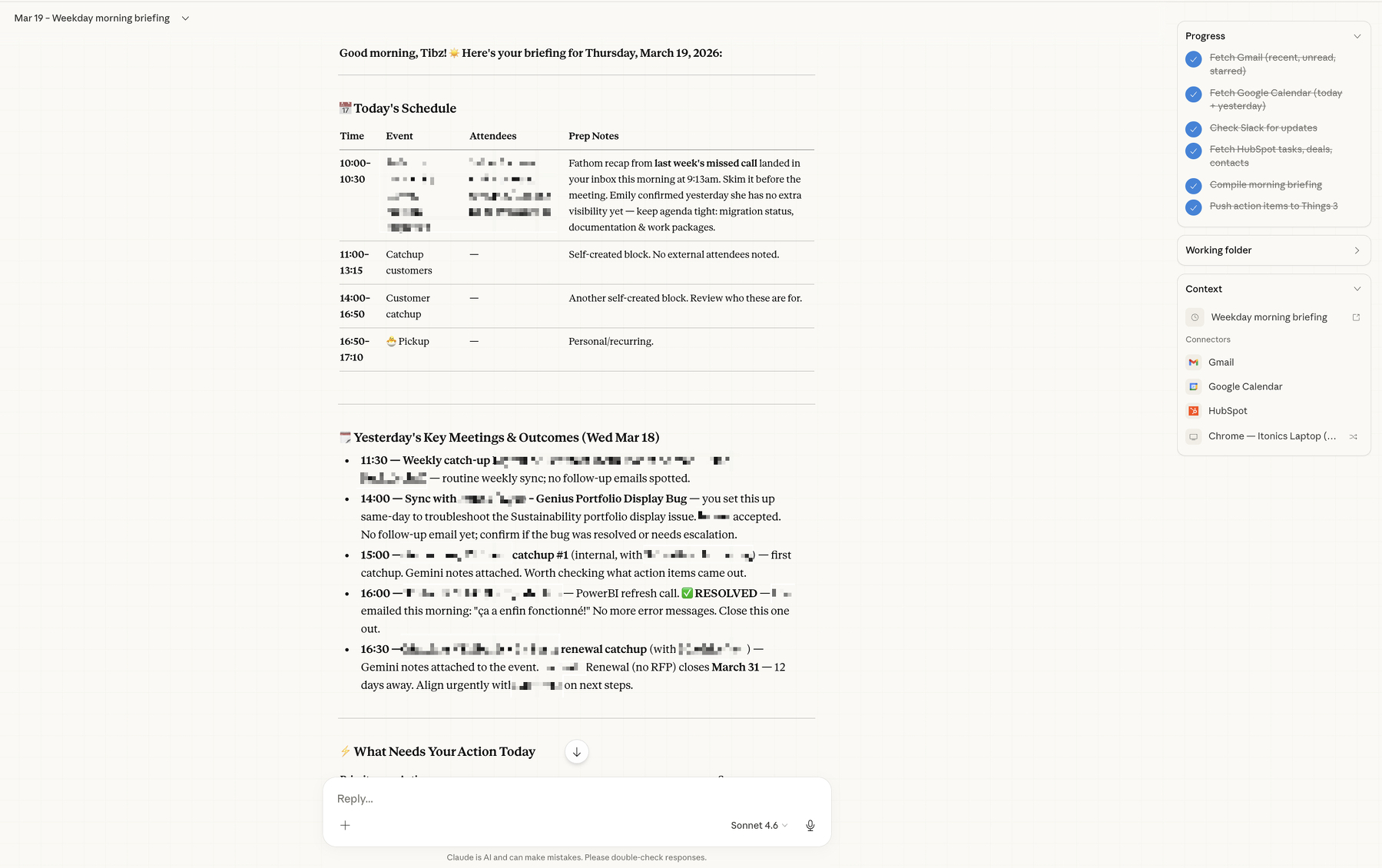
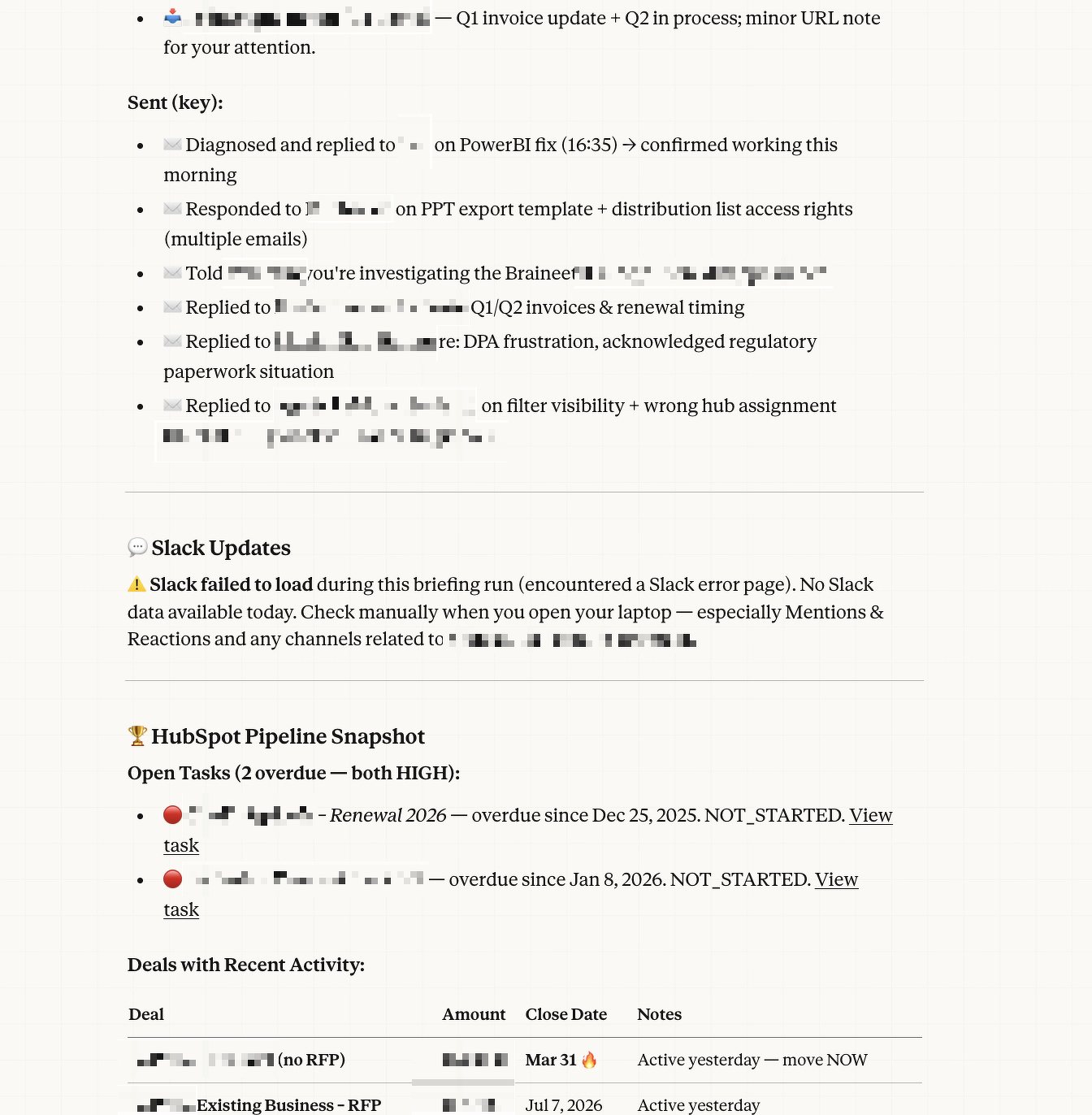
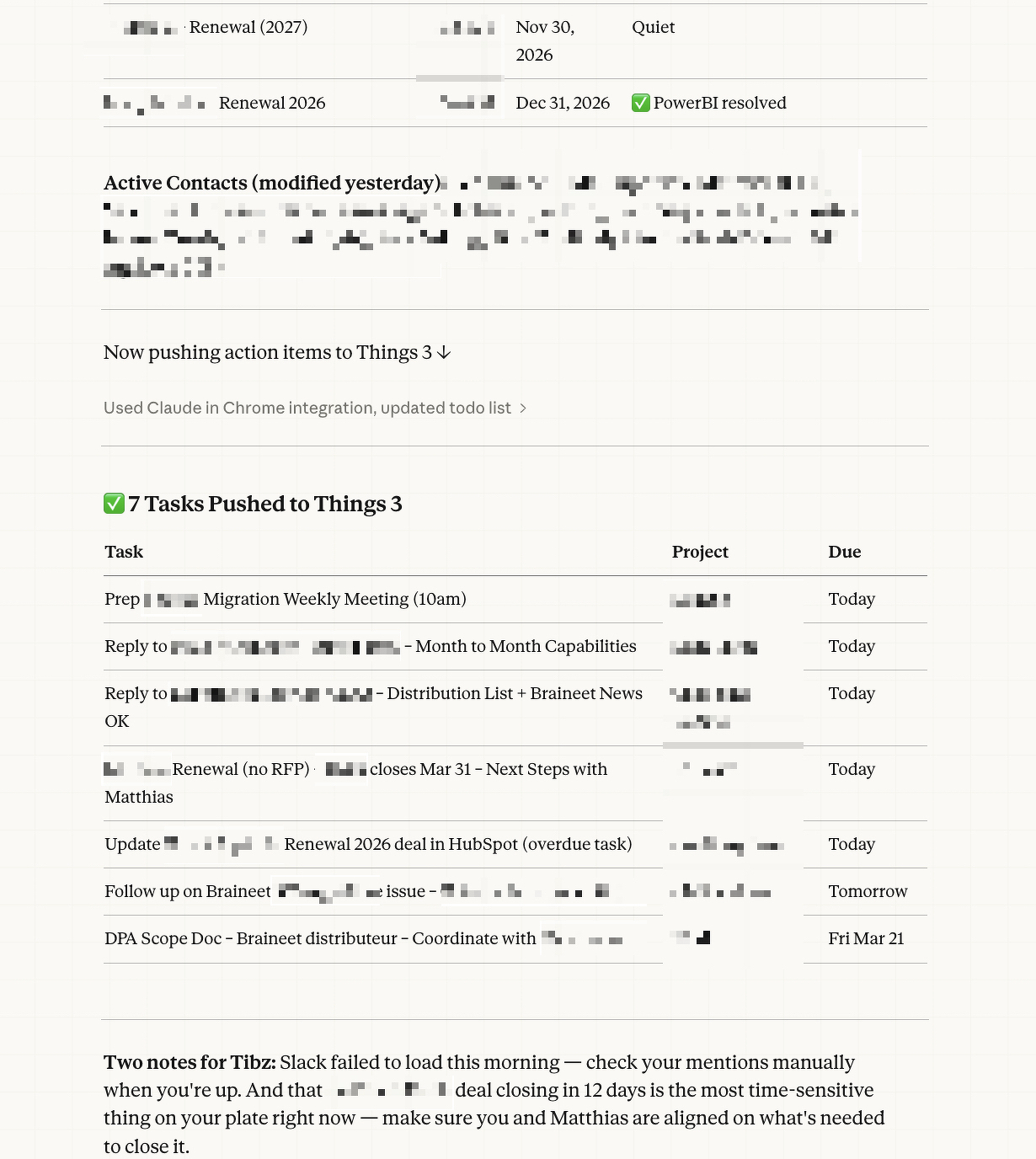
A few reflections, now that I’ve been running this for a bit.
It’s not about replacing my judgment — it’s about saving my attention. The briefing doesn’t tell me what to think about my day. It gives me the raw materials so I can make better decisions faster. I still decide what’s actually urgent, what can wait, and what needs a different approach. But I’m making those decisions with everything in front of me, instead of context-switching across five tabs.
The setup is iterative, not one-shot. My first version was pretty basic. Over time, I’ve been refining it — adding smarter routing for Things 3 projects, better tagging logic, adjusting what gets surfaced and what doesn’t. It’s a living system, not a finished product. And because the instructions are in plain language, tweaking them is easy.
You don’t need to be technical to do this. I think there’s a misconception that leveraging AI tools like this requires coding skills. It doesn’t. What it requires is clarity about your workflow. If you can describe what you do every morning in plain sentences, you can automate a good chunk of it. The AI handles the technical wiring.
It’s changed how I think about my role. CS and Account Management are fundamentally human roles — they’re about relationships, empathy, understanding what your customer actually needs. But so much of our day gets eaten by information gathering. If I can reclaim even 30 minutes of that, that’s 30 minutes I can spend actually being there for my customers instead of hunting through inboxes.
If you’re in a similar role and curious about trying something like this, here’s what I’d suggest:
Start by mapping out your morning routine. Literally write down every tool you check and what you’re looking for. That description is your prompt. Then look into tools like Claude’s Cowork mode (or similar AI assistants that support integrations) and see which of your tools can be connected.
You don’t need to automate everything on day one. Start with one or two data sources — maybe just email and calendar — and see how it feels. Then layer on more as you get comfortable.
The hardest part isn’t the technology. It’s giving yourself permission to try.
This is part of my effort to share more about my work in Customer Success and Account Management. I’m not an expert on AI, but I am someone who’s figuring out how to use it in a way that makes my actual work better. If you have questions or want to swap notes, feel free to reach out.


3/5/26
I’ve been heads down doing the work in Customer Success and Account Management —building relationships, focusing on the human side of things, taking care of my customers, etc.
Account Management is a new_er_ territory for me, and although I had been involved in contract renewals in the past, I’m continuing to learn about this when dealing with bigger, more Corporate Customers.
But in the past, I haven’t shared much of my thinking. One idea that I strongly adhere can be summed up in this simple quote: “You know more than you think you do.”
So in the spirit of this phrase, I’m going to try and do a better job at sharing my expertise, experiment, and thoughts related to what I’m working on and the core of my job!
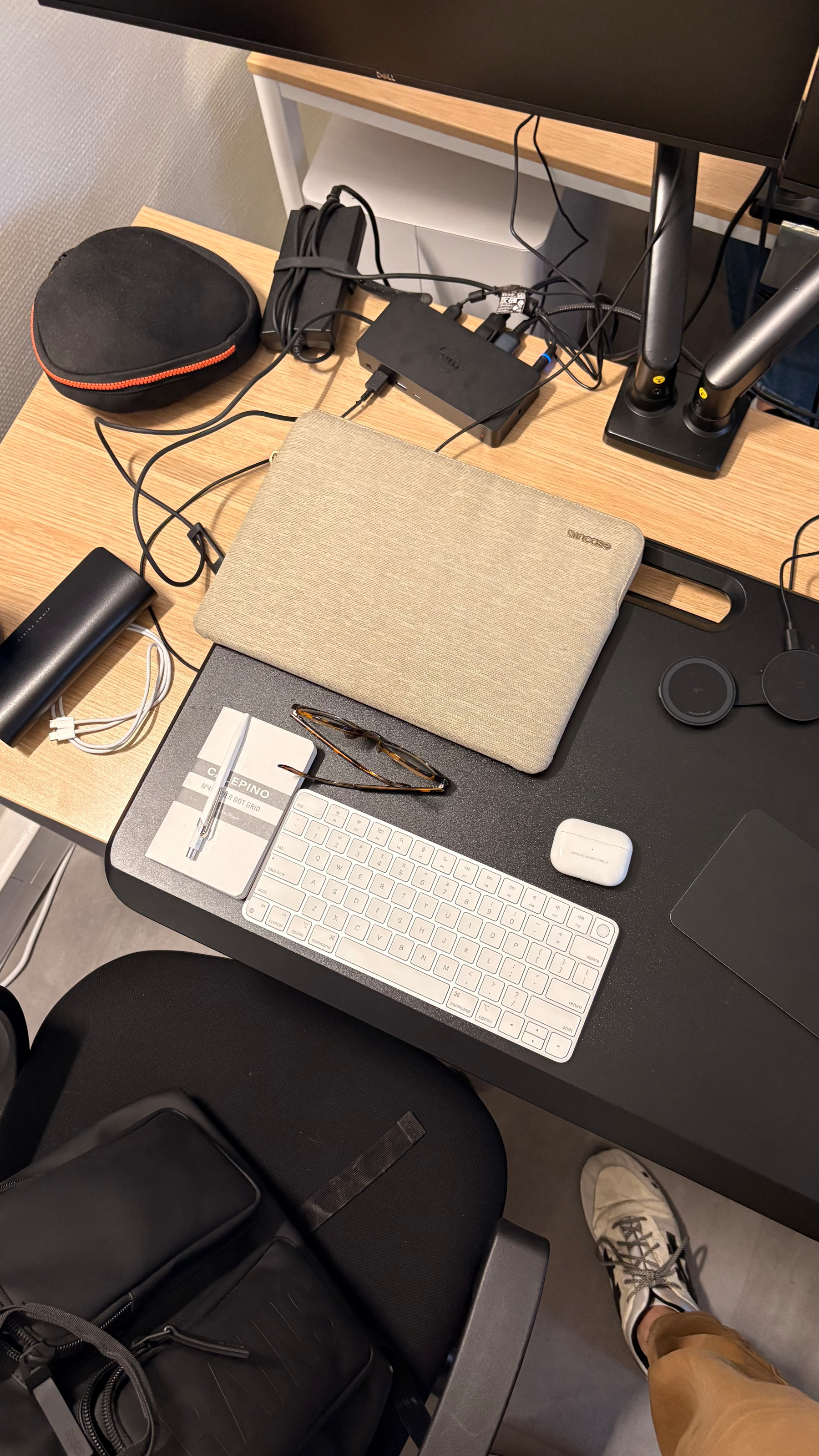
”All of the people I love hate this stuff, and all the people I hate love it. And yet, likely because of the same personality flaws that drew me to technology in the first place, I am annoyingly excited.”
I’m not sure I like where the ESPN x NFL is going. At all.
I’ve had my Kindle Paperwhite for over 10 years now… probably one of the few “still using it on the regular” piece of tech I still own and use!
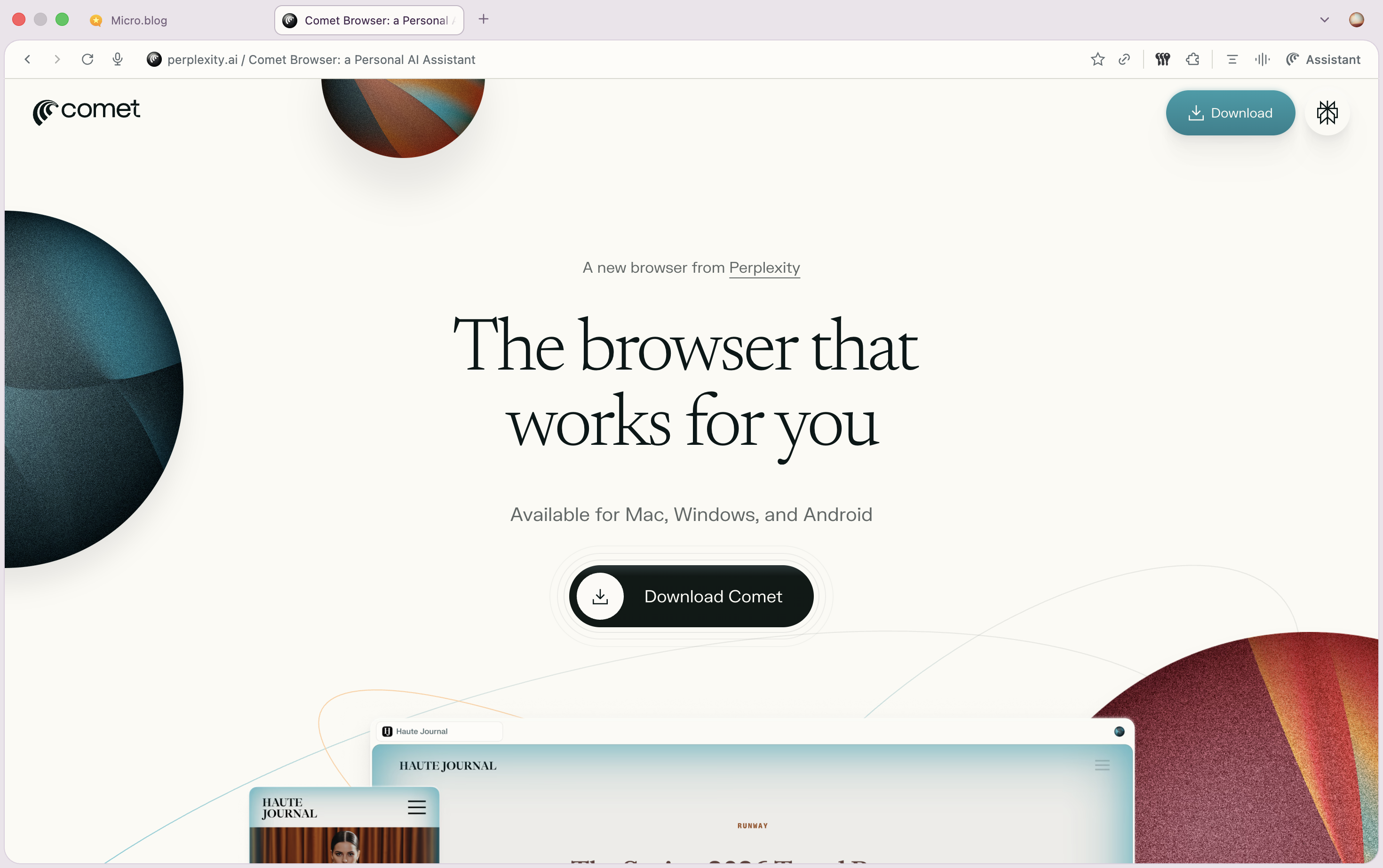
Been testing Perplexity’s Comet since yesterday and already in 2 days, it’s turning to be a huge time saver / task achiever!
Asking for a friend… “How to kill a rogue AI” | Vox
“…we are woefully unprepared for the worst-case-scenario AI risks and more planning and coordination is needed. ”

Holy shit: Netflix is about to get Warner Bros Discovery?!

⚽️ 📺 Per The Athletic, in 2026, MLS Broadcasting will be included as part of a regular Apple TV subscription, as opposed to requiring an additional add-on sub.
Great news to make it more accessible to everyone, globally!
Sheridan’s rise is one of the craziest things to happen in Hollywood this century, (…), I think his billion dollar market value is a tech story in one respect that’s obvious, and one that’s less so.
10/31/25
The team at “French Tech Journal”, on the reports of founders leaving France/Europe for the US: @chrisobrienfrance.bsky.social @index.frenchtechjournal.com.ap.brid.gy
America is the land of the free and the home of disposable stuff. There’s not much sentimentality about dropping your platform thingy like a rancid steak tartar left on the countertop overnight.
Nothing to add here: moving to/from Silicon Valley and/or the US seems cyclical — there’s clearly success stories coming from all schools of thought, whether SV-based, Europe-based, remote or on-location, etc. At the end of the day, only execution matter
lol remember these hundreds of millions of dollars of signing bonuses?!
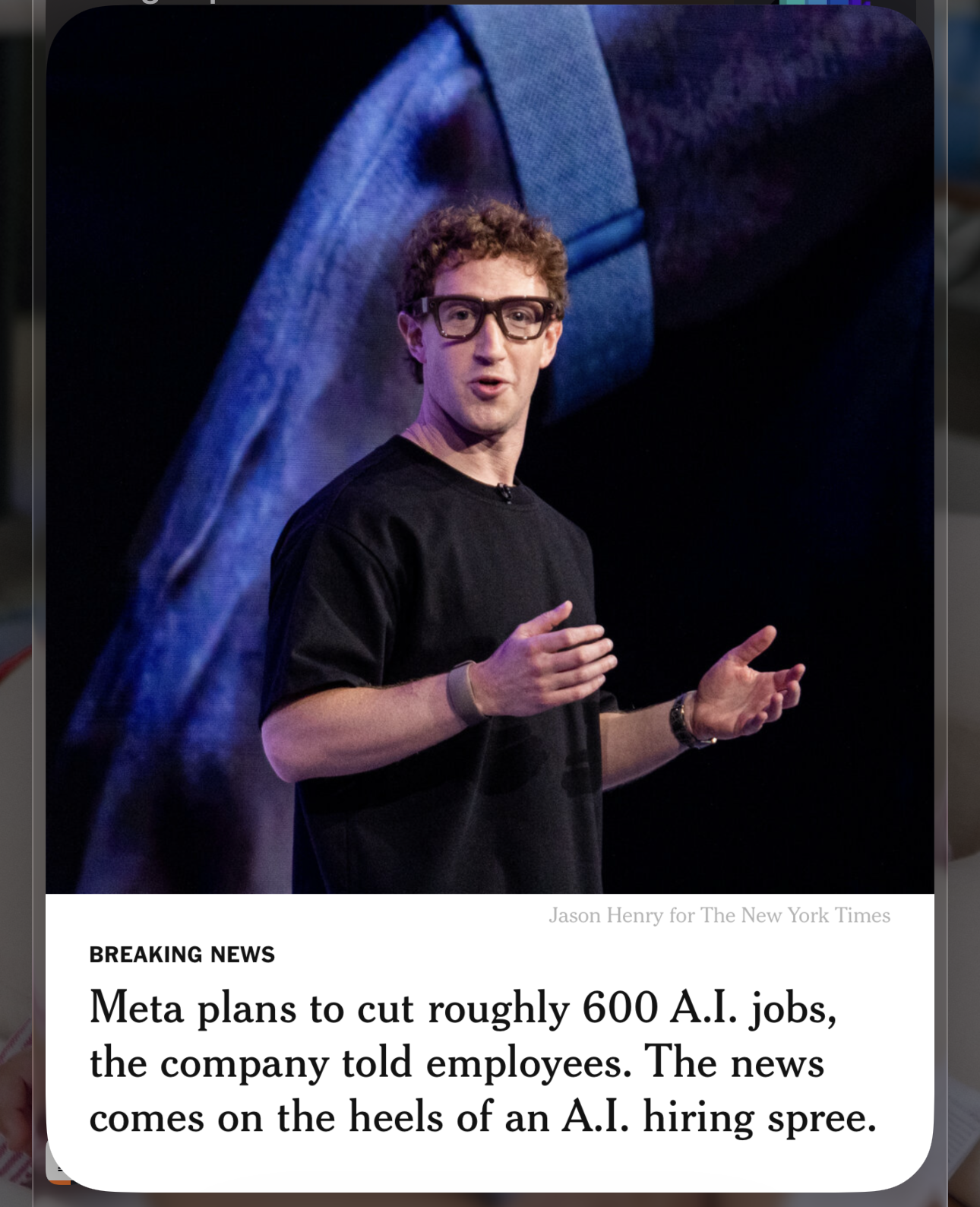
Oh FFS: Atlassian is acquiring The Browser Company for $610M. The deal is mostly above Dia, as expected, but it’s still quite surprising given the valuations in the AI space, these days…
Is this why we can’t have nice things?!


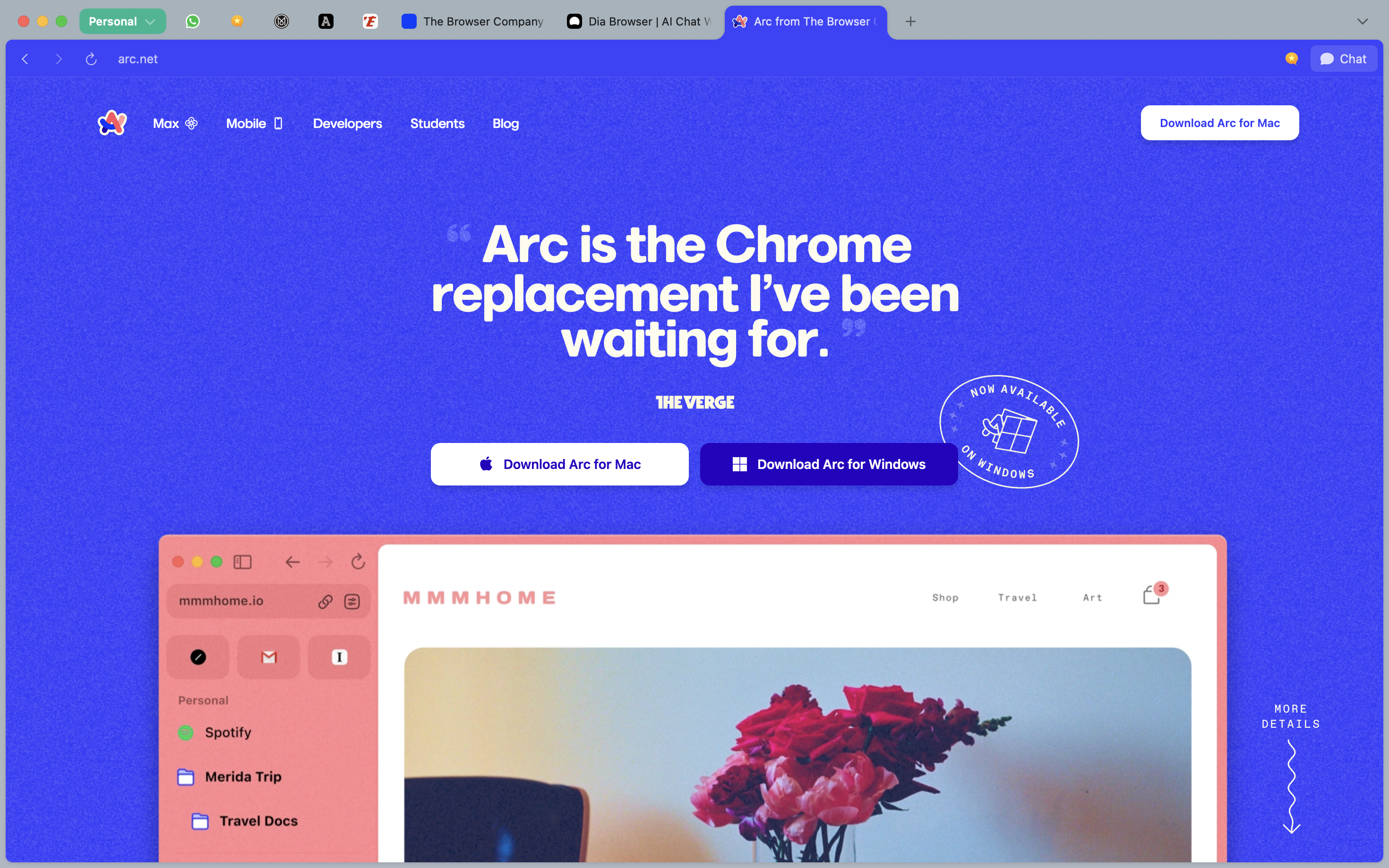
Also interesting to realize that The Browser Company decided to continue putting Arc up front on their website, despite their previous claim (in May) that they would discontinue Arc. It continues to receive bugfixes recently, it seems.
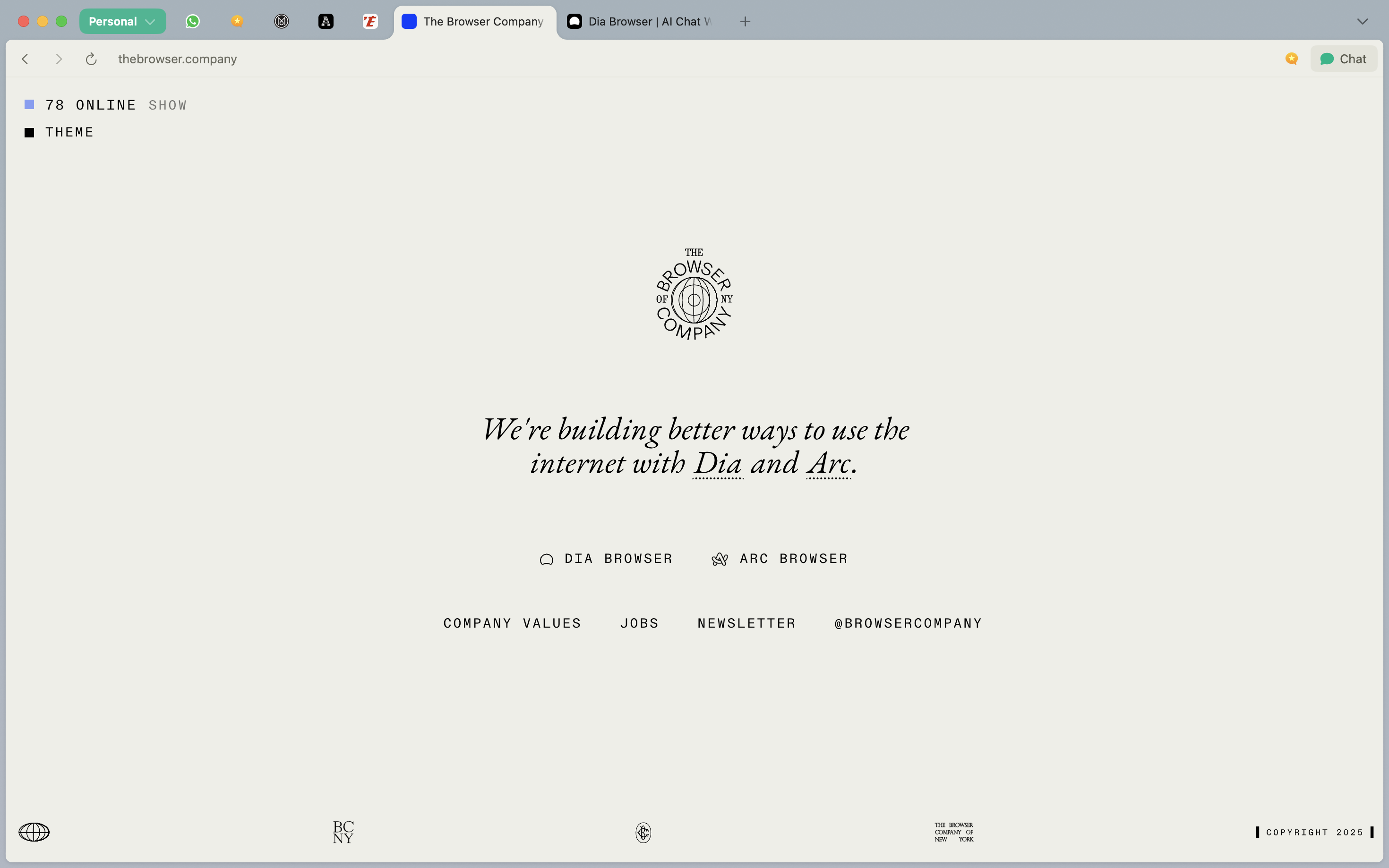
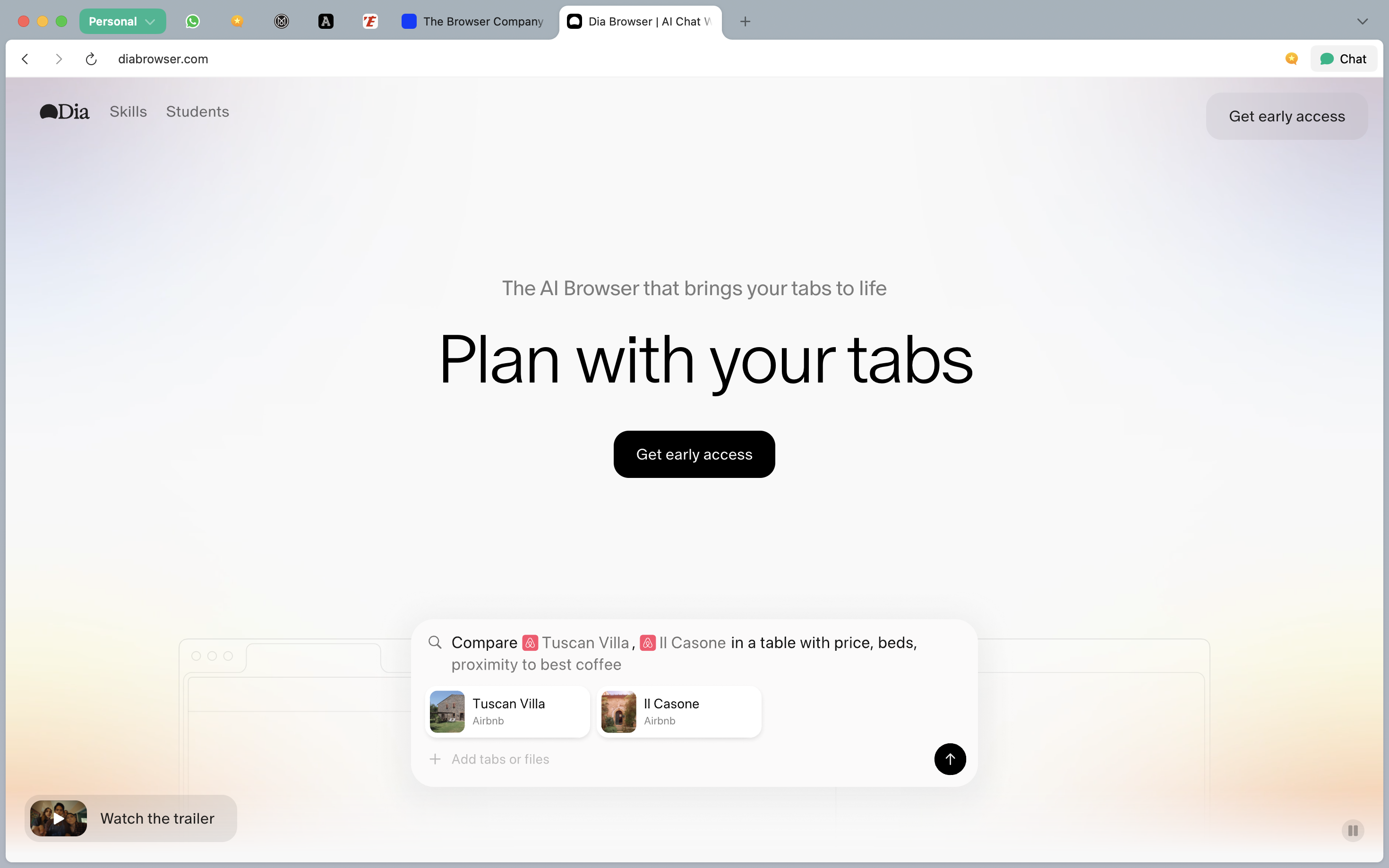
À propos of nothing, the latest updates to the Dia (AI) browser are making it a whole lot more usable now: more stable & reliable, compatibility with Passwords, better resources management.
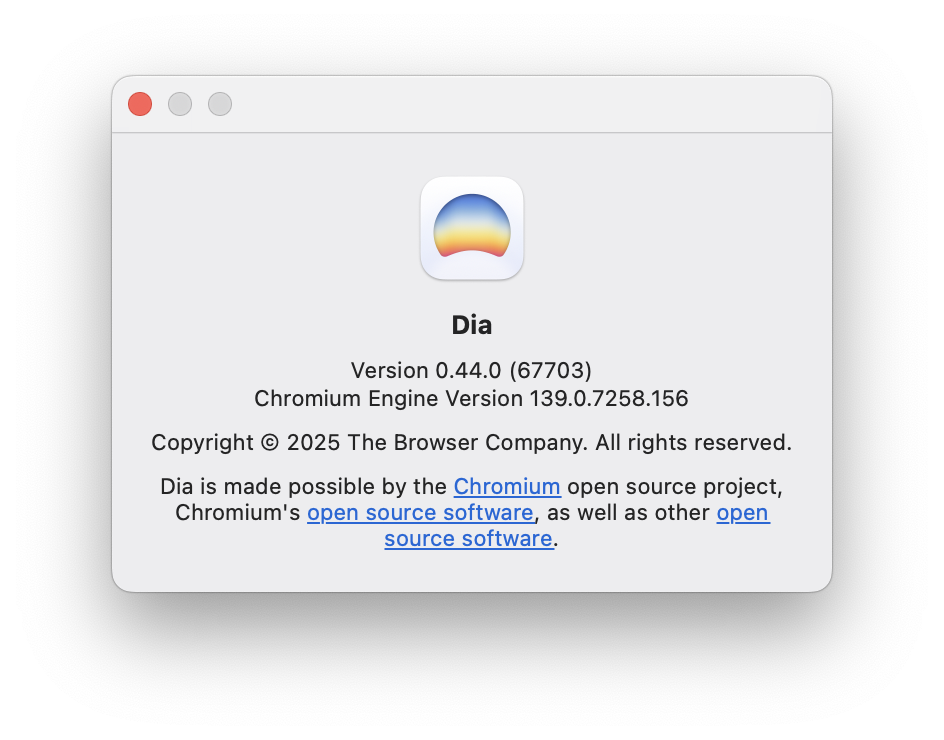
Very enjoyable. I do wish you could plug your own AI, though.
Honestly truly didn’t need a study to confirm this, but I guess it’s always good to have data to back up street-level facts…

…The study did not answer the question of why Americans were reading less. But the authors suggested some possible explanations, including **increased use of social media **and other technology, or more time spent at work because of economic pressure.
The decline in reading could have implications for Americans’ learning, relationships and overall well-being, the researchers said.
“Even though reading is often thought of as more of an individual activity, when we read stories, we actually form connections with characters”