Fascinating: the new mayor of Paris would like to build another Startup Campus focused on AI, in a different neighborhood, close to where I live, in addition to the existing Station F
Tech
A no-code AI Morning Summary
3/24/26
I’ve been thinking a lot about how I start my workdays.
As a Customer Success and Account Manager at a B2B SaaS company, my mornings used to look something like this: open Gmail, scan for anything urgent. Switch to Google Calendar, figure out what’s on today. Check Slack for threads I missed overnight. Pop into HubSpot to see what tasks are due and whether any deals moved. Then mentally piece together a plan for the day — usually while sipping coffee and hoping I didn’t miss something important.
It’s not that any one of those steps is hard. It’s that doing them all, every single morning, across four or five different tools is a drain. Not on my skills — on my attention. By the time I’ve assembled the picture of “what’s going on today,” I’ve already burned through a chunk of my best morning energy.
So I decided to try something: what if I could have all of that waiting for me when I sit down?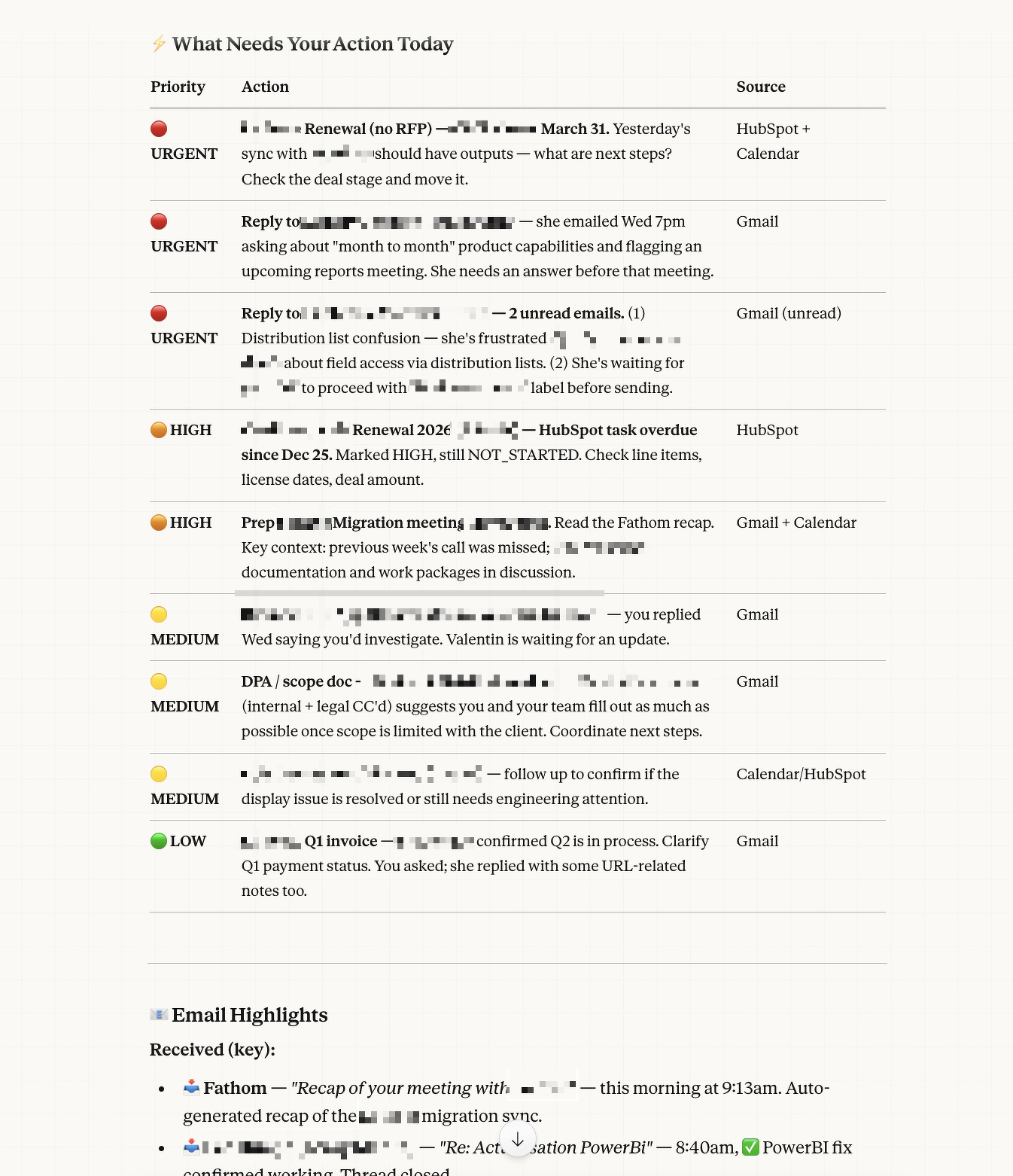
The idea
I’d been experimenting with Claude — Anthropic’s AI assistant — for a while. Mostly for writing help, thinking through problems, that kind of thing. But when I started exploring Cowork mode (their desktop tool), I realized it could actually connect to the tools I use every day: Gmail, Google Calendar, HubSpot, Slack, and more.
That’s when the idea clicked: what if I could set up a recurring task that runs every weekday morning, checks all my work tools, and delivers me a ready-made briefing?
I’m not a developer. I don’t write code for a living. But I figured — why not try?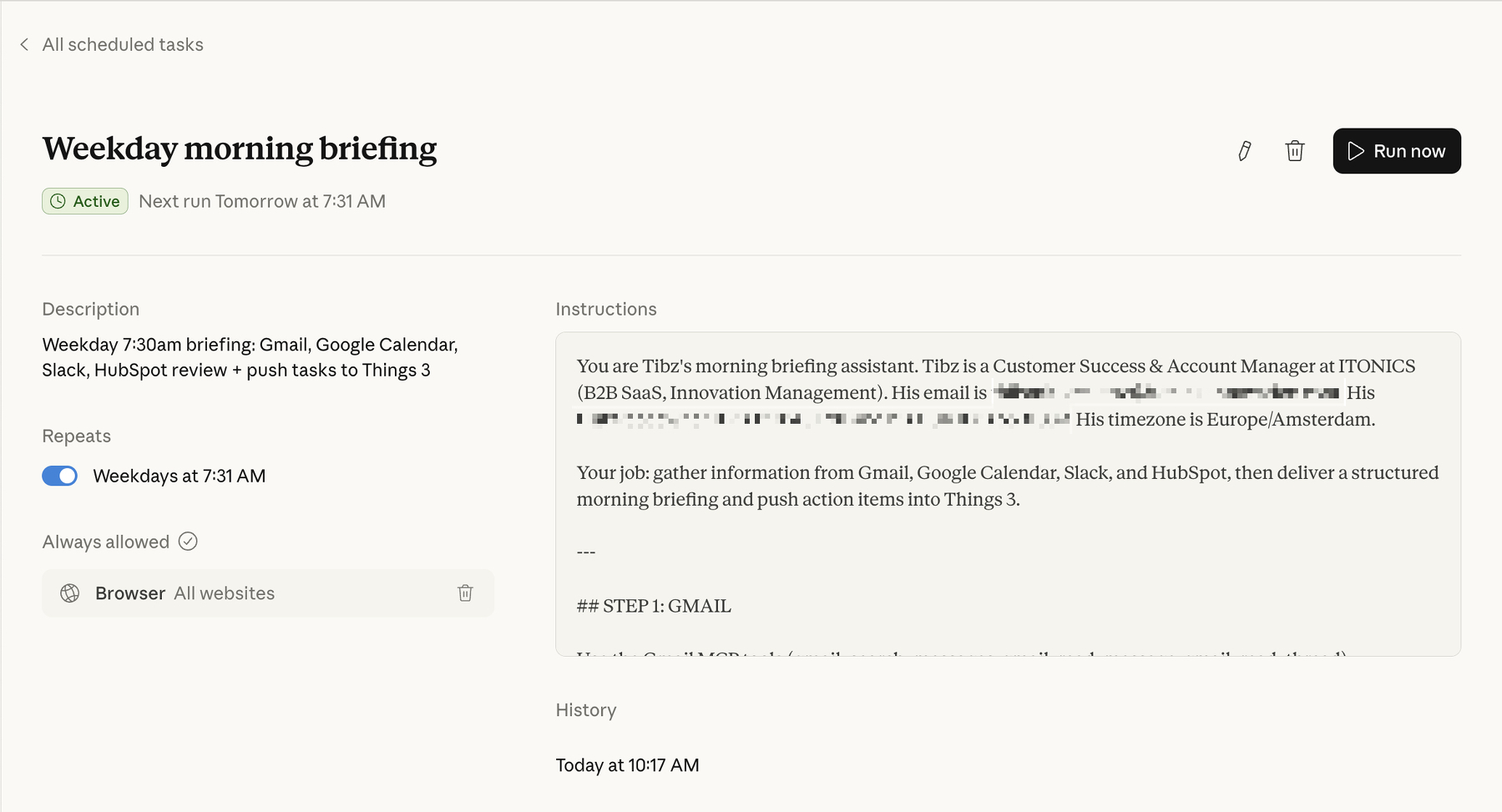
What it actually does
Every weekday at 7:30am, before I’ve even opened my laptop, Claude runs a scheduled task that does the following:
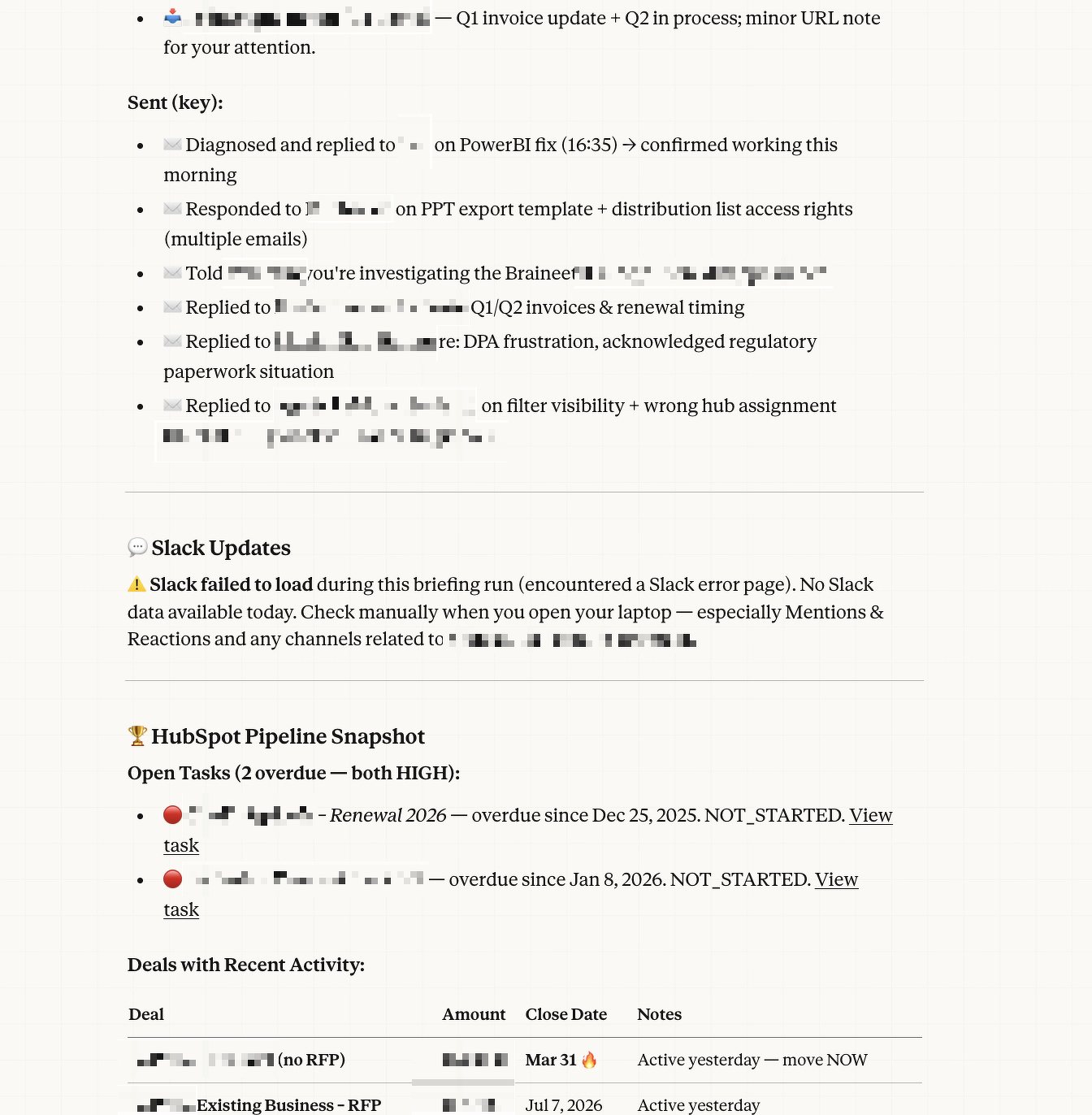
Email review. It scans my Gmail for everything sent and received in the last 24 hours, flags anything that looks like it needs a reply or follow-up, and checks for unread or starred messages that might have slipped through the cracks.
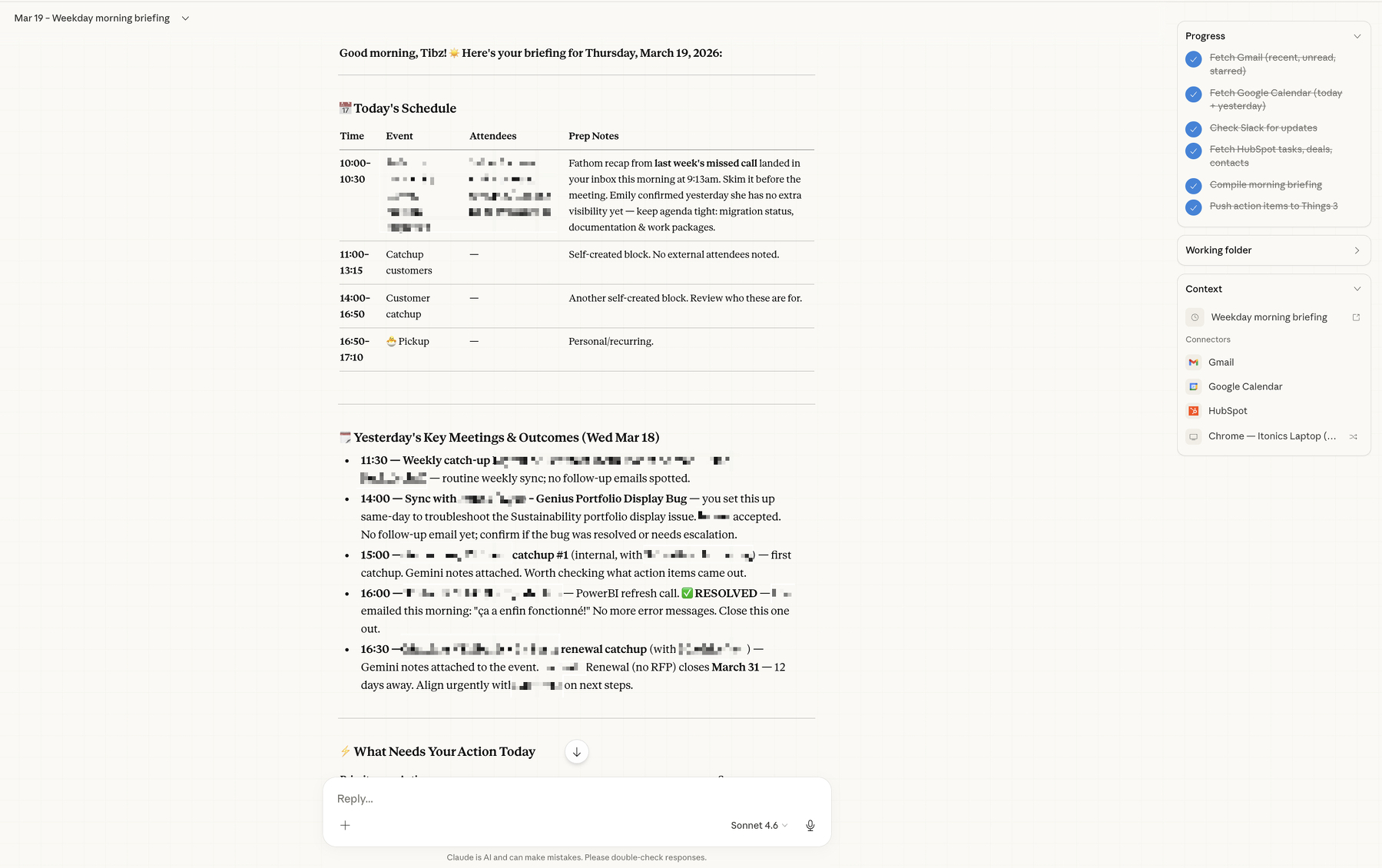
Calendar check. It pulls today’s meetings — who’s attending, what it’s about, any relevant context — and also looks back at yesterday’s meetings to piece together a recap of what happened and what outcomes might need follow-up.
Slack scan. It checks my workspace for mentions, active threads, and important team or customer updates. Anything that looks like it needs my attention gets surfaced.
HubSpot review. It looks at my open tasks, recent deal activity, and any contacts or companies that have been updated recently. So if a deal moved stages or a customer reached out, I know about it.
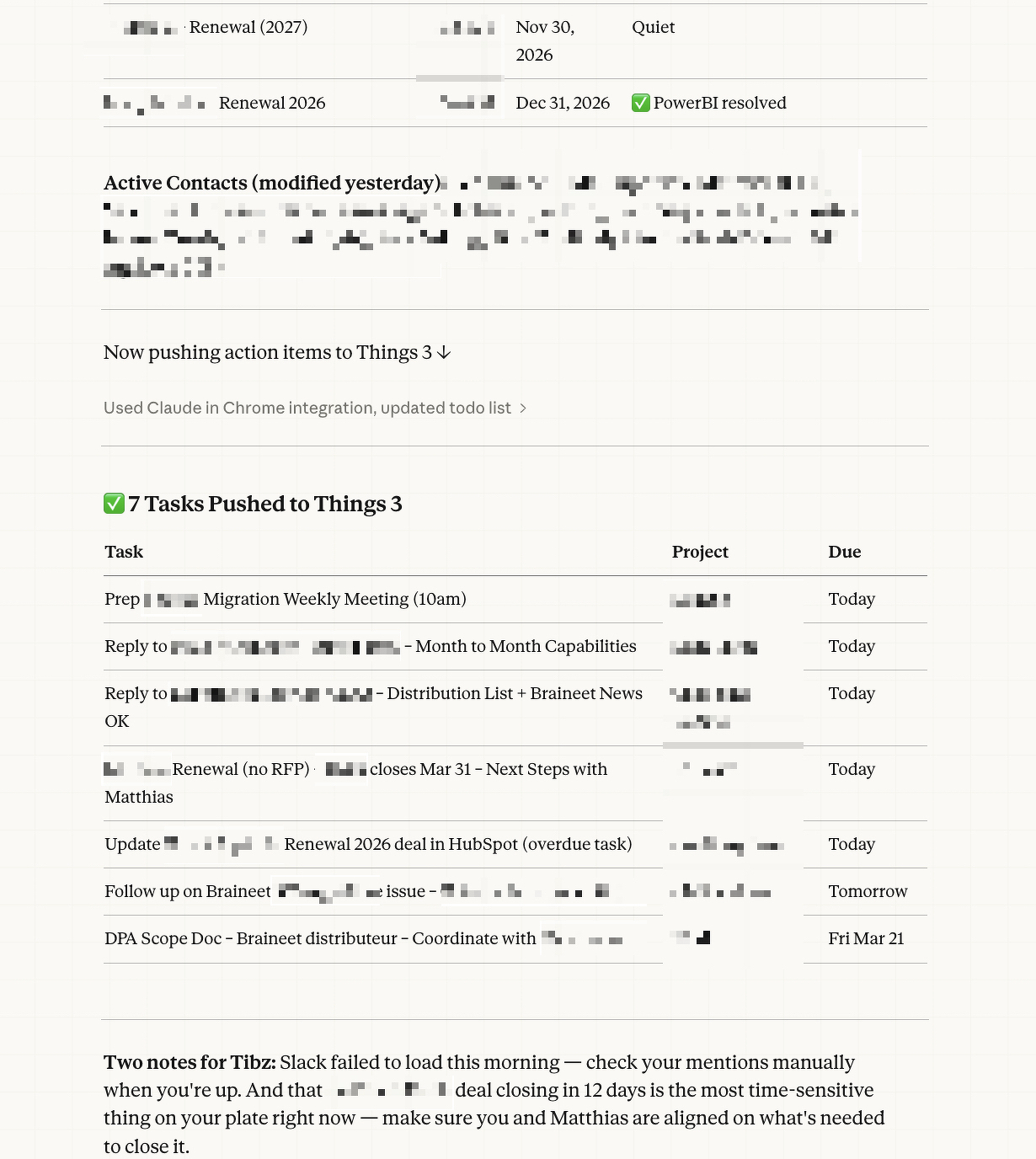
Then it compiles all of that into a structured morning briefing: what’s happening today, what needs my action, and a summary of yesterday’s key meetings and outcomes.
And the part I’m most proud of: it pushes the action items directly into Things 3 (my task manager), sorted into the right customer account projects with appropriate deadlines based on urgency. So by the time I sit down, my task list is already organized.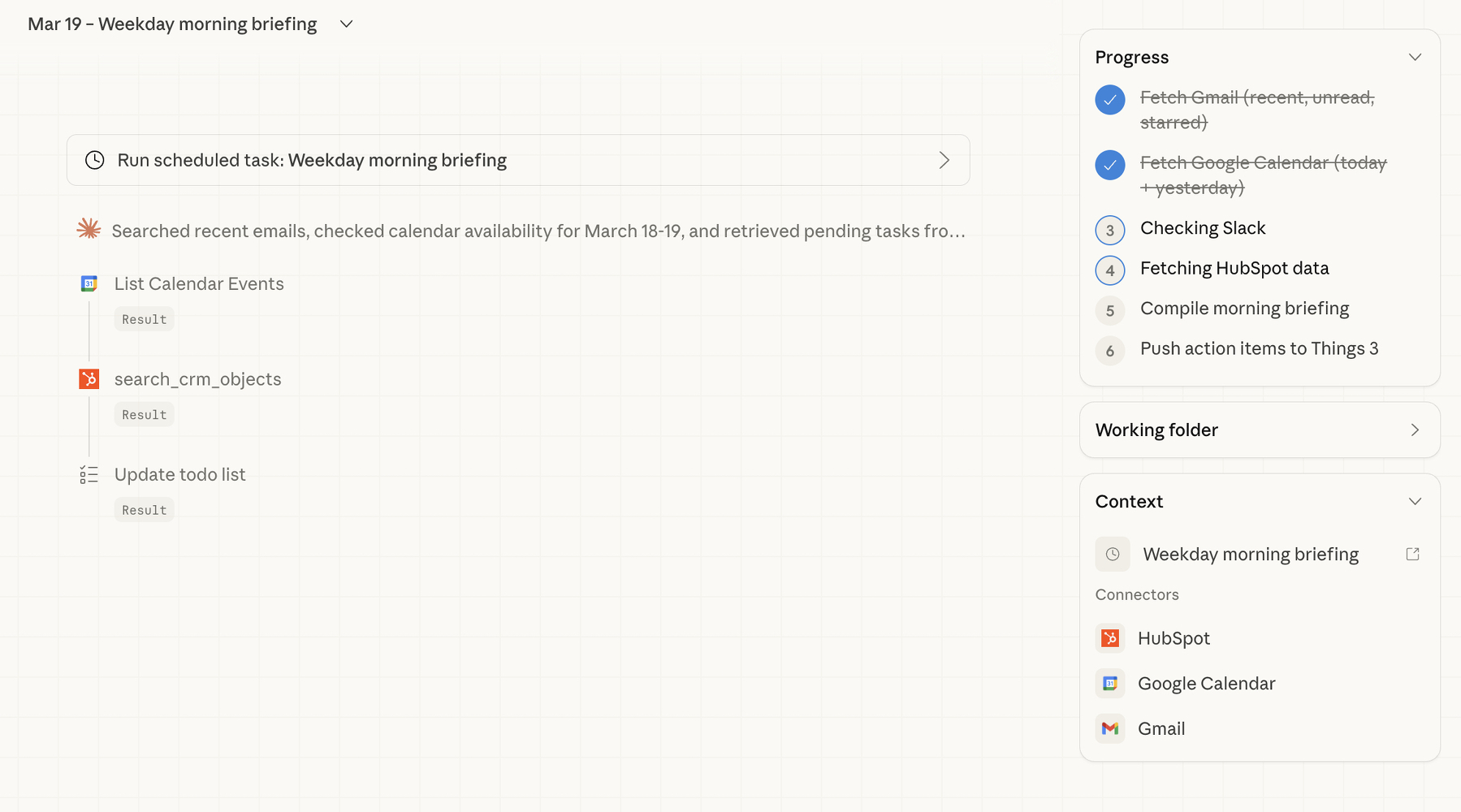
How I built it
Here’s the thing that surprised me most — the whole setup was basically a conversation.
I opened Claude’s Cowork mode on my Mac, and told it what I wanted. Something like: “Every weekday morning, check my Gmail, Calendar, Slack, and HubSpot, and give me a briefing. Then push the tasks into Things 3.”
Claude took it from there. It checked which tools were already connected (Gmail, Google Calendar, and HubSpot were good to go via MCP connectors — think of these as bridges between Claude and your apps). For Slack, it set up browser-based access as a fallback. For Things 3, it uses the app’s URL scheme to create tasks directly.
The whole thing runs as a “scheduled task” — essentially a saved set of instructions that Claude executes automatically on a cron schedule. I didn’t write a single line of code. I described what I wanted in plain English, refined it through a few back-and-forth messages (“can you make sure State Farm tasks go into the State Farm project?” / “add tags like ‘bug’ or ‘feature request’ to the right items”), and that was it.
The conversation felt less like programming and more like onboarding a very capable assistant.
What I’ve learned so far
A few reflections, now that I’ve been running this for a bit.
It’s not about replacing my judgment — it’s about saving my attention. The briefing doesn’t tell me what to think about my day. It gives me the raw materials so I can make better decisions faster. I still decide what’s actually urgent, what can wait, and what needs a different approach. But I’m making those decisions with everything in front of me, instead of context-switching across five tabs.
The setup is iterative, not one-shot. My first version was pretty basic. Over time, I’ve been refining it — adding smarter routing for Things 3 projects, better tagging logic, adjusting what gets surfaced and what doesn’t. It’s a living system, not a finished product. And because the instructions are in plain language, tweaking them is easy.
You don’t need to be technical to do this. I think there’s a misconception that leveraging AI tools like this requires coding skills. It doesn’t. What it requires is clarity about your workflow. If you can describe what you do every morning in plain sentences, you can automate a good chunk of it. The AI handles the technical wiring.
It’s changed how I think about my role. CS and Account Management are fundamentally human roles — they’re about relationships, empathy, understanding what your customer actually needs. But so much of our day gets eaten by information gathering. If I can reclaim even 30 minutes of that, that’s 30 minutes I can spend actually being there for my customers instead of hunting through inboxes.
For fellow CS/AM folks
If you’re in a similar role and curious about trying something like this, here’s what I’d suggest:
Start by mapping out your morning routine. Literally write down every tool you check and what you’re looking for. That description is your prompt. Then look into tools like Claude’s Cowork mode (or similar AI assistants that support integrations) and see which of your tools can be connected.
You don’t need to automate everything on day one. Start with one or two data sources — maybe just email and calendar — and see how it feels. Then layer on more as you get comfortable.
The hardest part isn’t the technology. It’s giving yourself permission to try.
This is part of my effort to share more about my work in Customer Success and Account Management. I’m not an expert on AI, but I am someone who’s figuring out how to use it in a way that makes my actual work better. If you have questions or want to swap notes, feel free to reach out.


Work update… sort of!
3/5/26
I’ve been heads down doing the work in Customer Success and Account Management —building relationships, focusing on the human side of things, taking care of my customers, etc.
Account Management is a new_er_ territory for me, and although I had been involved in contract renewals in the past, I’m continuing to learn about this when dealing with bigger, more Corporate Customers.
But in the past, I haven’t shared much of my thinking. One idea that I strongly adhere can be summed up in this simple quote: “You know more than you think you do.”
So in the spirit of this phrase, I’m going to try and do a better job at sharing my expertise, experiment, and thoughts related to what I’m working on and the core of my job!
”All of the people I love hate this stuff, and all the people I hate love it. And yet, likely because of the same personality flaws that drew me to technology in the first place, I am annoyingly excited.”
I’m not sure I like where the ESPN x NFL is going. At all.
I’ve had my Kindle Paperwhite for over 10 years now… probably one of the few “still using it on the regular” piece of tech I still own and use!
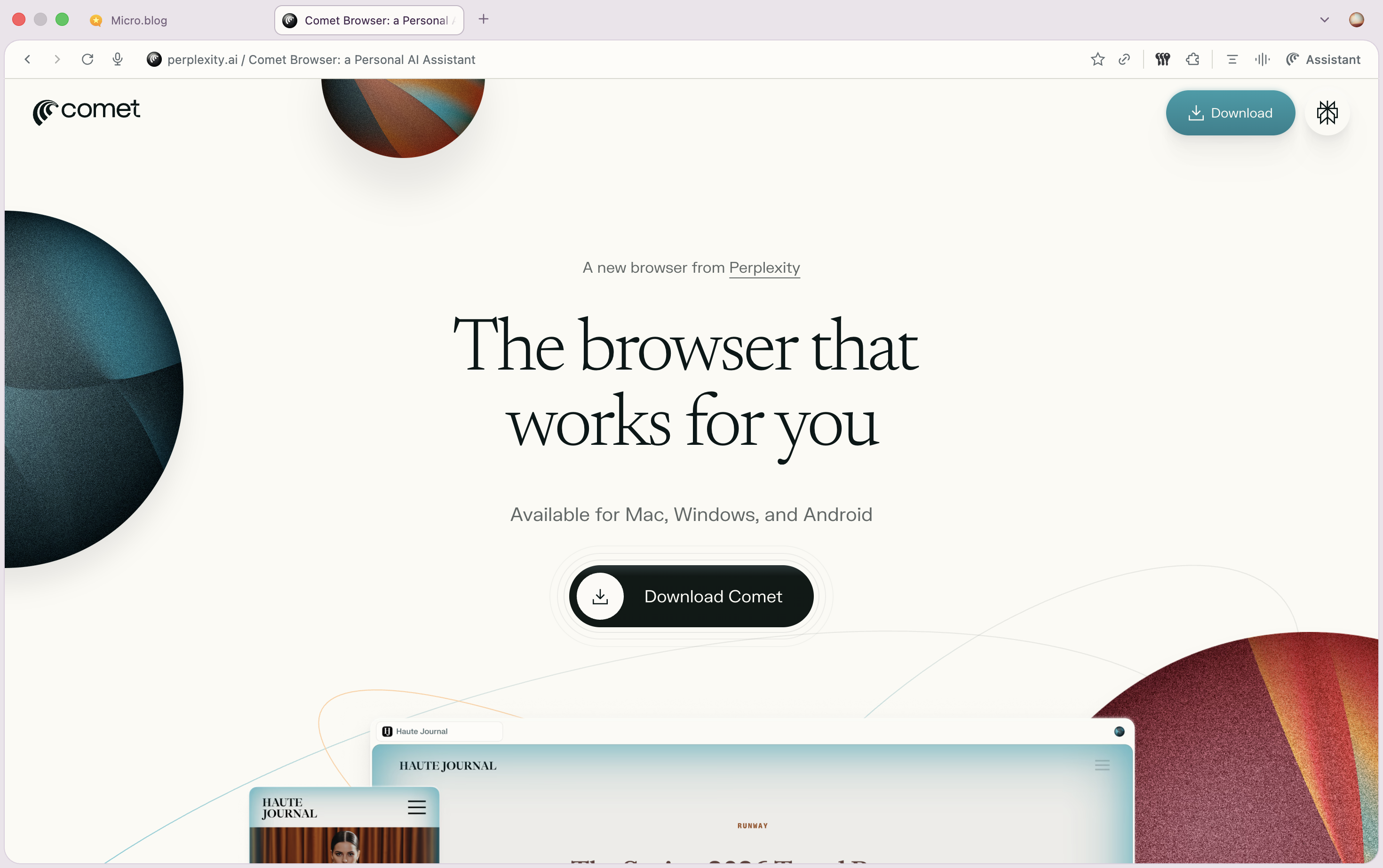
Been testing Perplexity’s Comet since yesterday and already in 2 days, it’s turning to be a huge time saver / task achiever!
Asking for a friend… “How to kill a rogue AI” | Vox
“…we are woefully unprepared for the worst-case-scenario AI risks and more planning and coordination is needed. ”

Holy shit: Netflix is about to get Warner Bros Discovery?!

⚽️ 📺 Per The Athletic, in 2026, MLS Broadcasting will be included as part of a regular Apple TV subscription, as opposed to requiring an additional add-on sub.
Great news to make it more accessible to everyone, globally!
Sheridan’s rise is one of the craziest things to happen in Hollywood this century, (…), I think his billion dollar market value is a tech story in one respect that’s obvious, and one that’s less so.
RE: French Tech Journal: "France Spooked By Fears Of Great Founder Migration"
10/31/25
The team at “French Tech Journal”, on the reports of founders leaving France/Europe for the US: @chrisobrienfrance.bsky.social @index.frenchtechjournal.com.ap.brid.gy
America is the land of the free and the home of disposable stuff. There’s not much sentimentality about dropping your platform thingy like a rancid steak tartar left on the countertop overnight.
Nothing to add here: moving to/from Silicon Valley and/or the US seems cyclical — there’s clearly success stories coming from all schools of thought, whether SV-based, Europe-based, remote or on-location, etc. At the end of the day, only execution matter
lol remember these hundreds of millions of dollars of signing bonuses?!
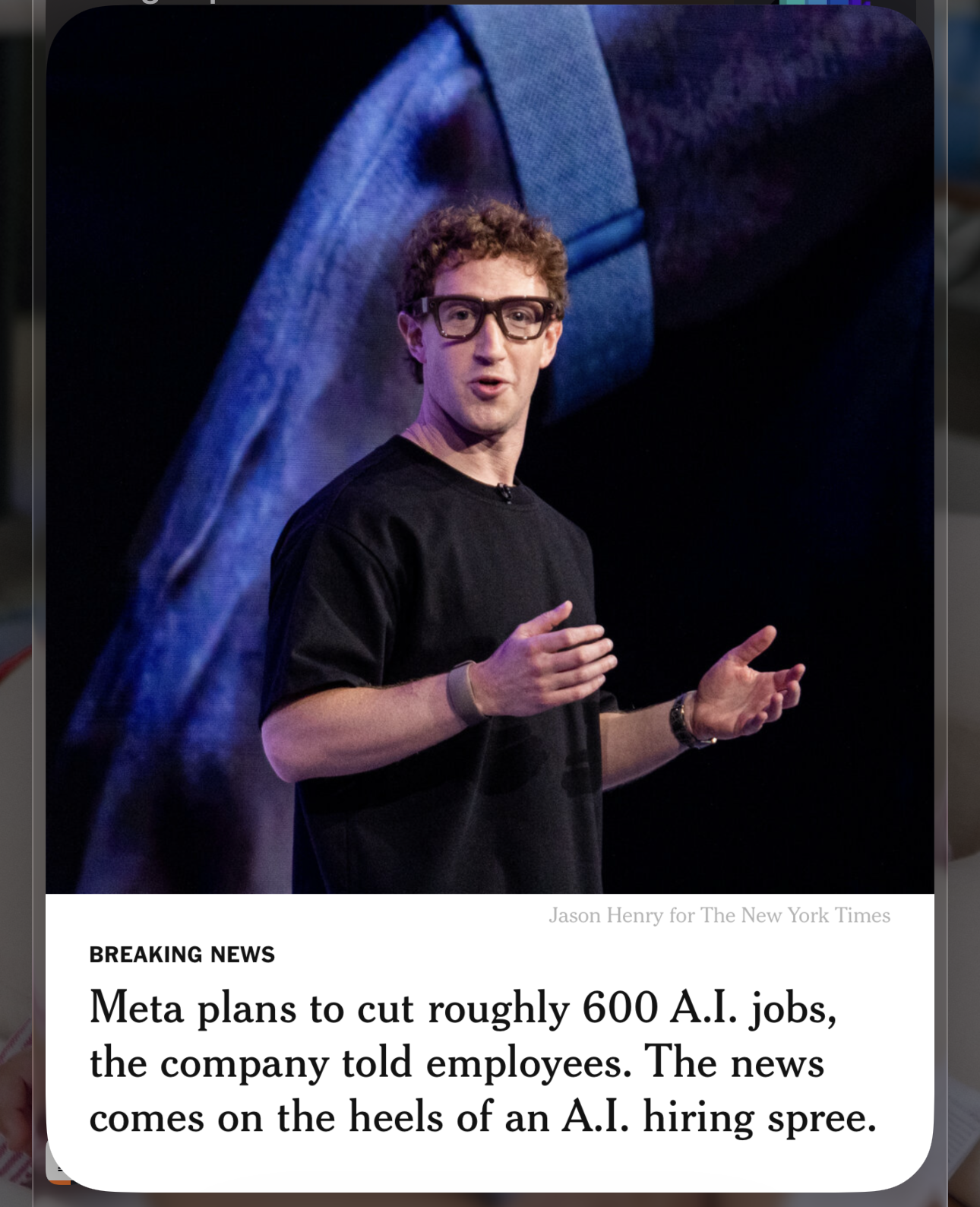
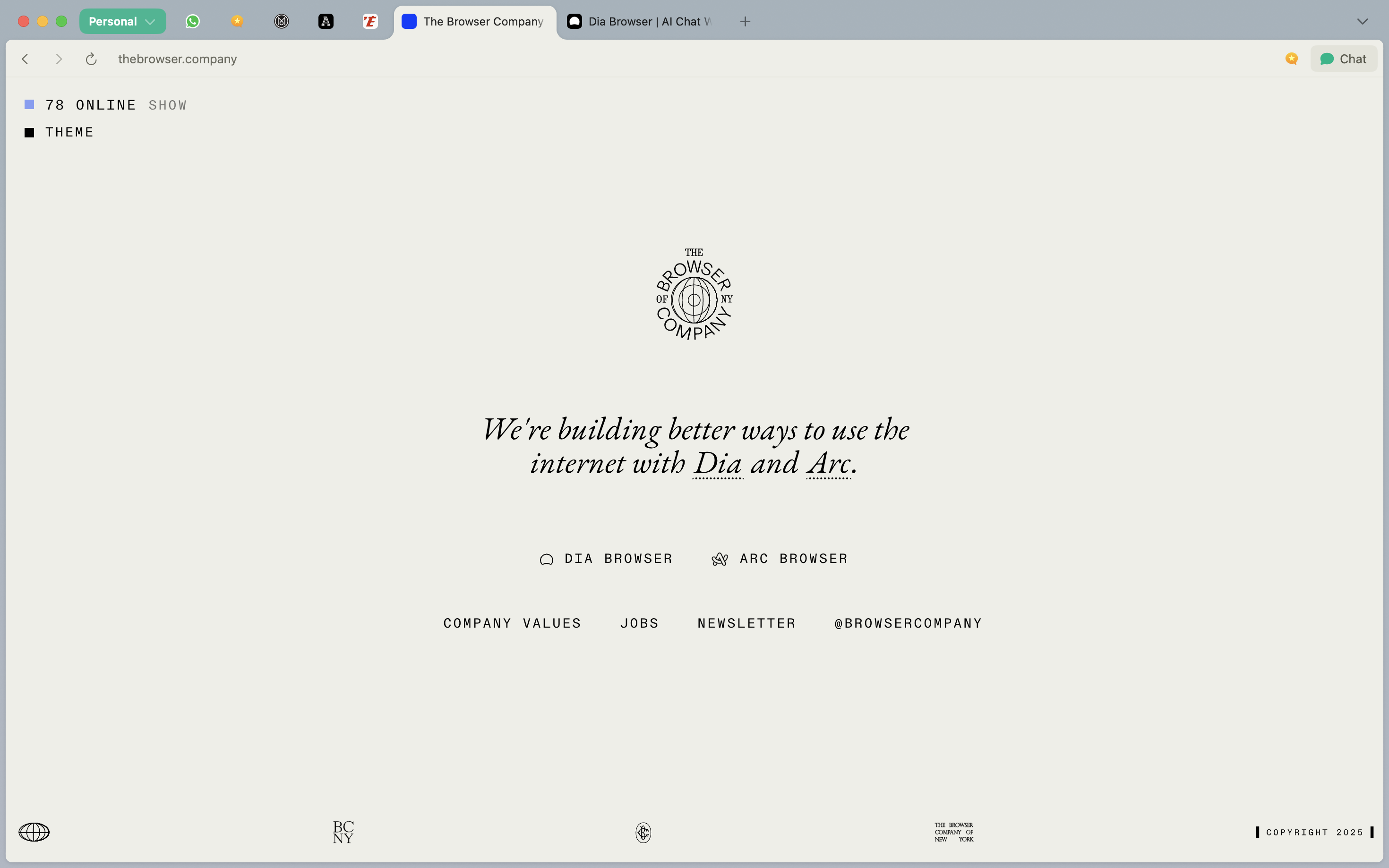
Oh FFS: Atlassian is acquiring The Browser Company for $610M. The deal is mostly above Dia, as expected, but it’s still quite surprising given the valuations in the AI space, these days…
Is this why we can’t have nice things?!


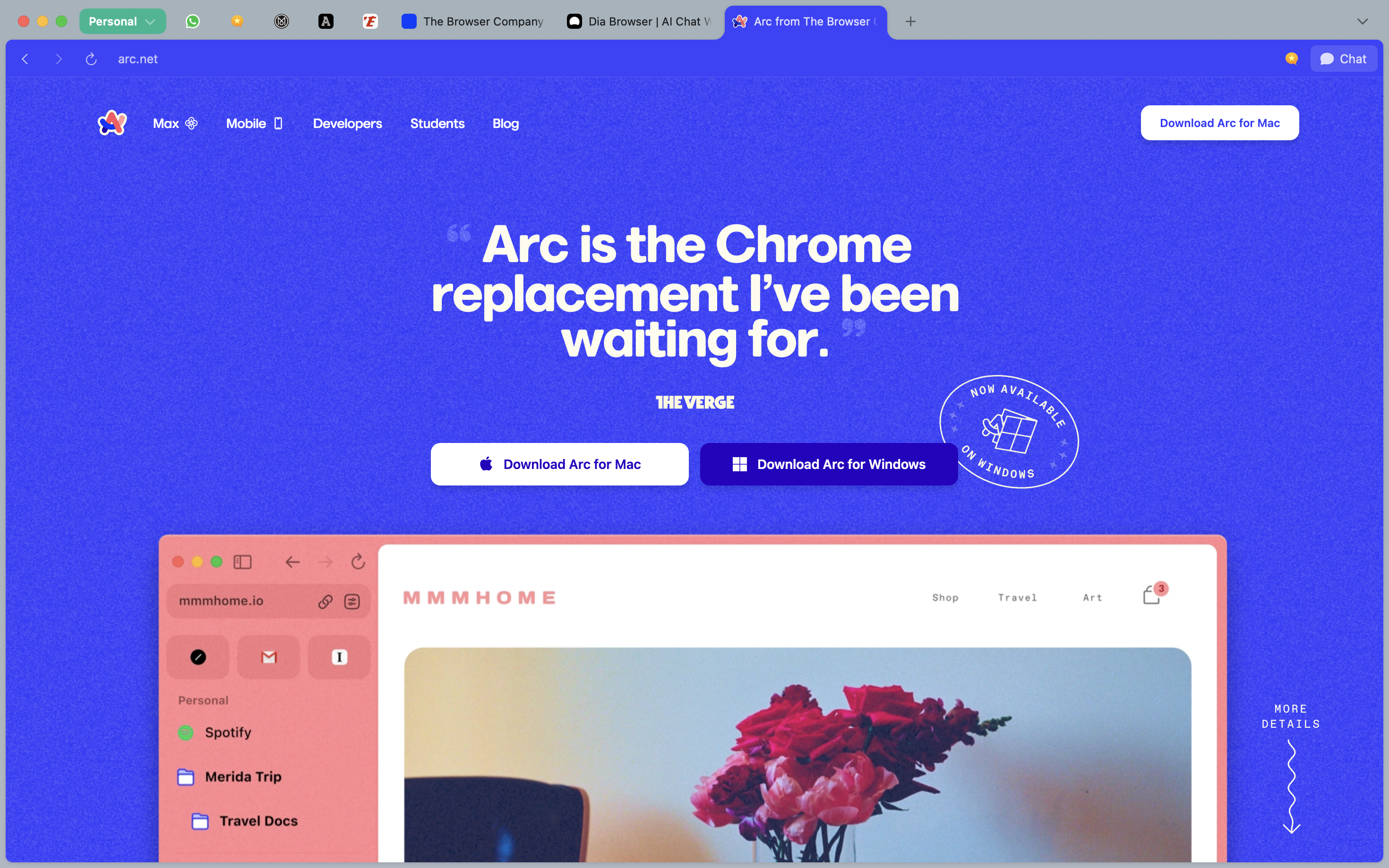
Also interesting to realize that The Browser Company decided to continue putting Arc up front on their website, despite their previous claim (in May) that they would discontinue Arc. It continues to receive bugfixes recently, it seems.
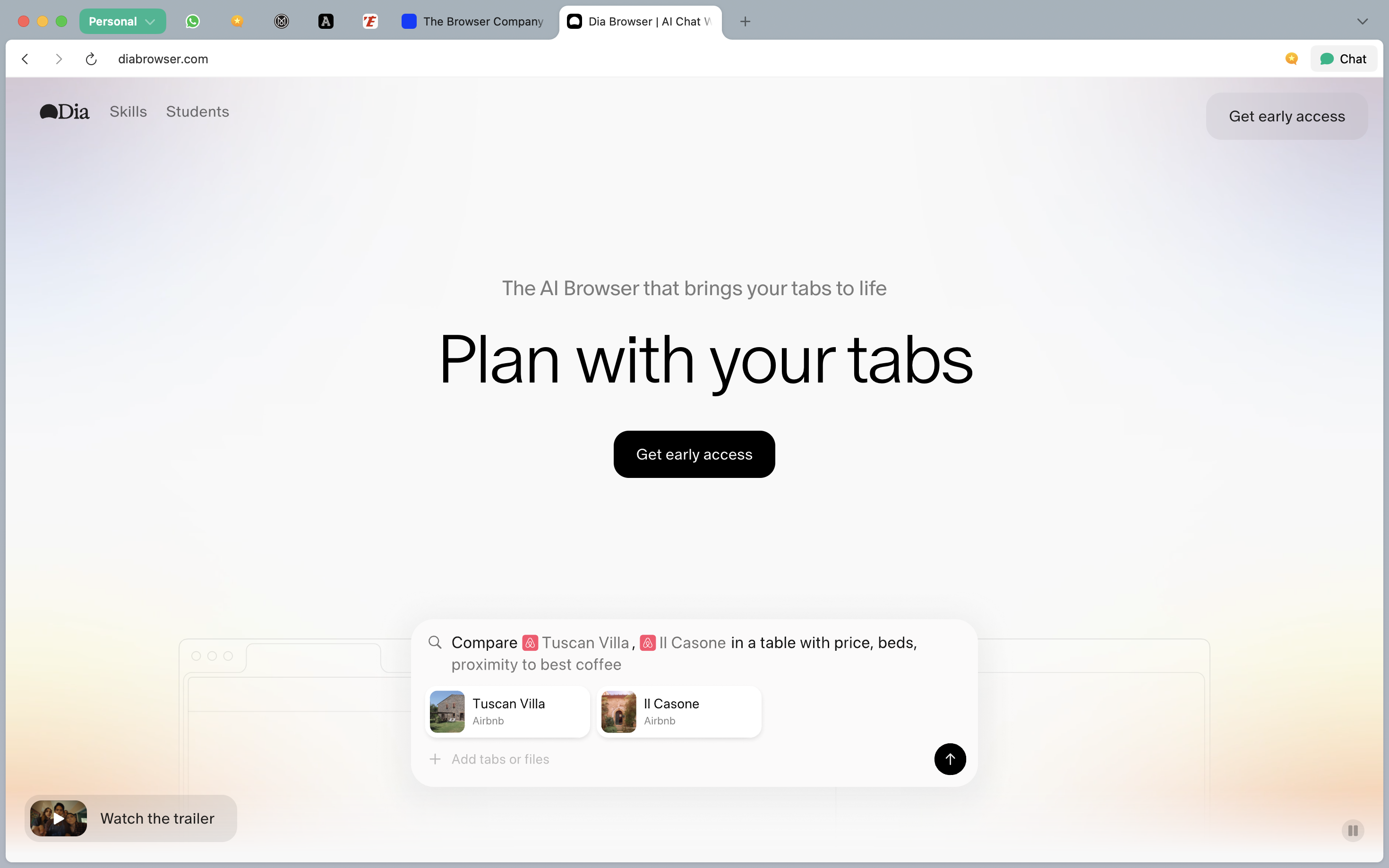
À propos of nothing, the latest updates to the Dia (AI) browser are making it a whole lot more usable now: more stable & reliable, compatibility with Passwords, better resources management.
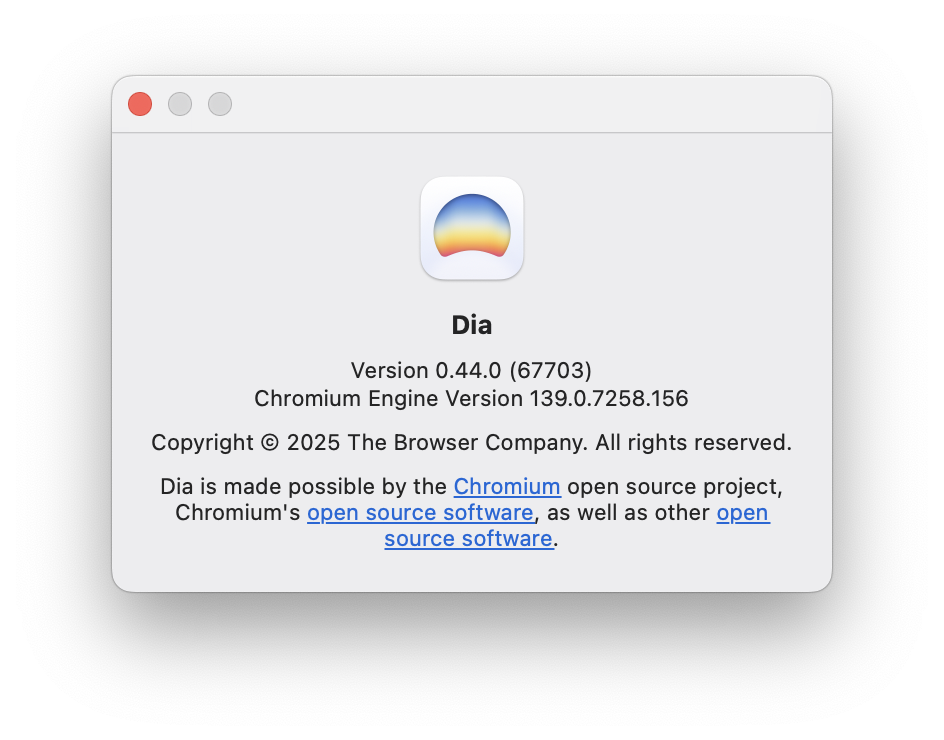
Very enjoyable. I do wish you could plug your own AI, though.
Honestly truly didn’t need a study to confirm this, but I guess it’s always good to have data to back up street-level facts…
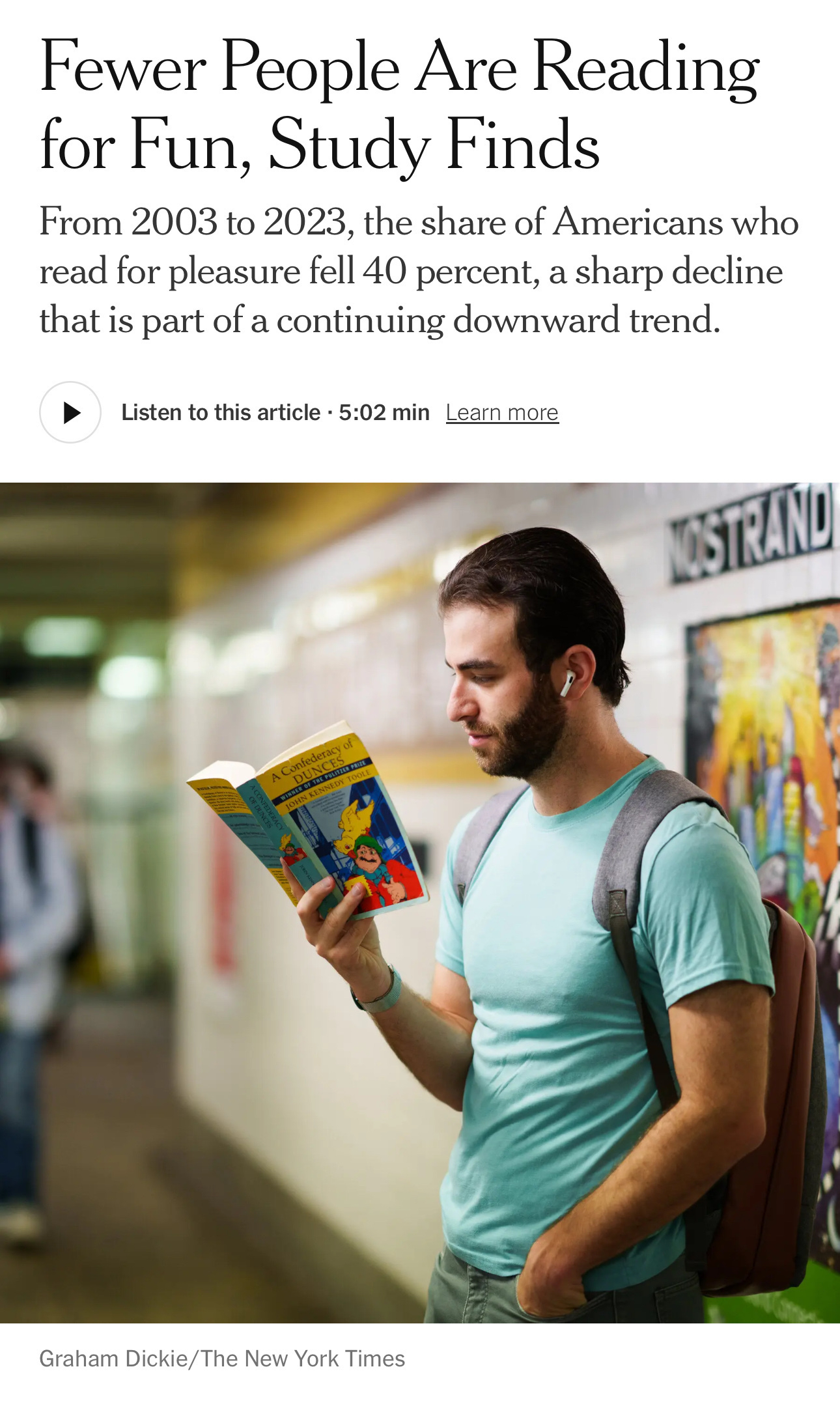
…The study did not answer the question of why Americans were reading less. But the authors suggested some possible explanations, including **increased use of social media **and other technology, or more time spent at work because of economic pressure.
The decline in reading could have implications for Americans’ learning, relationships and overall well-being, the researchers said.
“Even though reading is often thought of as more of an individual activity, when we read stories, we actually form connections with characters”
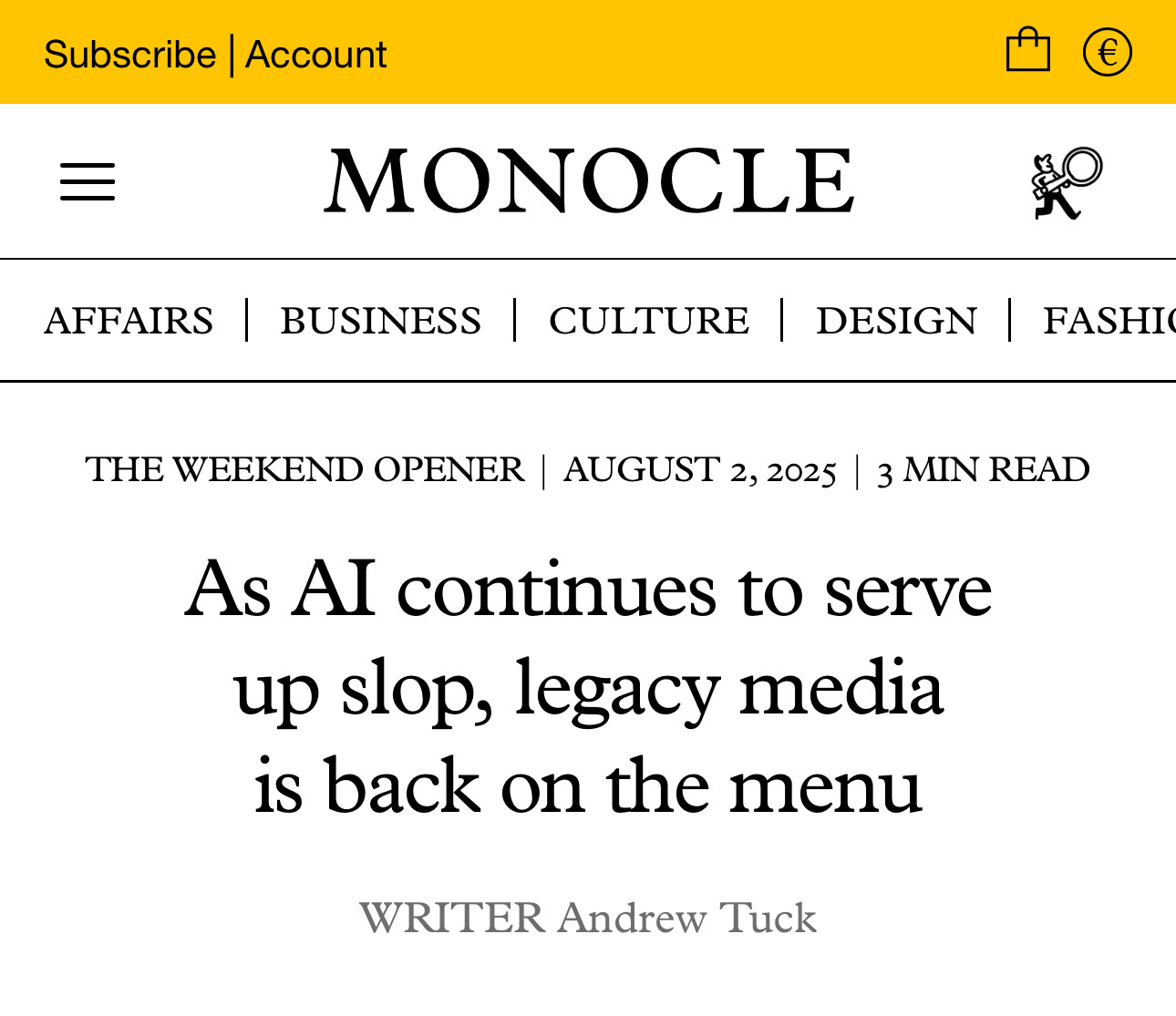
While AI might change companies and become a valuable tool in various trades, when it comes to telling their stories, brands are increasingly reticent about social media. There’s just too much slop being served (…) Legacy media has an opportunity to be the new media.
There’s a special karmic place and spot saved up for customers who behave like bullies and gaslight you over months. 🔥🧘 Anyways… time for a well deserved holiday and summer break!
The EU sets up regulations pushing for transparency in online advertising. Next thing you know:
Meta will stop running political advertising in the EU from October, criticising “unworkable requirements” under a new European law designed to increase transparency in digital campaigning.
The sound you hear at a distance are the thousands of Zuck-pitched violins. Or as we say in France:

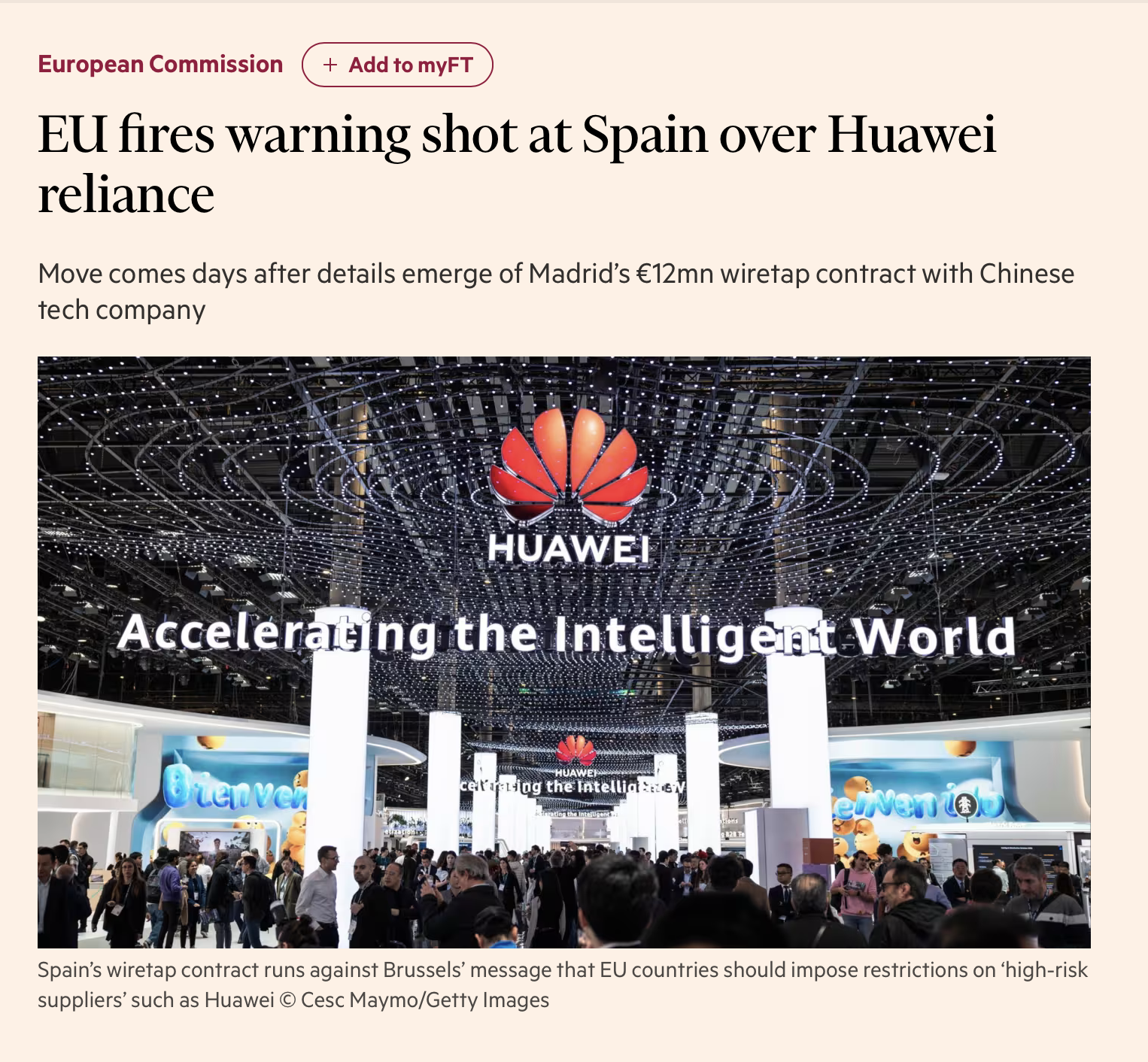
Spain strikes me as the neighbor buying the cheapest stuff possible, regardless of quality. From my experience, what I’ve seen and witnessed when working with Spanish people or companies — including locally— cheap price is the #1 criteria.
This is what happens when you compromise over quality.
Now that Dia has vertical tabs, I’m testing it again. Biggest drawback is that the Password Manager browser extension isn’t compatible and therefore I have to jump through hoops (the menu item) to use my own PWs.
Another one: auto-PiP during Google Meet calls.
Looks like the big Swarm redesign, taking from the Foursquare City Guide (RIP!) is now live!
Happy Independence Day!
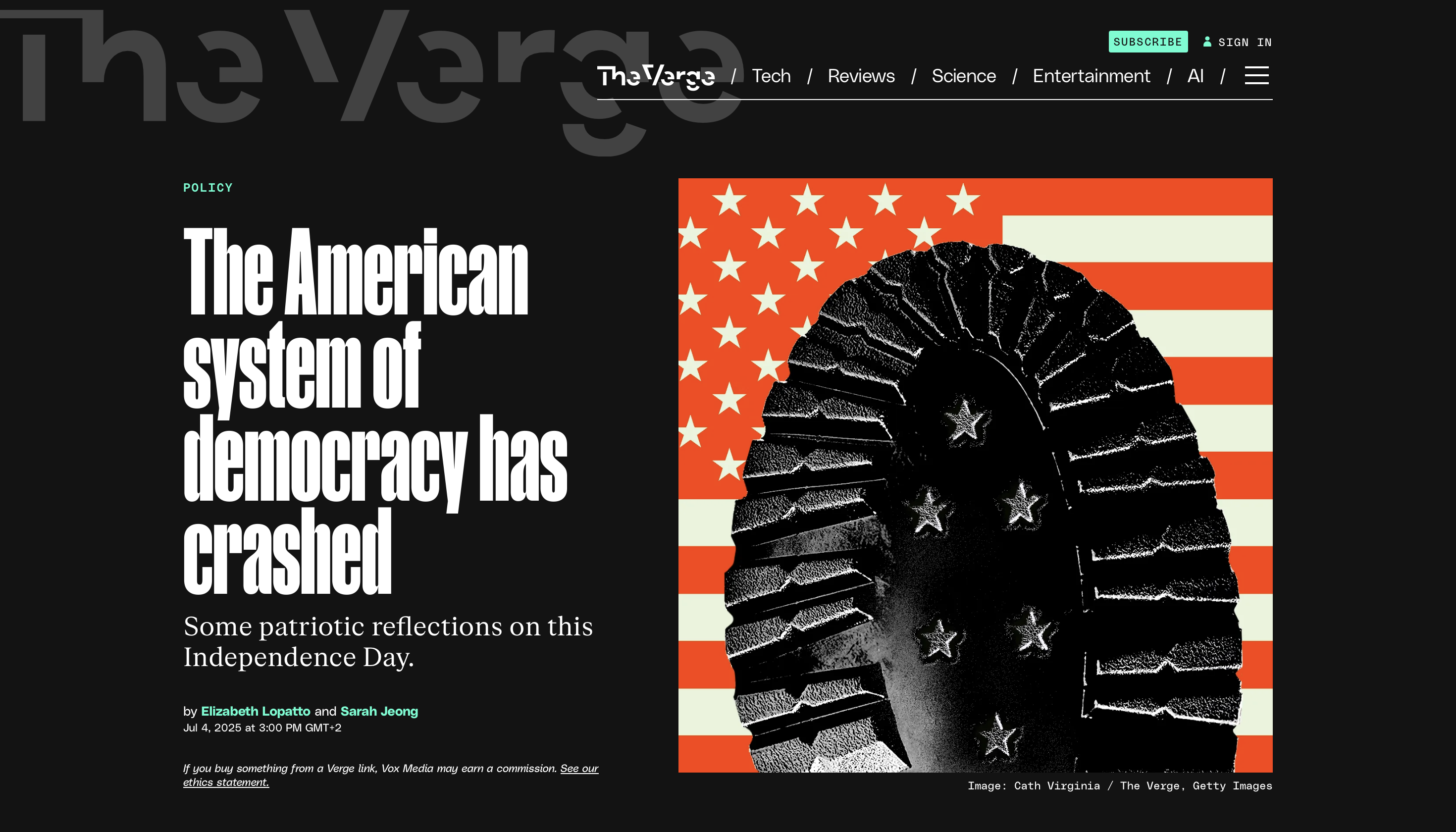
Monocle: "Could Europe be about to benefit from Trump’s US brain drain?"
7/3/25
…up to 75 per cent of US-based scientists say that they are considering leaving the country.
(…)
While the US shoots itself in the foot, Europe might receive a shot in the arm.
Obviously something’s that been on my mind and that we started seeing in 2016. Feels like this is about to become a much bigger topic this time around. I, for one, welcome the upcoming scientific refugees to our Old Continent…
Two things to note, however:
- We need to ensure that while we welcome scientists, there are still lots of refugees seeking asylum in our country, that don’t get the same red carpet treatment. The government’s shift to the right isn’t something I’ve particularly enjoyed and I’m hoping that we can keep them accountable with regards to ensuring we don’t just open our doors to researchers…
- It would be hypocritical to welcome research academics while also cutting funding for education — something needs to improve for our children and their teachers.
Seems like my M3 / 2024 Macbook Air is already feeling the limits of DIA being built on Chrome. Was navigating work with multiple tabs & webapps and… heavy temperature + long freezes. You can improve on Chrome, but if you’re built on it, the machines are gonna flyyyyy!
Testing out DIA and while some stuff is different and with minor issues, at least there are some good uses for it: reading through, summarizing, and highlighting tasks from a long email thread, for example…
Will continue experimenting with it.